


If your hoverboard is beeping, it is likely warning you about a low battery, calibration issues, or riding on an unsafe incline. You can easily fix most of these issues by fully charging the board, recalibrating it on a flat surface, or slowing down your speed.
You are cruising down the sidewalk on a sunny afternoon. The wind is in your hair, and you feel like you are flying. Suddenly, a sharp, loud noise ruins the peace. Your hoverboard starts to make a high-pitched beep. You jump off, but the noise does not stop. It just keeps going and going.
It can be very frustrating when this happens. You might worry that your expensive toy is broken forever. Do not panic just yet. That loud sound is actually a cry for help from your board. In this guide, we will explore the question: Why Is My Hoverboard Beeping? We will look at the most common causes and show you how to fix them yourself.
Key Takeaways
- Low Battery: A low charge is the most common cause of constant hoverboard beeping.
- Calibration Errors: Uneven sensors can trigger warning sounds, which a simple reset can fix.
- Speed Alerts: Riding too fast triggers a safety alarm to prevent dangerous falls.
- Surface Warnings: Slopes steeper than 30 degrees will cause the board to beep and shut down.
- Water Damage: Moisture can short-circuit the internal boards, leading to constant alarms.
📑 Table of Contents
Why Is My Hoverboard Beeping? The Most Common Causes
The noise is actually a helpful safety feature. It is not there to annoy you. Think of it like a check engine light in a car. The board is trying to protect you from a fall. It also wants to protect its own internal motors.
If you want to know more, you can check this helpful guide on understanding those irritating noises. Usually, the issue boils down to a few common culprits. Let us look at them closely.
System Calibration Is Off
Your hoverboard uses smart sensors called gyroscopes. These sensors detect your weight and balance. If they get out of alignment, the board loses track of what is flat. It will beep because it thinks you are about to fall over.
The Battery Is Too Low
This is a classic cause. Your board needs a lot of power to keep you balanced. When the battery charge drops too low, the board can no longer function safely. It will beep to tell you to get off before it shuts down completely.
You Are Going Too Fast
Most hoverboards have a built-in speed limit. This limit is usually between six and ten miles per hour. If you go past this limit, the board will beep. It is a warning to slow down before you lose control.
How to Calibrate Your Hoverboard
If you wonder, Why Is My Hoverboard Beeping? even on flat ground, it probably needs a reset. Calibration is the easiest and most common fix. It teaches your hoverboard what a flat surface actually looks like. Follow these five simple steps to calibrate your board.
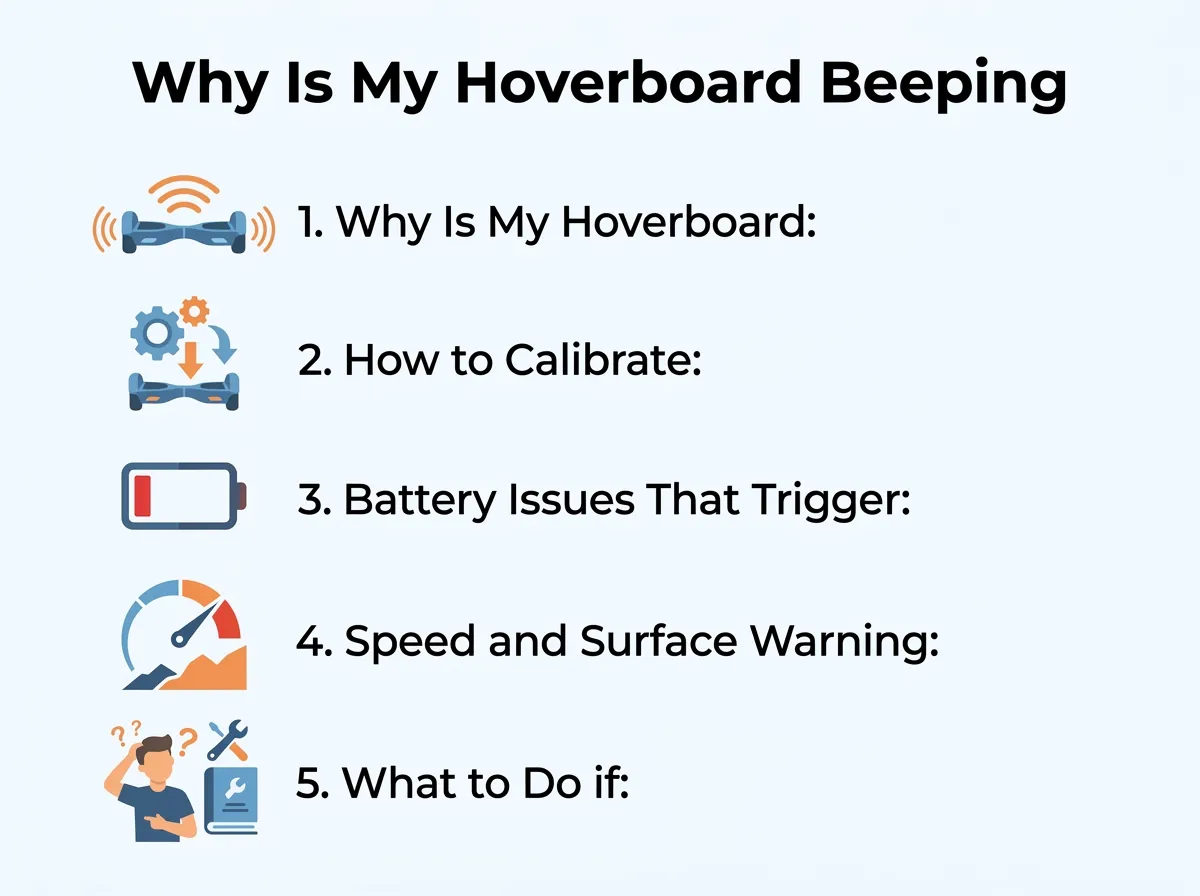
Why Is My Hoverboard Beeping? — key points at a glance
Step 1: Turn Off the Board
First, make sure the hoverboard is completely turned off. Do not just leave it in sleep mode. Press the power button and ensure all the lights go dark.
Step 2: Place on a Flat Surface
This is the most important step. Find a very flat floor. A tiled floor or flat wood floor works best. Avoid carpets because they can tilt the board. Make sure both footpads are perfectly level with each other.
Step 3: Hold the Power Button
Press and hold the power button down. Do not let go. You will need to hold it for about eight to ten seconds. Soon, you will see the LED lights on the front begin to flash.
Step 4: Let the Lights Flash
Once the lights start flashing, you can release the power button. Let the board sit and flash for about thirty seconds. This gives the internal computer time to save the new level position.
Step 5: Turn Off and Restart
Press the power button once to turn the board off. This saves the settings. Now, turn it back on. Your hoverboard should be silent and ready to ride!
Battery Issues That Trigger Beeping
The battery is the heart of your hoverboard. If the battery is unhappy, the board will let you know with a loud sound.
Low Voltage Warnings
When you ride up a steep hill, the motor has to work extra hard. This draws a lot of power from the battery. Even if your battery is half full, this sudden drain can cause the voltage to drop. The board might start beeping to warn you. Once you get back to flat ground, the beeping should stop.
A Failing Battery Pack
Over time, lithium-ion batteries lose their ability to hold a charge. If your board is a few years old, the battery might be dying. It will beep almost immediately after you start riding. If this happens, you will need to buy a replacement battery pack.
Bad Charger Connections
Sometimes, the board beeps because it did not actually charge. Check your charger plug. Is the light on the charger brick green or red? It should be red when charging and green when full. For more help with battery warnings, check out the official manufacturer guidelines for troubleshooting battery issues.
Speed and Surface Warning Alarms
Sometimes, the board beeps because of how or where you are riding. These alarms are strictly for your safety.
The Danger of High Speeds
It is easy to get carried away when riding. But going too fast is the easiest way to crash. When you hear a fast, rhythmic beep, check your speed. Lean back slightly to slow down. The beep should stop once you return to a safe speed.
Steep Inclines and Uneven Ground
Hoverboards are meant for flat, smooth surfaces. If you try to climb a steep hill, the board will struggle. Most boards cannot handle slopes greater than 15 to 30 degrees. The board will beep and then gently push you back to force you to get off.
The same thing happens on rough terrain. If you try to ride on thick grass, gravel, or bumpy dirt, the motors will overheat. The board will beep to warn you that the surface is too rough.
What to Do if Your Hoverboard Gets Wet
Water is the natural enemy of electronics. If you rode through a puddle or got caught in a rainstorm, water may have entered the outer shell.
How Water Causes Alarms
Water conducts electricity. If water gets onto the main circuit board, it can connect things that should not be connected. This is called a short circuit. It often triggers a continuous, loud beep that will not stop even when you turn the power off.
Step-by-Step Wet Board Rescue
If your board got wet, do not try to ride it. Turn it off immediately. If it will not turn off, place it in a safe, dry area. Use a dry towel to wipe down the outside.
Do not use a hairdryer on hot settings. The high heat can melt the plastic parts and ruin the sensors. Instead, let the board sit in a warm, dry room for at least 24 to 48 hours. You can read more about what to do when a hoverboard gets wet to save your device from permanent damage.
Hardware Failures and Internal Wiring Issues
Have you tried calibrating the board? Is the battery fully charged? If you answered yes, but the board is still making noise, you might have a hardware problem.
Loose Wires Inside the Shell
Hoverboards take a lot of abuse. They get kicked, dropped, and crashed into curbs. All of these bumps can shake the internal parts. Sometimes, a wire connector will wiggle loose from the motherboard.
When the computer detects that a sensor is disconnected, it triggers an alarm. This is often accompanied by a flashing red light in the center of the board.
Checking the Red Lights
Look down at the indicator lights. If you see a flashing red light, count the flashes. The number of flashes is a code. For example, one flash often means a motherboard issue. Five or six flashes usually mean a motor issue on one side.
If you want to try a DIY fix, you can open the plastic shell. You will need a screwdriver to remove the screws on the bottom. Once open, look for any loose or unplugged cables. If you want a guide on this, see this iFixit repair guide for red indicator lights to help you navigate the inside of your board safely.
Conclusion
Asking yourself, Why Is My Hoverboard Beeping? can be annoying, but it is a common issue. In most cases, you do not need to buy a new board. A simple calibration or a full charge will solve the problem. Always remember to ride safely, avoid water, and listen to your board when it warns you. Happy riding!
Frequently Asked Questions
Why does my hoverboard beep when I step on it?
This usually happens because the board is not calibrated correctly. It cannot find its balance point, so it alerts you immediately. Try calibrating it on a perfectly flat floor to fix this.
How do I stop my hoverboard from beeping when riding?
The most common reason is that you are riding too fast or the battery is low. Try slowing down your speed or plugging the board in to charge. If the battery is full, the board might need to be recalibrated.
Why is my hoverboard flashing red and beeping?
A flashing red light with a beep indicates a system error or a low battery. If charging does not help, the number of flashes indicates a specific hardware error inside the board. You may have a loose wire or a faulty gyroscope.
Can water damage cause a hoverboard to beep constantly?
Yes, moisture inside the board can cause a short circuit on the motherboard. This often triggers a non-stop beep. Turn the board off immediately and let it dry in a warm room for 48 hours.
How long does it take to calibrate a hoverboard?
The calibration process only takes about one minute. You just need to hold the power button for ten seconds while the board is on a flat surface, let the lights flash, and then restart it.
Is it safe to ride a hoverboard while it is beeping?
No, it is not safe to ride a beeping hoverboard. The beep is a safety alarm warning you of a low battery, system error, or overspeeding, and the board may shut down suddenly, causing a fall.
