


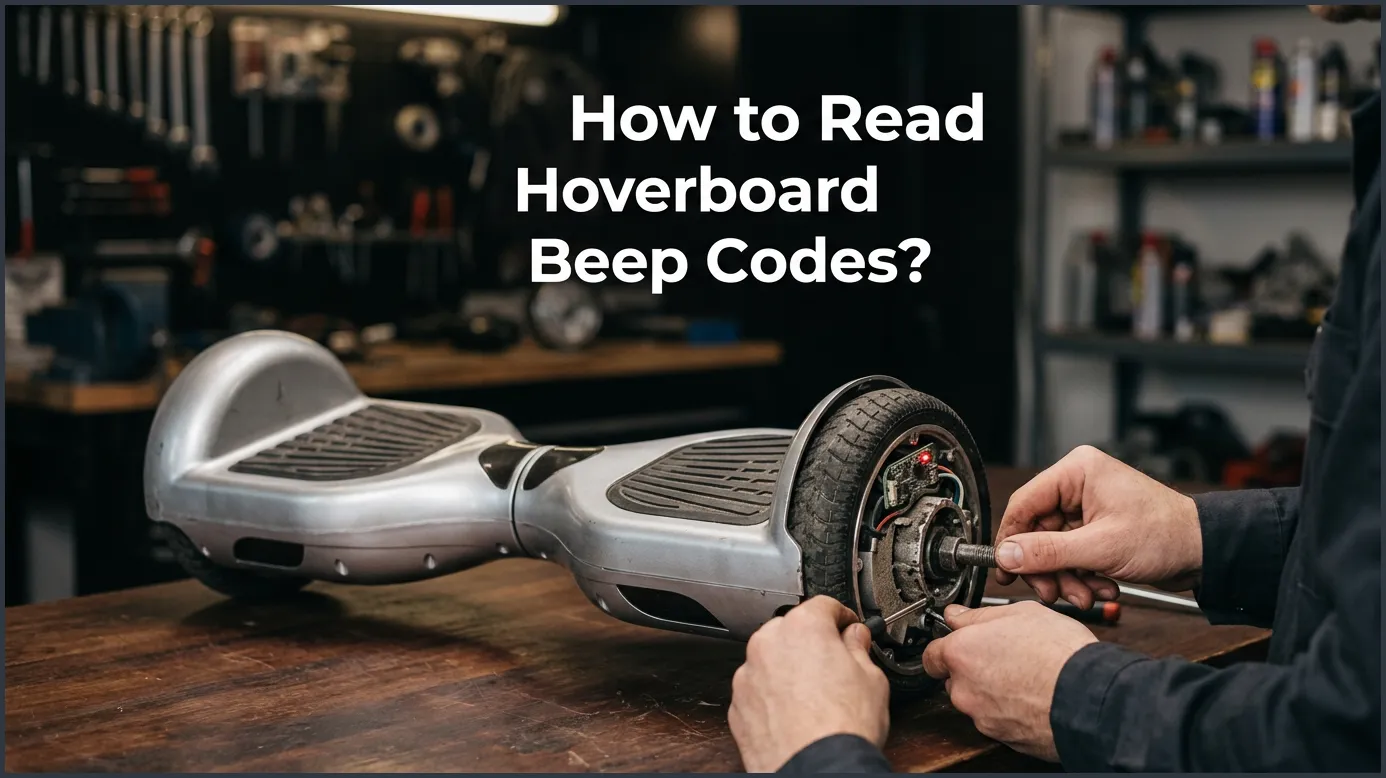
To read hoverboard beep codes, you must count the number of consecutive red light flashes or consecutive beeps that repeat after a short pause. Each distinct number of flashes—ranging from one to nine—points to a specific internal problem, such as a loose motherboard wire, motor failure, or battery issue. Once you identify the specific count, you can easily apply the correct fix or calibration steps.
Imagine this fun scenario. You put on your sneakers. The sun is shining bright outside. You grab your favorite self-balancing board for a quick ride. You press the power button, ready to glide down the street. But instead of a smooth hum, you hear a loud, annoying sound. Your board is making a sharp noise, and a red light is blinking. It refuses to move an inch.
Do not worry! You do not have to throw your board away. Your ride is not broken forever. It is simply trying to talk to you. The sounds and lights are a built-in warning system. They tell you exactly what is wrong inside the machine. You just need to learn how to translate this secret language.
In this guide, we will teach you how to read hoverboard beep codes. We will cover what these sounds mean and how to count the light flashes. We will also share easy tips to fix these issues. By the end of this guide, you will be able to get back on your wheels safely and quickly.
Key Takeaways
- Look at the red light: Counting the flashing red status light is the most accurate way to read hoverboard beep codes.
- One beep or flash: This common code usually indicates a loose wire or motherboard connection issue.
- Two to five flashes: These codes point to issues with the internal motors, engines, or gyroscope balance sensors.
- Six to eight flashes: These warnings alert you to battery failures, low voltage, or a damaged motherboard.
- Try calibration first: Many beep codes can be resolved quickly by performing a simple manual system reset.
- Prioritize safety: Always turn off your hoverboard and unplug the charger before checking any internal wires.
📑 Table of Contents
What Are Hoverboard Beep Codes?
Why Does My Hoverboard Beep?
Your board is a smart machine. It has sensors, gyroscopes, a motherboard, and a powerful battery. These parts must work together in harmony. If one part fails, the board stops working to keep you safe. The loud sound you hear is a safety alarm. It warns you that riding is not safe right now. For more model-specific warnings, you can check Jetson’s official support guide for quick brand-specific tips.
Understanding the Red Flashing Light
Many people think the sound is the only clue. But the real secret lies in the red light. Most boards have a green status light and a red indicator light in the center. When something goes wrong, the red light flashes. The number of times it flashes in a row tells you the error code. For example, if it flashes three times, stops, and then flashes three times again, that is code three. Listening to the alarm and watching the flashes go hand-in-hand.
How to Read Hoverboard Beep Codes Step-by-Step
Count the Flashes, Not Just the Sounds
To read hoverboard beep codes, you must focus. Place your board on a flat surface. Turn it on. Listen to the pattern of the sound. At the same time, look closely at the blinking red light. Count how many times it flashes before it pauses. The pause will last for about two seconds. Then, the cycle starts again. This repeating number is your error code.
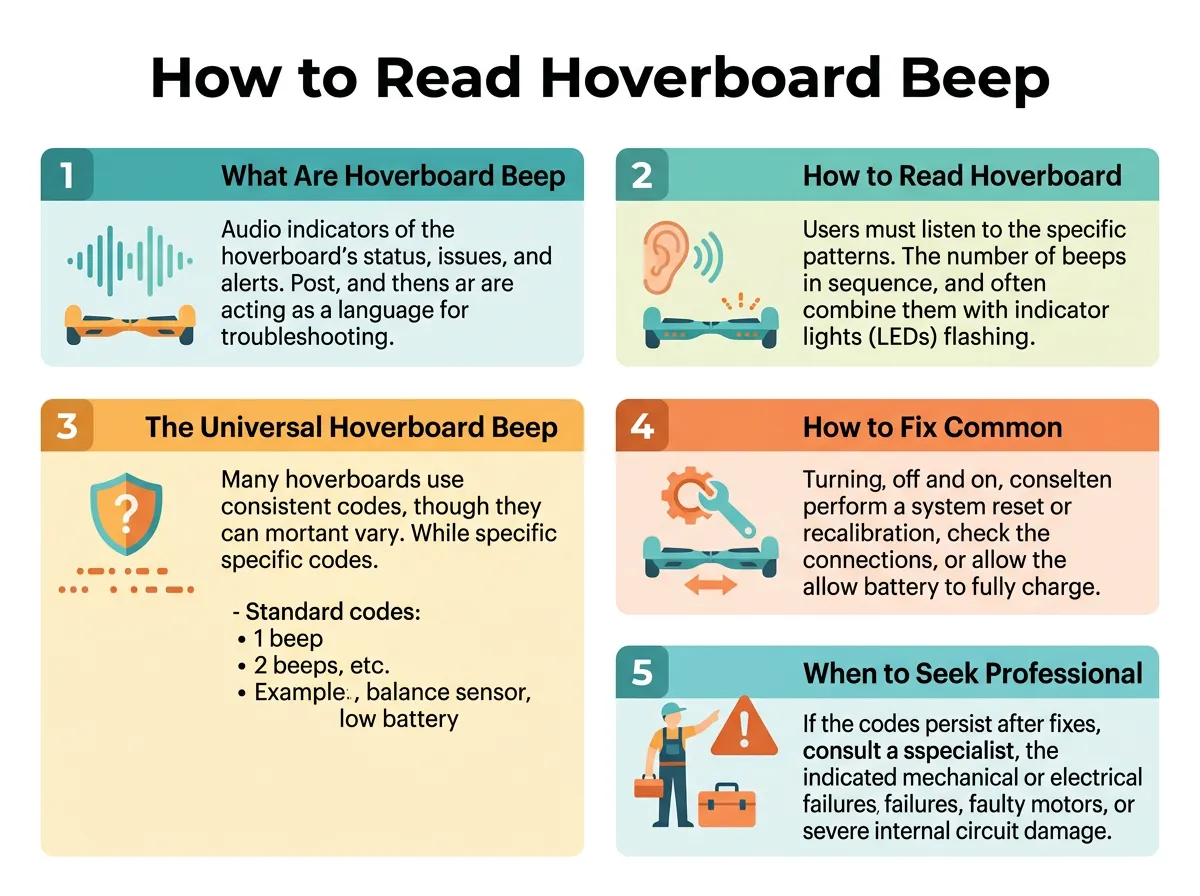
How to Read Hoverboard Beep Codes? — key points at a glance
The Diagnostic Checklist
Before you start counting, make sure you do a few simple checks. Is your board on a flat floor? Is the charger unplugged? Sometimes, a board will beep simply because it is on an uneven surface. It can also beep if it is still plugged into the wall. Make sure the wheels are clear of any dirt or grass. Once you confirm these things, you are ready to identify the code.
The Universal Hoverboard Beep Code Chart
Most boards use a standard system. It is very easy to decipher hoverboard error beeps once you know the count. Here is what each count represents.
Codes 1 to 3: Connection and Motor Issues
- 1 Flash (Code 1): This means there is a motherboard connection issue. A cable inside might be loose. It is usually the line connecting the motherboards together.
- 2 Flashes (Code 2): This points to an internal engine circuit issue. The board is having trouble talking to its motor.
- 3 Flashes (Code 3): This signals a motor short circuit. This often happens on one side of the board. The wires leading to the wheel motor may be pinched or damaged.
Codes 4 to 5: Sensor and Gyroscope Faults
- 4 Flashes (Code 4): This indicates a gyroscope error on the motherboard side. The board cannot balance because this sensor is not responding.
- 5 Flashes (Code 5): This is a gyroscope error on the battery side. Much like code four, it means the sensor is failing to track your balance.
Codes 6 to 9: Battery and Motherboard Errors
- 6 Flashes (Code 6): This shows a battery fault. The battery voltage might be too low or too high. It can also mean the battery is failing.
- 7 Flashes (Code 7): This means a battery socket or module issue. The board is not getting steady power from the battery pack.
- 8 Flashes (Code 8): This indicates a motherboard failure. The main brain of your hoverboard needs to be replaced.
- 9 Flashes (Code 9): This indicates a sensor error when the board is turned upside down. Your board thinks it is upside down even when it is standing flat.
How to Fix Common Hoverboard Beeping Issues
Now you know what the hoverboard beep codes mean. Let us talk about how to solve them. You do not need to be a professional mechanic to try these basic steps.
How to Calibrate Your Hoverboard
The most common fix for general beeping is calibration. This resets the gyroscopes and levels the board. First, turn off your board. Place it on a completely flat floor. Make sure both foot pedals are level and even. Press and hold the power button for about ten seconds. The lights will start flashing, and you might hear a beep. Let go of the button. Turn the board off, then turn it back on. Your board is now calibrated! This simple trick fixes over half of all beeping problems.
Checking Internal Wire Connections
If calibrating does not help, you may have a loose wire. This is common for codes one, two, and three. You can find a comprehensive step-by-step troubleshooting guide online to help open your board safely. First, turn off the board. Unscrew the bottom plastic cover. Look closely at the colored wires. Gently press each connector to make sure it is tight. If you see a loose wire, plug it back into its slot. Put the cover back on and test the board.
When to Seek Professional Help
Signs of a Dead Battery
If your board flashes six or seven times, you have a battery issue. Batteries wear out over time. If your board only rides for a few minutes before beeping, the battery is likely dead. You should not try to fix a battery yourself. This can be dangerous. Instead, buy a certified replacement battery pack. It is easy to plug in a new one, but always buy from a trusted brand.
Burnt Motherboard Indicators
Code eight means your motherboard is failing. Sometimes, you might even smell burnt plastic. This happens if the board gets too hot or wet. If the motherboard is fried, you will need to replace the entire chip set. You can buy hoverboard repair kits online. If you are not comfortable working with circuit boards, take your ride to a local repair shop.
Pro Tips to Prevent Hoverboard Beep Codes
Avoid Wet Surfaces
Water is the biggest enemy of your board. Even a small puddle can splash up into the casing. Water ruins the gyroscopes and motherboards instantly. This will cause code eight errors. Always ride on dry pavement. Keep your board indoors when it rains.
Proper Charging Habits
Do not leave your board plugged in overnight. Overcharging ruins the battery life quickly. It can cause code six and seven errors. Unplug the charger as soon as the light turns green. Never use a charger that did not come with your board. Using the wrong voltage can ruin your battery and create fire hazards.
Conclusion
Learning how to read hoverboard beep codes is a valuable skill. It saves you time, money, and frustration. Most of the time, a simple calibration will solve your problem. Other times, a quick check of the internal wires is all it takes to get back on track. Always stay safe when opening your board. Treat your battery with care, and avoid wet streets. With these tips, you can keep your hoverboard running smoothly for years to come. Happy riding!
Frequently Asked Questions
Why is my hoverboard beeping non-stop?
A non-stop beep usually means the board is not level or is riding on an uneven surface. It can also happen when the battery is extremely low. Try placing the board on a flat floor and restarting it.
Can I ride my hoverboard while it is beeping?
No, you should never ride your hoverboard while it is beeping. The beep is a safety warning that indicates a system error or balance failure, which can cause you to fall.
How do I reset my hoverboard?
To reset your board, turn it off and place it on a flat surface. Hold down the power button for ten seconds until the lights flash, then turn it off and back on again.
Why does my hoverboard beep when I go fast?
Your hoverboard beeps at high speeds to warn you that you are reaching the safe speed limit. Slow down immediately to stop the warning sound and prevent a crash.
What does 1 beep and flash mean on a hoverboard?
One flash or beep indicates a motherboard connection issue. This is usually caused by a loose wire inside the casing that needs to be plugged back in tightly.
What does 5 beeps mean on a hoverboard?
Five flashes or beeps mean there is a gyroscope error on the battery side of the board. This sensor helps keep you balanced, so you will need to calibrate the board or replace the sensor.
