


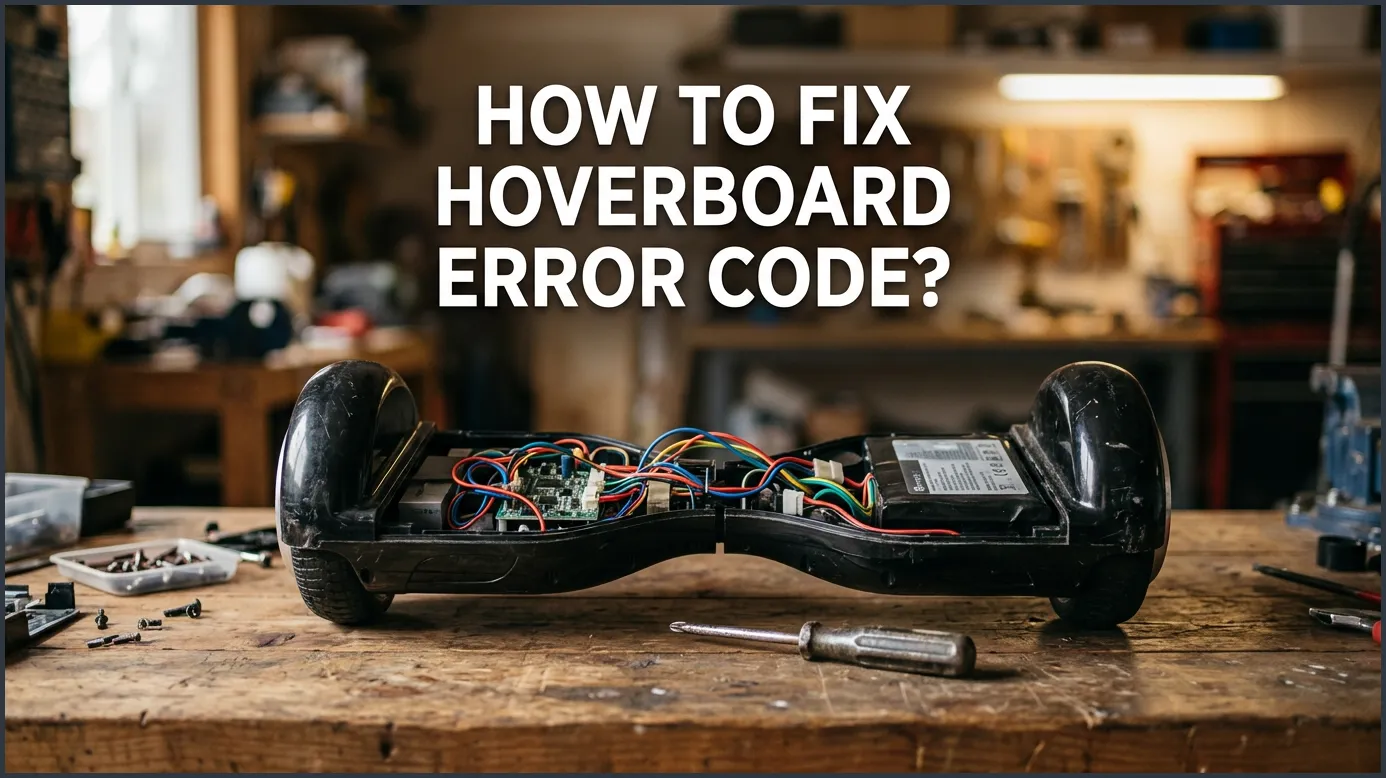
If your hoverboard is flashing red lights and beeping, it is likely experiencing a system balance error or a component issue. You can quickly resolve most of these problems by performing a simple manual system calibration. If the error remains, counting the specific number of red light flashes will help you identify and fix the underlying hardware issue.
Imagine this. You grab your hoverboard for a quick ride. You step on it with a smile. But instead of gliding smoothly, it lets out a loud, annoying beep. A bright red light starts flashing in the center. Your hoverboard refuses to move an inch. It feels like your fun day is completely ruined.
Do not panic just yet. These devices are smart. They use lights and beeps to tell you exactly what hurts. If you want to know how to fix hoverboard error code? problems, you are in the right place. Most of these issues are very simple to solve right at home.
This guide will walk you through the entire process. We will look at what those blinking lights mean. We will show you how to reset your board. We will also give you clear steps to repair your board safely. Let us get your hoverboard back on the road!
Key Takeaways
- Count the Flashes: The number of red light flashes (from 1 to 9) tells you exactly what is wrong.
- Start with Calibration: Over half of all hoverboard errors can be fixed with a quick manual system reset.
- Check the Brain: Flashes 1 to 5 usually point to problems with the motherboard, gyroscopes, or wheel sensors.
- Check the Power: Flashes 6 to 9 generally indicate battery, motor, or severe tilt issues.
- Unplug for Safety: Always turn off the board and disconnect the charger before opening the plastic shell.
📑 Table of Contents
- Understanding Hoverboard Error Codes
- The Quick Reset: How to Calibrate Your Hoverboard
- Decoding Flashes 1 Through 5 (Motherboard & Gyros)
- Decoding Flashes 6 Through 9 (Battery & Motor Power)
- Hands-On Troubleshooting: How to Fix Hoverboard Error Code?
- Tips to Keep Your Hoverboard Running Smoothly
- Conclusion
Understanding Hoverboard Error Codes
When your hoverboard has a problem, it flashes a red light. This red light is not just a random warning. It is actually a code. The trick is to count how many times the red light flashes in a row. It will flash a few times, pause, and then repeat the cycle.
How to Count the Flashes
To read the code, place your board on a flat surface. Turn it on and watch the red status light in the middle. Count the flashes before each brief pause. This number is your error code. For example, if it blinks three times and then pauses, you have error code three.
Understanding these flashes is the first step in decoding hoverboard red light flashes to pinpoint the exact issue. Once you know the number, you can find the right cure.
The Main Warning Indicators
Most hoverboards have two main indicator lights. One is for the battery, and the other is for status. The status light is the one that flashes red when something goes wrong. Some boards will also beep constantly. This is to warn you that the board is not safe to ride.
The Quick Reset: How to Calibrate Your Hoverboard
Before you buy any new parts, try a reset. Many errors happen because the board loses its balance. This is very common after a small crash or a rough ride on bumpy ground. Resetting the board is the easiest way on how to fix hoverboard error code? issues without spending a dime.
How to Fix Hoverboard Error Code? — key points at a glance
Step-by-Step Calibration
Follow these simple steps to calibrate your hoverboard:
- Turn off your hoverboard: Make sure the board is completely powered down.
- Level the pedals: Place the board on a flat, even floor. Both foot pedals must be perfectly flat and level with each other.
- Hold the power button: Press and hold the power button down for about 5 to 10 seconds.
- Watch the lights: Keep holding the button until the front LED lights begin to flash. You might also hear a beep.
- Release the button: Let go of the power button. Let the lights flash for another 5 seconds.
- Power down: Press the power button once to turn the hoverboard off. This saves the new balance settings.
- Test your board: Turn the board back on. The red light should be gone, and the green light should shine bright.
When Calibration Does Not Work
Did the red light come back on after your reset? If so, you have a physical hardware issue. Do not worry. We can still figure out how to fix hoverboard error code? faults by looking at the specific flash count.
Decoding Flashes 1 Through 5 (Motherboard & Gyros)
Errors one through five usually point to the brain of your hoverboard. This includes the motherboard, the gyroscopes, or the internal wires. Let us break down what each of these numbers means.
Error Code 1: Motherboard Issue
One single flash means there is an issue with the motherboard. Often, this is a loose wire or a bad connection. It can also mean the main board itself is starting to fail. You should check the blue and yellow wires first to see if they are tight.
Error Code 2 or 3: Gyroscope Sensor Failure
Two or three flashes mean the gyroscopes are not talking to the motherboard. Your hoverboard has two gyroscopes. They sit under each foot pedal to measure your balance. Code two means the motherboard side gyro is bad. Code three means the battery side gyro has failed. Many common hoverboard issues and solutions involve simply replacing these small sensor boards.
Error Code 4 or 5: Motor Connection Problems
Four flashes point to a motor issue on the motherboard side. Five flashes point to a motor issue on the battery side. Usually, this means the wires inside the wheel are loose. Sometimes, the motor itself has burnt out from riding up steep hills. Check the thick yellow, green, and blue wires that run from the wheel to the circuit board.
Decoding Flashes 6 Through 9 (Battery & Motor Power)
Flashes six through nine point to the power system or the physical motors. These are very common if you ride your hoverboard on rough ground, mud, or wet grass.
Error Code 6: Battery Failure
Six flashes mean the battery is weak, damaged, or flat. This is a very common issue on older boards. If you leave your board in a cold garage all winter, the battery might die. In most cases, you will need to buy a new certified lithium-ion battery. Always buy a high-quality battery to ensure safety.
Error Code 7 or 8: Wheel Alignment and Motor Sensors
Seven flashes mean the motor on the motherboard side has a bad sensor. Eight flashes mean the motor on the battery side has a bad sensor. These sensors are inside the wheel hub. Sometimes, a hard bump can jar them loose. If the wires look good, you might need to replace the entire wheel assembly.
Error Code 9: Tilt Sensor Error
Nine flashes mean your hoverboard is upside down or tilted too far. This is an easy fix! Just turn your hoverboard right side up. If it still flashes nine times when flat, you need to recalibrate it. This tells the sensors where ground level is.
Hands-On Troubleshooting: How to Fix Hoverboard Error Code?
Now that you know what the flashes mean, let us look at the actual repair process. Here is how you can inspect and fix your board safely. Remember to work slowly and keep track of your screws.
Step 1: Get the Right Tools
You do not need fancy tools to fix your board. You only need a basic Phillips-head screwdriver. A small plastic cup is also great for holding all the tiny screws you will remove.
Step 2: Open the Casing Carefully
Turn off your hoverboard. Make sure the charger is unplugged. Flip the board over onto a soft towel so you do not scratch the paint. Remove all the screws from the bottom shell. Lift the plastic cover off slowly. Be careful, as there are wires attached to the cover for the LED lights.
Step 3: Check for Loose Wires
Look at all the plastic clips. Are any of them loose? Gently press every connector to make sure it is plugged in tight. Often, a bump can pull these clips apart. If you want to learn more about inspecting your internal wiring, a Gotrax hoverboard troubleshooting guide can offer helpful images and tips for wire management.
Step 4: Replace Damaged Parts
If a gyroscope or motherboard is dead, you can buy a replacement kit online. It is often best to buy a complete circuit board kit. This ensures all the parts work together. Unplug the old board, screw in the new one, and plug the wires back in. It is like putting together a simple puzzle.
Tips to Keep Your Hoverboard Running Smoothly
Once you learn how to fix hoverboard error code? problems, you will want to keep them from happening again. Proper care will save you time and money.
Avoid Wet Surfaces
Hoverboards are not waterproof. Water can easily creep inside the plastic shell. It ruins the delicate circuit boards and causes instant error codes. Never ride in the rain or through puddles.
Charge with Care
Always use the charger that came with your hoverboard. Do not leave the board plugged in overnight. Overcharging can ruin the battery. This leads to error code six and shortens the life of your board.
Ride on Flat Ground
Try to avoid big bumps, grass, or gravel. Smooth pavement is the best surface for your hoverboard. This prevents hard impacts that shake the wires loose inside the frame.
Conclusion
Dealing with a broken hoverboard can be annoying. But as we have seen, learning how to fix hoverboard error code? issues is highly doable. By counting the flashing red lights, you can easily find the problem. Often, a quick calibration or a tight wire plug is all it takes to get you rolling again. Take your time, stay safe, and enjoy your ride!
Frequently Asked Questions
Why is my hoverboard flashing a red light and beeping?
The flashing red light and beeping mean your hoverboard has detected an internal error. This is a safety feature to stop you from riding a broken board. You must count the flashes to find the exact problem.
How do I reset my hoverboard?
Place your board on a flat surface, hold the power button for 10 seconds until the lights flash, then release. Turn the board off, and then turn it back on to complete the reset.
What does 1 red flash mean on a hoverboard?
One red flash indicates a motherboard issue. It is often caused by a loose connection wire or a failing main circuit board inside the unit.
Can I fix my hoverboard myself?
Yes, you can easily do basic repairs like calibration and checking for loose wires at home. For part replacements, you only need a screwdriver and a little bit of patience.
How do I know if my hoverboard battery is dead?
If your board flashes red six times, or if it dies within minutes of leaving the charger, the battery needs to be replaced. Always buy a certified replacement battery.
Is it safe to ride a hoverboard that is beeping?
No, you should never ride a hoverboard while it is beeping. The beep is a warning that the auto-balancing system or motors are not working properly, which can cause you to fall.
