


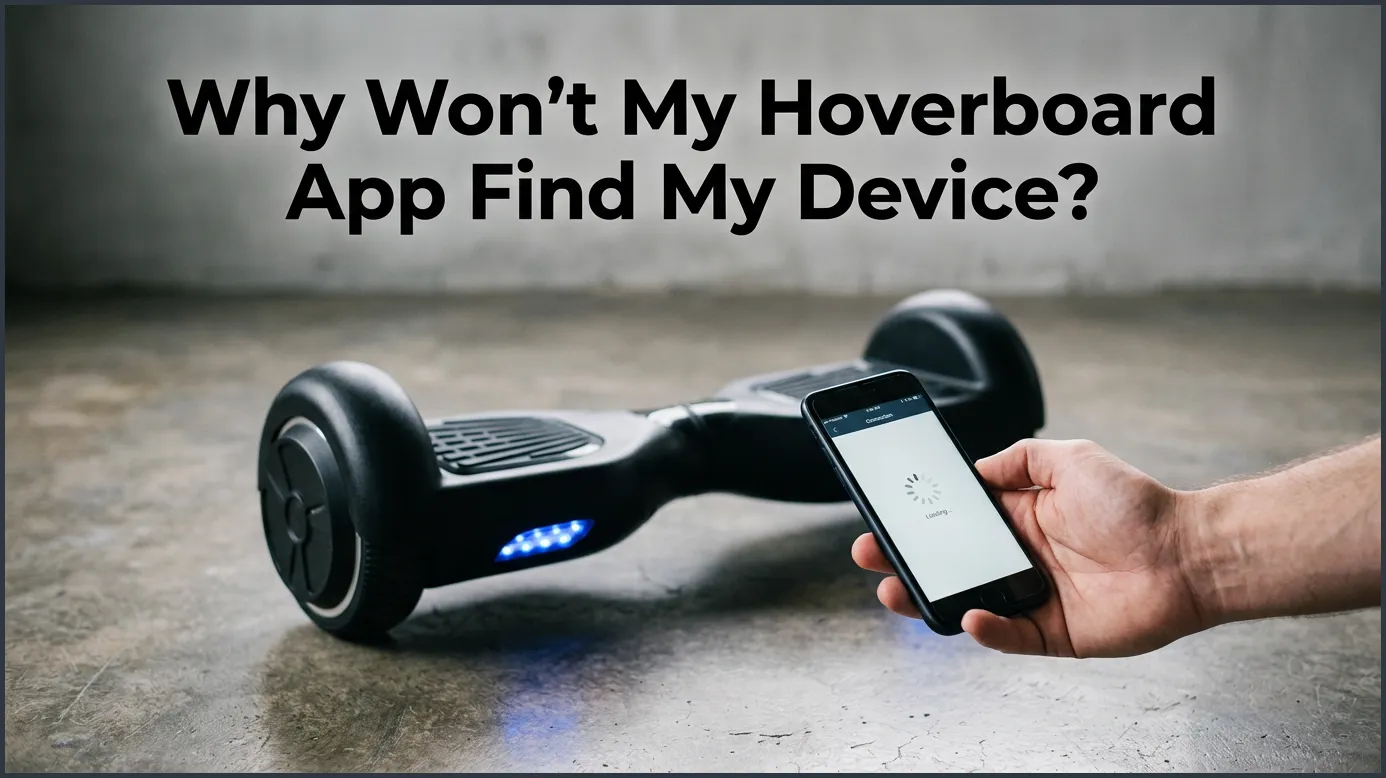
If your companion app cannot find your hoverboard, the issue is usually caused by disabled Bluetooth, missing location permissions, or a low battery. To fix this, you should restart your devices, enable location services, and make sure you are using the correct app for your specific board.
Imagine this scenario. You just got a shiny new hoverboard. You are ready to ride. You want to play music, change the LED lights, and track your speed. So, you download the official companion app on your phone. You open it up, tap search, and wait. But nothing happens. Your screen just spins and spins. You feel frustrated. You ask yourself: why won’t my hoverboard app find my device?
This is a very common problem. Many new riders face it. Hoverboards are smart, but their technology can sometimes be finicky. Often, a tiny setting on your phone blocks the connection. Other times, the hoverboard itself needs a quick reset. You do not need to be a tech genius to solve this issue.
In this guide, we will walk you through easy steps to get your board and phone talking to each other. Let us look at why won’t my hoverboard app find my device and how to fix it quickly.
Key Takeaways
- Enable Location Services: Many phone apps require GPS active to scan for local Bluetooth connections.
- Verify App Model: Always use the exact companion app recommended in your hoverboard user manual.
- Disconnect Other Devices: Nearby smart watches or speakers can block your hoverboard from pairing.
- Calibrate the Board: A quick hardware reset can fix stubborn Bluetooth bugs.
- Keep Battery Charged: Low battery power will automatically turn off the board’s Bluetooth chip to save energy.
📑 Table of Contents
Understanding How Your Hoverboard Communicates
To fix the issue, we first need to know how these devices talk. Your hoverboard does not use the internet to connect to your phone. Instead, it uses a short-range wireless system.
The Role of Bluetooth
Your hoverboard has a built-in Bluetooth chip. This chip sends out a signal into the air. Your phone acts as the receiver. When you open the companion app, it looks for this specific signal. If the signal is weak, blocked, or turned off, the app stays blank. To learn more about how these signals connect, you can check out this helpful guide on connecting Bluetooth to your hoverboard. It explains the basic pairing steps clearly.
Why the App Needs Local Permissions
Modern phones are very secure. They do not let apps use your phone’s hardware freely. When you install a hoverboard app, it asks for permission. It needs to use your Bluetooth and your location. If you deny these permissions, the app is blind. It cannot scan the airwaves to find your hoverboard.
Top Reasons Why Won’t My Hoverboard App Find My Device?
Let us dive into the main reasons behind the mystery: why won’t my hoverboard app find my device? Most of the time, the culprit is simple. Here are the most common causes.
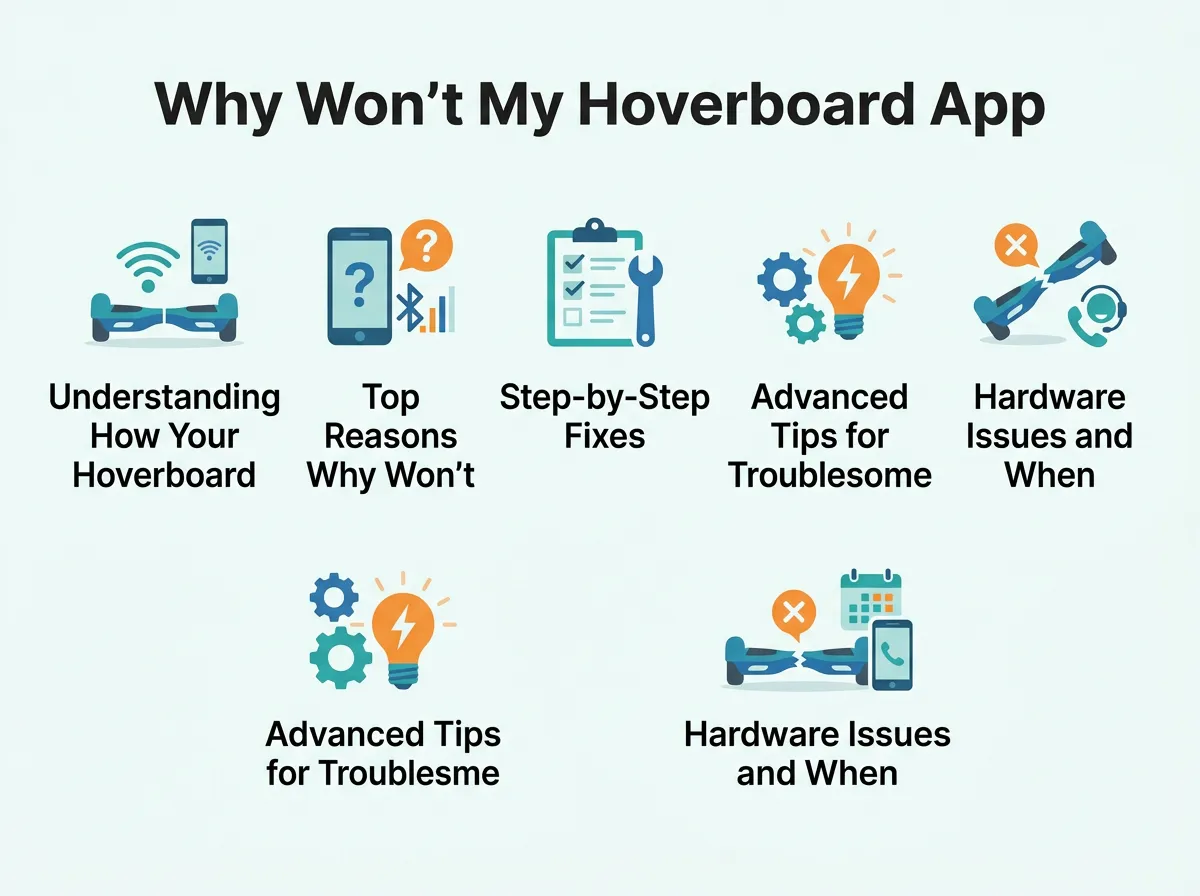
Why Won’t My Hoverboard App Find My Device? — key points at a glance
1. Disabled or Unpaired Bluetooth
This is a primary suspect when you wonder why won’t my hoverboard app find my device. Sometimes, we turn off Bluetooth to save phone battery and forget about it. Other times, another device like your headphones has hijacked your phone’s Bluetooth. If your phone is busy talking to your smart watch or a speaker, it might ignore your hoverboard.
2. Missing Location Permissions
Location services are a surprising answer to why won’t my hoverboard app find my device. Many people turn off GPS to protect privacy. However, Android and iOS require location services to scan for nearby Bluetooth devices. Without GPS turned on, the app cannot see your board, even if Bluetooth is active.
3. Using the Wrong App Model
There are many hoverboard brands. Many of them look alike. However, they do not use the same software. If you download the wrong app, it will never find your board. For example, some users mistakenly download the Hoverboard-I app on the iOS App Store when their board actually requires a different brand-specific utility. Always check your user manual for the exact app name.
4. Low Battery Levels on Either Device
A dead battery is a simple reason why won’t my hoverboard app find my device. When your hoverboard battery drops below twenty percent, it goes into power-saving mode. To save juice, it turns off the Bluetooth chip. The same thing can happen on your phone if it is in low-power mode.
Step-by-Step Fixes for Your Connection Problems
If you still ask why won’t my hoverboard app find my device, try these quick fixes. They work for most brands and phone models.
Step 1: Force Close and Restart
First, turn off your hoverboard. Then, close the app completely. Do not just swipe it away. Force stop it in your phone settings. Turn off your phone’s Bluetooth, wait ten seconds, and turn it back on. Now, turn on your hoverboard. Open the app and try again. This simple reset clears temporary bugs.
Step 2: Clear App Cache and Data
Apps collect junk data over time. This junk can corrupt your settings. Go to your phone’s settings menu. Find the apps list and select your hoverboard app. Tap on storage, then tap clear cache. If you are on Android, you can also search the iFixit troubleshooting forum for model-specific tips if your board still acts up. Clearing the cache acts like a fresh install.
Step 3: Calibrate Your Hoverboard
Calibration can solve why won’t my hoverboard app find my device when other tricks fail. To calibrate, place your hoverboard on a flat surface. Make sure the footpads are level. Press and hold the power button for ten seconds. The lights will flash, and you might hear a beep. Release the button and turn the board off. Turn it back on. This resets the internal sensors and the Bluetooth chip.
Advanced Tips for Troublesome Connections
Sometimes, standard fixes do not cut it. If you are still stuck, you might need to dig a little deeper into your settings.
Check for Interfering Devices
Do you have many Bluetooth devices in your room? Smart TVs, wireless mice, and smart bulbs can crowd the airwaves. Move your hoverboard to a different room. Turn off other Bluetooth devices nearby. This gives your hoverboard and phone a clean space to connect.
Delete the App and Reinstall It
If your app is buggy, a fresh install can work wonders. Delete the app from your phone. Restart your phone. Go back to your app store and download it again. When you open it for the first time, make sure to accept all permission prompts. Tap “Allow” for Bluetooth, location, and storage.
Hardware Issues and When to Seek Repair
What if you tried everything and the app still cannot find your board? The issue might be inside the hoverboard.
Broken Bluetooth Module
Inside your hoverboard is a green motherboard. Attached to it is a small Bluetooth module. If you crashed your hoverboard or rode through a puddle, water or shock may have damaged this module. If the light on the board does not flash or beep when you try to pair, the chip might be dead. You can read this comprehensive Bluetooth troubleshooting guide to help diagnose hardware failures.
Loose Wires
Hoverboards take a lot of abuse. They bump over cracks and jump off curbs. This shaking can loosen the wires inside the shell. If the power wire to the Bluetooth chip unplugged, the chip will stay off. If you are handy, you can unscrew the bottom shell and check the wires. If not, take it to a local repair shop.
Conclusion
Now you have the tools to solve why won’t my hoverboard app find my device. In most cases, the fix is quick and easy. It usually takes a simple phone reboot, a location setting tweak, or a quick hoverboard calibration. Once you get them connected, you can enjoy all the cool features your board has to offer. Ride safe, keep your battery charged, and enjoy the smooth glide!
Frequently Asked Questions
Why does the hoverboard app need my location?
Phone operating systems require location services to scan for nearby Bluetooth devices. Without GPS turned on, the app is blocked from searching for wireless signals. Enabling location services will fix this issue immediately.
Can I connect to my hoverboard without the app?
Yes, you can connect your phone directly to the hoverboard via your phone’s Bluetooth settings to play music through the speakers. However, you will need the official app if you want to change speed modes or adjust LED lights.
Why is my hoverboard blinking red and not connecting?
A blinking red light usually means your hoverboard has a low battery or an internal balance error. Charge your board fully and perform a calibration reset to make it discoverable again.
Will any hoverboard app work with my board?
No, you must use the specific app designed for your brand and model. Using the wrong application will result in the app spinning endlessly and failing to find your device.
Can two phones connect to one hoverboard at the same time?
No, hoverboard Bluetooth modules only support one active connection at a time. If another phone in your house is connected to the board, your phone will not be able to find it.
How do I know if my hoverboard has Bluetooth?
Most modern hoverboards have Bluetooth, which is usually indicated by a speaker grille on the bottom of the board. You will also typically hear a beep or a voice prompt saying “Bluetooth device is ready to pair” when you turn it on.
