


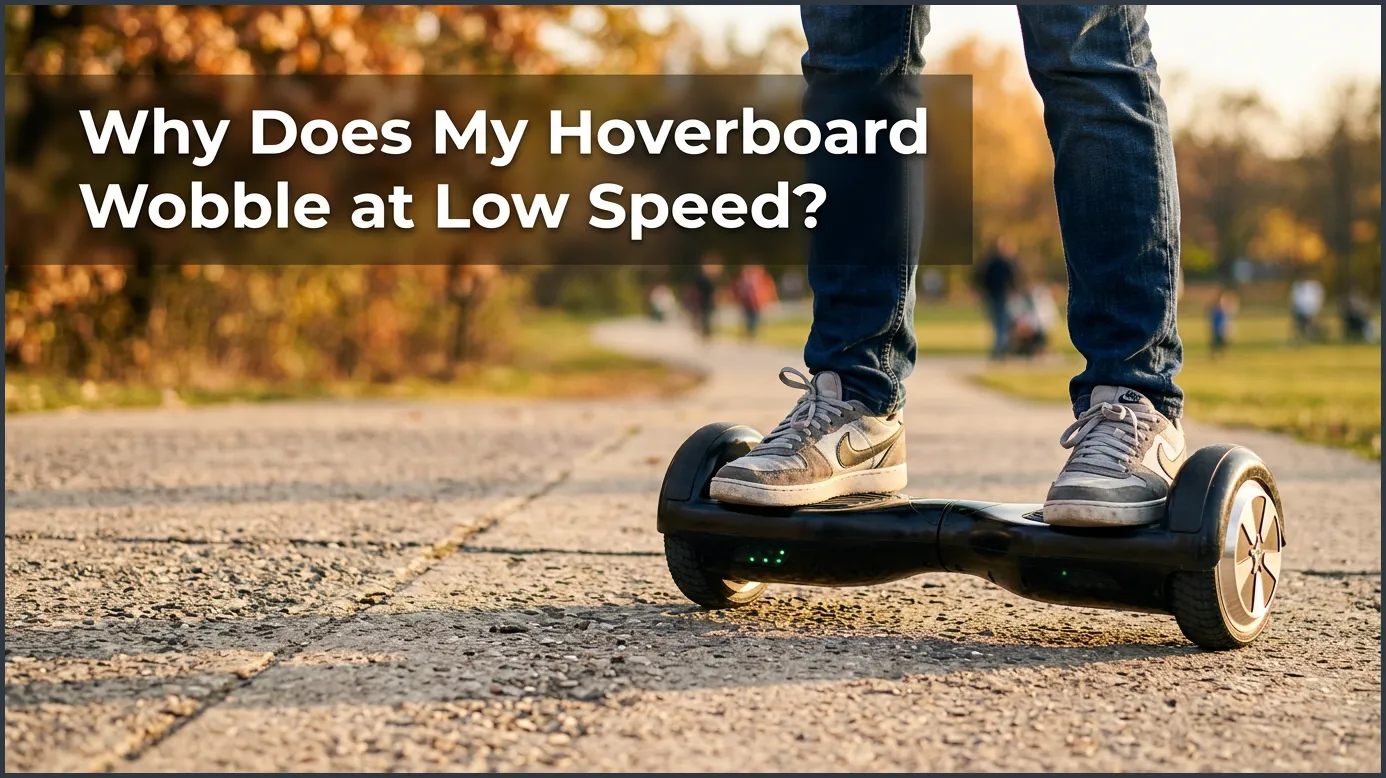
Your hoverboard wobbles at low speed because your feet are not pressing down hard enough on the internal sensors. This lack of firm pressure causes the board’s motors to rapidly turn on and off, creating a shaking motion. To fix this issue, you can simply widen your stance, wear flat-soled shoes, or quickly recalibrate your hoverboard.
You finally got your hands on a brand new hoverboard. You step on it with a big smile, ready to glide away. But as you try to move slowly, the board begins to shake violently. It feels like a wild animal is trying to throw you off! Your feet vibrate, and you instantly feel like you might fall. You ask yourself, why does my hoverboard wobble at low speed?
Do not worry, your board is likely not broken. This shaking is a very common issue for new riders. It can happen to young kids and adults alike. It can make you feel nervous, but the fix is usually very simple. You do not need to be a tech expert to solve this problem.
In this beginner guide, we will explain everything you need to know. We will look at why does my hoverboard wobble at low speed and how you can fix it. You will learn how your board works, how to stand on it, and how to calibrate it. Let us get started on making your ride as smooth as silk!
Key Takeaways
- Sensor Confusion: Low foot pressure causes the built-in sensors to rapidly switch on and off, making the board shake.
- Wider Stance is Key: Placing your feet as far apart as possible puts direct pressure on the sensors.
- Rider Weight Matters: Light riders, especially young children, may struggle to trigger the footpad sensors properly.
- Calibration Fixes Brain Glitches: A simple system reset often stops the shaking issues instantly.
- Footwear Impact: Stiff, flat-soled sneakers help distribute weight better than bare feet or soft socks.
- Battery Checks: Low battery power can cause the motors to hesitate and wobble at slow speeds.
📑 Table of Contents
Understanding Hoverboard Sensors and Gyroscopes
To fix the shaking, you must first know how your board thinks. Hoverboards do not have minds of their own. They use smart technology to stay upright and move. When this technology gets mixed signals, wobbling happens.
The Role of the Gyroscope
Inside your board, there are gyroscopes. These are tiny sensors that detect tilt. They tell the motor which way you are leaning. If you lean forward, you move forward. If you lean back, you go backward. They make hundreds of tiny adjustments every second to keep you balanced.
The Footpad Sensors
Under the soft rubber footpads, there are small physical switches. When you step on the board, your weight pushes these switches down. This action tells the motor to turn on and stay active. If you do not push hard enough, the switch flips on and off very fast. This rapid on-and-off switching is the main reason why does my hoverboard wobble at low speed.
The Main Causes of Low-Speed Wobbling
Now we know how the sensors work. Let us look at the main reasons for the shaking. There are a few common situations that trigger this annoying wobble.
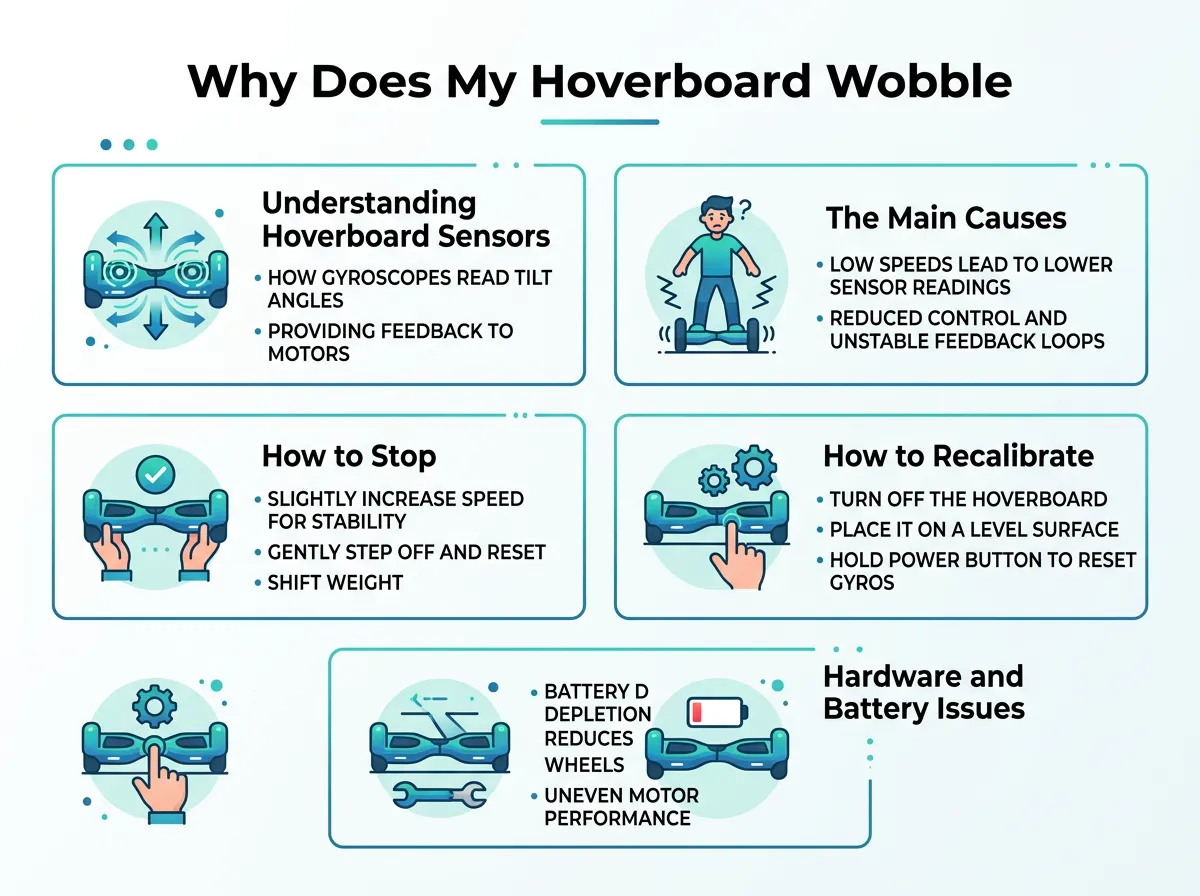
Why Does My Hoverboard Wobble at Low Speed? — key points at a glance
Light Rider Weight
Many hoverboards have a minimum weight limit. This limit is often around 44 pounds (20 kg). If a young child rides the board, they may be too light. Their small feet cannot keep the sensors pressed down. This explains why does my hoverboard wobble at low speed for lightweight kids. If you want to know more about this, you can read about what causes a hoverboard to shake on community forums.
Hesitant Foot Placement
When you are a beginner, you might feel scared. You may step on the board very slowly. You might put your weight only on the inside of your feet. This hesitant stance makes the board confused. It does not get a clear signal from the outer sensors, so it starts to wobble.
Riding Too Slowly
Hoverboards like to move. When you stay in one spot or crawl forward too slowly, the sensors struggle to balance you. The motors try to adjust too many times per second. This leads to the classic low-speed shake.
How to Stop Your Hoverboard from Shaking
You do not need to buy a brand new board to fix this. Most of the time, you just need to adjust how you ride. Here is how you can stop the wobble today.
Adopt a Wider Stance
Many beginners keep their feet close together near the center of the board. This is a mistake. You should place your feet as far apart as possible. Press the outer edges of your feet against the plastic wheel guards. This puts your weight directly over the sensor switches. It keeps them pressed down firmly.
Step On Firmly and Quickly
Do not hesitate when stepping on. Put one foot on the board quickly, then bring your other foot up right away. The faster you get both feet on, the faster the board can balance you. Commit to the step!
Wear Proper Shoes
Bare feet or soft socks do not press the sensors well. Wear sneakers with flat, stiff soles. Stiff soles spread your weight across the entire sensor pad. This prevents the rapid switching that explains why does my hoverboard wobble at low speed.
How to Recalibrate Your Hoverboard
Sometimes, the board’s internal brain gets confused. It forgets what “flat” feels like. This is when you need to reset it. Calibration is a quick and easy process that fixes most shaking issues.
The Calibration Process
If you want to fix this, you should recalibrate your self-balancing board. Here is how to do it in five easy steps:
- Step 1: Turn off your hoverboard completely.
- Step 2: Place the board on a flat, level floor.
- Step 3: Make sure both sides of the board are perfectly level with each other and the ground.
- Step 4: Press and hold the power button for about 5 to 10 seconds.
- Step 5: You will see the LED lights flash and hear a beep. Release the button, turn the board off, and then turn it back on.
This simple reset often solves the problem of why does my hoverboard wobble at low speed instantly.
Hardware and Battery Issues to Check
If you tried calibration and changed your stance, but the board still shakes, it might be a hardware issue. Do not ignore these physical signs.
Low Battery Weakness
A dying battery cannot give the motors enough power to balance. When the power is low, the board may shake at slow speeds. Always charge your board fully before you go out for a ride. This battery drain is another reason why does my hoverboard wobble at low speed.
Loose Wheels or Internal Damage
Sometimes, screws inside the board can come loose. This is common if you ride on bumpy roads or drop the board. If you suspect internal damage, you can read about the reasons behind hoverboard shaking to see if your board needs physical repairs.
Conclusion
Riding a hoverboard should be a fun and smooth experience. Feeling a wobble at low speeds can be scary, but it is highly fixable. Now you know the answer to why does my hoverboard wobble at low speed. It is almost always a matter of sensor activation or calibration.
By widening your stance, stepping on firmly, and keeping your board calibrated, you will conquer the shakes. Take your time, practice in a safe space, and soon you will be riding like a pro!
Frequently Asked Questions
Why does my hoverboard shake when I step on it?
This happens because your foot is not pressing down hard enough on the sensor switches. The board’s motor rapidly turns on and off, which causes the shaking. Try stepping on the board more firmly with a wider stance.
Can a light child ride a hoverboard that wobbles?
Yes, but they might cause the board to wobble if they are under the minimum weight limit. If a child is too light, their feet cannot keep the sensors pressed down. Wearing heavier shoes or using a model built for kids can help.
How often should I calibrate my hoverboard?
You should calibrate your hoverboard whenever it starts to shake, pull to one side, or feel unbalanced. Many active riders calibrate their boards once a month to keep them running smoothly. It only takes a minute to do.
Do flat shoes help stop hoverboard wobbling?
Yes, flat-soled sneakers are highly recommended for hoverboard riders. They distribute your body weight evenly across the footpads, which keeps the sensors fully pressed down. Avoid riding barefoot, in socks, or in sandals.
Is my hoverboard broken if it wobbles at low speed?
Usually, no, your hoverboard is not broken. Wobbling at low speeds is almost always a rider stance issue or a calibration issue. Try adjusting your feet and resetting the board before assuming it is damaged.
Can a wet hoverboard start to wobble?
Yes, moisture can damage the internal gyroscopes and sensors, leading to erratic shaking. If your hoverboard got wet, turn it off immediately and let it dry completely for 24 to 48 hours before riding again.
