


If one of your hoverboard wheels is spinning faster than the other, the problem is usually caused by an off-balance calibration or a faulty gyroscope sensor. It can also happen due to dirt wrapped around the wheel axle or loose internal wiring. Fortunately, most riders can quickly solve this issue at home by performing a simple manual system reset.
Imagine this scenario. You step onto your hoverboard, ready for a smooth and relaxing ride. You press your feet down to glide forward. But instead of going straight, you start to spin in a slow circle. The board veers hard to one side, and it feels like one wheel has a complete mind of its own. This is a very common issue that many riders face, leaving them feeling frustrated and off-balance.
When your board starts behaving like this, it is natural to ask: Why Is One Hoverboard Wheel Faster Than the Other? Understanding this issue is the first step to getting your ride back to normal. You do not need to be a professional technician to diagnose or even fix this problem yourself.
This guide will help you understand the inner workings of your self-balancing board. We will explore the primary reasons behind this uneven wheel speed. Plus, we will provide clear, easy steps to get your board running smoothly again. Let us dive in and look at what is happening beneath the plastic shell of your favorite ride.
Key Takeaways
- Calibration is key: A simple system reset can resolve most wheel speed imbalances instantly.
- Sensor issues: Faulty gyroscopes can send incorrect speed signals to one of the wheel motors.
- Physical blocks: Dirt, hair, and debris wrapped around the wheel axle can slow down one side.
- Loose connections: Damaged or loose internal wires can prevent equal power distribution.
- Motor wear: Over time, one of the electric motors may wear down and lose spinning efficiency.
- Weight distribution: Uneven rider stance or leaning can make the hoverboard think you want to turn.
📑 Table of Contents
Understanding How Your Hoverboard Works
Before we can fix the problem, we need to look at how these machines operate. A hoverboard is not just a simple deck with wheels. It is a highly sensitive electronic device that relies on balance, coordination, and speed controls.
The Role of Gyroscopes
Each side of your hoverboard has its own gyroscope sensor. These sensors are the brain of each individual wheel. They detect your weight and feel how you lean. If you lean forward, they tell the board to move forward. If you lean back, they tell it to slow down or reverse. When both sensors work in perfect harmony, your ride is smooth and straight. But if one sensor gets confused, it might tell its wheel to spin much faster than the other.
Dual Motors and Independent Control
Your hoverboard does not rely on a single motor. Instead, it has two independent motors, with one located inside each wheel. This unique design is what allows you to spin in tight circles or make sharp turns. One wheel can spin forward while the other remains still or spins backward. However, this independent control also means things can easily go out of sync. A tiny difference in power or signal can make one side feel much faster. If you want to understand how speed settings work in general, you can read about how to change the speed on my hoverboard to see how these systems manage velocity.
Common Reasons for Uneven Wheel Speed
Why Is One Hoverboard Wheel Faster Than the Other? There are a few common culprits behind this issue. Let us break down the main causes so you can figure out what is happening with your board.
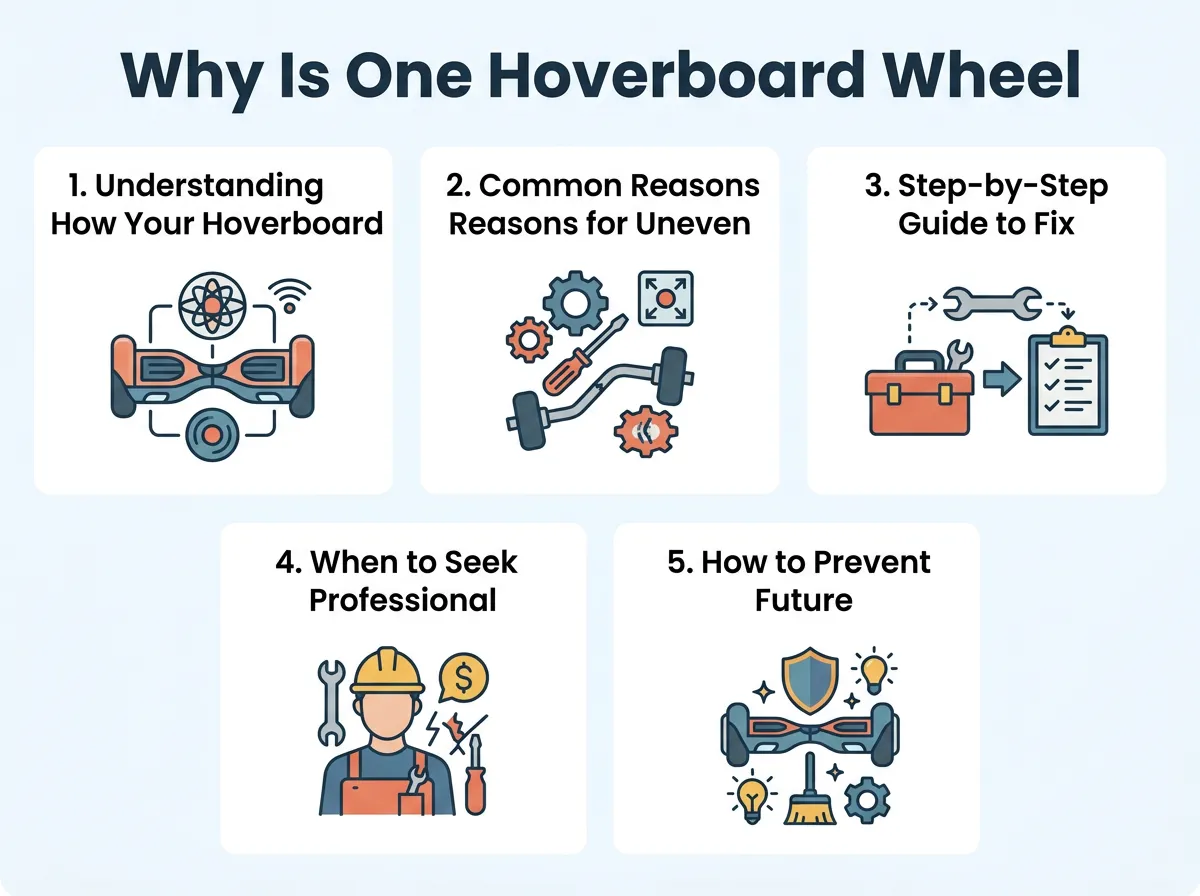
Why Is One Hoverboard Wheel Faster Than the Other? — key points at a glance
System Calibration is Off
This is the most common cause of speed imbalances. Over time, your hoverboard can lose its sense of perfect balance. This often happens after rough rides, minor crashes, or riding over big bumps. When the board is out of calibration, it does not know what “flat” actually means. It might think you are leaning heavy on one side even when you are standing completely straight. This causes one wheel to spin faster to compensate for the imagined lean.
Debris and Dirt in the Wheel Axle
Hoverboards ride very close to the ground. Because of this, they pick up a lot of dirt, dust, and hair. Hair is a major enemy of hoverboard wheels. It can easily wrap tightly around the wheel axle. Over time, this buildup creates heavy friction. As a result, one wheel slows down significantly. This makes the other wheel seem much faster by comparison, even though the other wheel is just running at its normal speed. You can learn more about how physical blocks affect performance by reading about one wheel on hoverboard not working causes and how to clean them.
Faulty Gyroscope Sensors
Sometimes, the issue is purely electrical. The gyroscopes inside the board can get damaged from hard impacts or water exposure. If a sensor fails, it will send incorrect data to the main motherboard. It might tell the motor on one side to spin at maximum speed while the other side gets no signal at all. To learn more about how sensors fail, you can read this detailed article on one wheel turning faster and how to identify sensor damage.
Loose or Damaged Internal Wiring
Hoverboards experience a lot of vibrations during daily use. This constant shaking can slowly loosen the internal cables. If a wire connecting the motherboard to one of the motors becomes loose, the power flow will drop. The motor on that side will run slower, making the opposite side feel way too fast. This is a very common issue in many small electric vehicles when one wheel goes faster than the other one due to simple signal loss.
Step-by-Step Guide to Fix a Faster Wheel
Now that you know the causes, let us address the big question: Why Is One Hoverboard Wheel Faster Than the Other, and how do we fix it? Most of these fixes are very simple. You can easily perform them at home with basic tools.
How to Calibrate Your Hoverboard
A quick system reset is often all you need. It fixes about eighty percent of all wheel speed issues. Follow these simple steps to calibrate your board:
- Turn off your hoverboard completely. Do not use standby mode.
- Place the board on a flat, level surface. You can use a spirit level to make sure it is perfectly flat.
- Align both footpads so they are completely level with each other and parallel to the ground.
- Press and hold the power button down. Keep holding it for about ten seconds.
- The running lights on the board will start to flash, and you will likely hear a beep.
- Release the power button and let the lights flash for another five seconds.
- Turn the board off to save the new calibration settings.
- Turn it back on, step on carefully, and take a quick test ride.
Cleaning the Wheel Assembly
If calibration does not solve the issue, you should check for physical blockages. Turn off your board and flip it over. Look closely at the small gap between the plastic frame and the wheel. If you see hair or dirt, use a pair of tweezers to carefully pull it out. You can also use canned compressed air to blow out any stubborn dust. Spin the wheel with your hand to make sure it rotates smoothly and quietly without any resistance.
Inspecting Internal Connections
If you are comfortable using a screwdriver, you can inspect the internal wires. Unscrew the bottom plastic cover of the hoverboard. Do this gently so you do not tear any wires attached to the shell. Look at the wires leading from the main motherboard to the wheels. Make sure all plugs are pushed firmly into their sockets. Check for any pinched, bent, or broken wires. If you find a damaged wire, it may need to be repaired or replaced.
When to Seek Professional Repair or Replace Parts
Sometimes, home fixes are not enough. If you have calibrated your board, cleaned the wheels, and checked the wires, but one wheel is still faster, you might have a broken component. A failing motherboard or a burned-out motor will need to be replaced. If your board is still under warranty, contact the manufacturer before opening the casing, as opening it yourself might void your warranty cover.
How to Prevent Future Hoverboard Issues
Once your hoverboard is running perfectly again, you will want to keep it that way. Here are some simple preventative maintenance tips:
- Avoid rough terrain: Do not ride on grass, gravel, or uneven dirt paths. These surfaces cause high vibration and can knock your sensors out of alignment.
- Keep it dry: Never ride through puddles or in the rain. Water can easily ruin the sensitive gyroscopes and short-circuit the motherboard.
- Clean regularly: Wipe down your board after every ride. Quickly check the wheels for hair or debris before it has a chance to build up and cause friction.
Conclusion
It can feel frustrating when your hoverboard stops moving in a straight line. However, now you know the answer to Why Is One Hoverboard Wheel Faster Than the Other? In most cases, a simple calibration reset will solve the issue in under a minute. If that fails, a quick clean or a check of the internal wires should do the trick. Take good care of your board, ride on smooth surfaces, and enjoy your balanced, smooth glide!
Frequently Asked Questions
How do I know if my hoverboard needs calibration?
If your hoverboard shakes violently, pulls to one side, or if one wheel spins faster than the other, it likely needs to be calibrated. A calibration reset re-aligns the gyroscopes to a flat position. This is the easiest and most common fix for steering issues.
Can dirt make one hoverboard wheel slower?
Yes, dirt, dust, and especially long hair can wrap around the wheel axle. This creates heavy friction, which slows down that specific wheel. Cleaning the axle with tweezers and compressed air will restore its normal speed.
What does it mean when the hoverboard red light flashes?
A flashing red light usually indicates a system error, a low battery, or a calibration issue. If the light flashes when you try to ride, check your user manual to see the specific error code. Often, a simple calibration reset will clear the flashing light.
Is it safe to ride a hoverboard with uneven wheel speeds?
No, it is not safe to ride a hoverboard when one wheel is faster than the other. The board will pull heavily to one side, which can cause you to lose balance and fall. Always fix the speed imbalance before riding again.
How long do hoverboard gyroscopes last?
Hoverboard gyroscopes can last for several years if they are kept dry and free from heavy impacts. However, rough riding, water exposure, or hard crashes can damage them instantly. Regular maintenance and gentle riding will extend their lifespan.
Can a low battery cause one wheel to run slower?
Generally, a low battery will slow down both wheels equally. However, if there is a faulty connection or a failing cell in the battery pack, it may cause uneven power distribution to the motors. Always charge your board fully before troubleshooting.
