


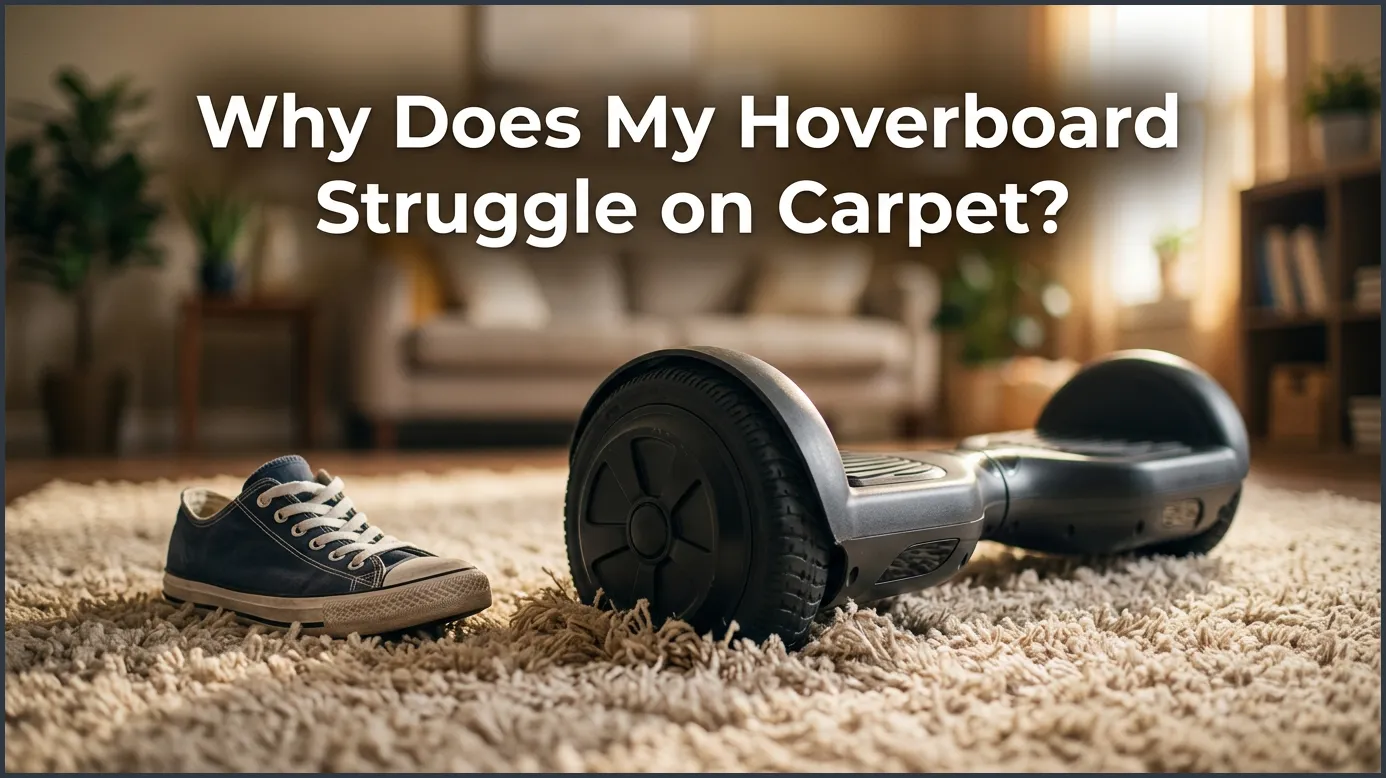
Riding a hoverboard on carpet is highly difficult because the soft, uneven fibers create intense rolling resistance that forces the motors to work overtime. This extra strain quickly drains your battery and can cause the internal computer board to overheat and fail. To protect your toy and your floors, it is best to ride on hard surfaces or switch to a hoverboard with larger, off-road wheels.
Picture this. You just got a shiny new hoverboard. You turn it on, step onto the footpads, and glide smoothly across your hard kitchen floor. It feels amazing. You feel like you are flying. You gain some confidence and decide to roll into the living room. But the moment your wheels touch the thick, cozy rug, everything changes. The board slows down to a crawl. The motors groan. You find yourself wobbling back and forth. You might ask yourself, “Why Does My Hoverboard Struggle on Carpet?”
This is a very common issue for beginners and experienced riders alike. It can be frustrating when a smooth ride turns into a shaky, slow struggle. You might even worry that your expensive toy is broken. Do not worry. Your hoverboard is likely fine. The problem is not the board itself. The problem is the ground beneath it.
In this guide, we will break down the science behind this common issue. We will look at how different surfaces affect your board. We will also share simple tips to help you ride safely indoors without damaging your board or your home. Let us dive in and explore why carpets are a hoverboard’s biggest enemy.
Key Takeaways
- High Rolling Resistance: Soft carpet fibers push back against wheels, creating drag and slowing down your hoverboard.
- Severe Motor Strain: The electric motors must work twice as hard on carpet, which can cause them to overheat quickly.
- Fast Battery Drain: Riding on carpet consumes significantly more power, cutting your riding time in half.
- Sensor Confusion: Soft, uneven surfaces make the gyroscope shake, leading to a bumpy and unstable ride.
- Risk of Carpet Damage: Spinning tires can easily scuff, flatten, or even burn synthetic rug fibers.
- Wheel Size Matters: Standard 6.5-inch wheels struggle on carpet, while 8.5-inch or 10-inch off-road wheels handle it much better.
📑 Table of Contents
The Science of Carpet Friction
To understand how your board works, we must look at physics. When you ride on wood or tile, the surface is hard and flat. The rubber tires touch only a tiny part of the floor. This means there is very little friction. Your board can glide forward with almost no effort. It is like sliding ice on a kitchen counter.
Soft Surfaces vs. Hard Floors
Carpets are very different. They are soft, plush, and uneven. When you stand on your hoverboard, your weight pushes the wheels down into the carpet fibers. Instead of rolling on top of a flat surface, the wheels must push through a valley of fabric. This carpet cushion creates a force called rolling resistance. It acts like a constant brake on your wheels. This drag explains the core reason behind the question: Why Does My Hoverboard Struggle on Carpet?
The Pile Height Factor
Not all carpets are the same. A thin, flat office carpet is relatively easy to ride on. It does not have much depth. However, a thick shag rug is a different story. The higher the carpet pile, the deeper your wheels will sink. This sinkage makes it very hard for the small wheels to turn. You can learn more about how different carpets affect your ride in this detailed guide on riding your hoverboard on carpet.
How Carpets Strain the Motor and Battery
Hoverboards use electric motors inside the wheels to move you forward. These motors are smart, but they have limits. When you ride on a smooth floor, the motors use very little power to keep you moving. They stay cool and work efficiently.
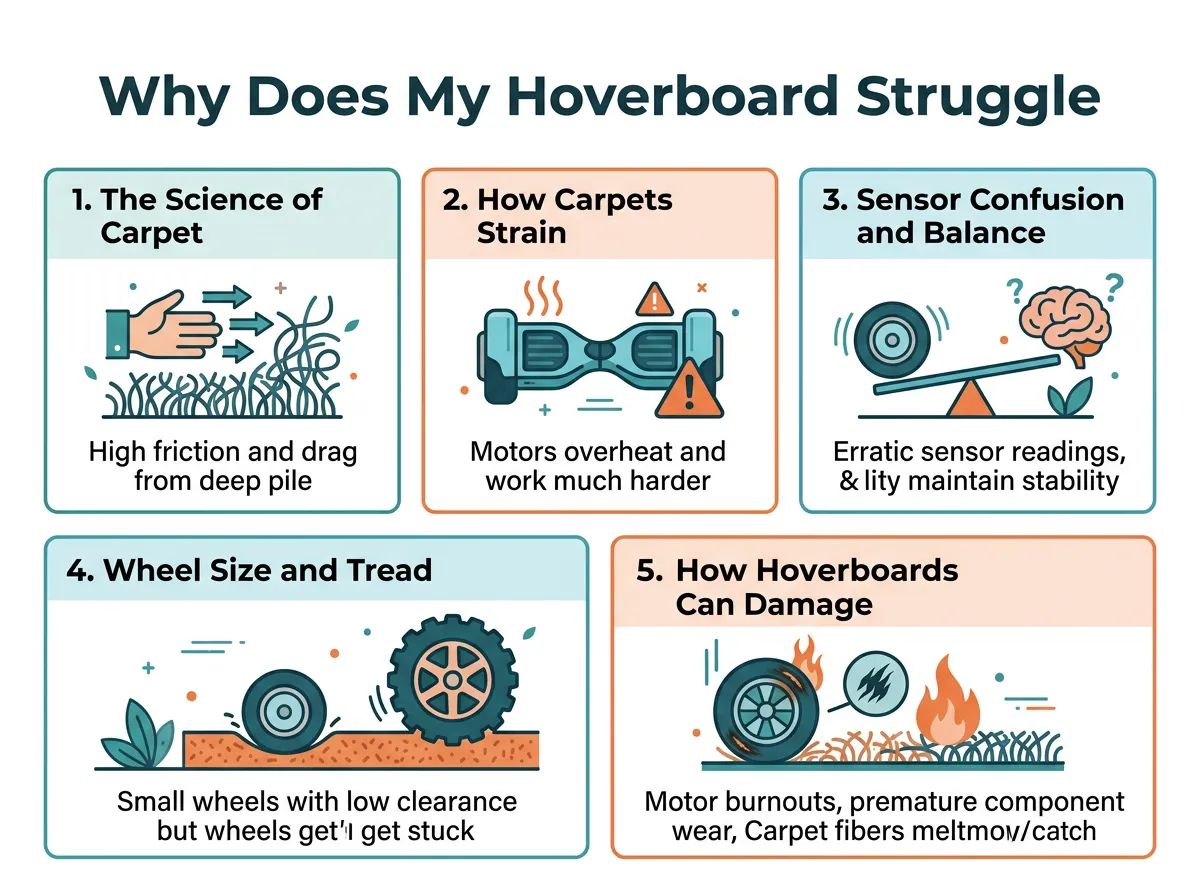
Why Does My Hoverboard Struggle on Carpet? — key points at a glance
Overheating and Motor Stress
When you ride on carpet, the motors must fight against the rolling resistance. They must work twice as hard to turn the wheels. This extra work generates a lot of heat. If you ride on thick carpet for too long, the motors can overheat. This can trigger a safety warning beep. It could even damage the internal wiring. If you wonder, Why Does My Hoverboard Struggle on Carpet?, look at how hot the motors get. If you ever smell hot plastic, step off the board immediately.
Fast Battery Drain
Working harder also means using more fuel. In this case, the fuel is electric power from your battery. You will notice that your battery percentage drops very fast when riding on carpet. A battery that usually lasts for an hour might drain in just twenty minutes on a thick rug. If you want your battery to last, keep your hoverboard off the carpet. High-drain activities also shorten the overall lifespan of your lithium-ion battery pack.
Sensor Confusion and Balance Issues
Hoverboards keep you upright using gyroscopes and acceleration sensors. These sensors are located under the footpads. They detect your tiny weight shifts. They tell the motors how fast to spin to keep you balanced.
Why Your Hoverboard Shakes on Rugs
When you ride on carpet, the ground is not stable. The soft fibers squish and shift under the wheels. This uneven surface confuses the sensors. The board tries to correct its balance constantly. This causes a rapid shaking feeling. This shaking can make you lose your footing and fall. It is another big reason why your hoverboard struggles on carpet. The sensors simply cannot get a steady reading from a squishy surface.
The Importance of Gyroscope Calibration
If your board is already slightly out of balance, carpet will make the problem worse. You might need to reset the sensors. To fix this, you can learn how to recalibrate your hoverboard. Recalibration ensures the sensors start on a level plane. This can reduce shaking on soft surfaces. Always calibrate your board on a flat, hard floor before testing it again.
Wheel Size and Tread Design
Not all hoverboards are built the same way. The size of your wheels plays a massive role in how well your board handles different terrains. If you have a standard budget board, it is likely built for indoor hard floors only.
The Struggle of 6.5-Inch Wheels
Most standard hoverboards have 6.5-inch wheels. These wheels are small. They have smooth rubber tires. They are perfect for polished concrete and hardwood floors. However, they are too small for carpet. They easily get swallowed up by thick rug fibers. This design flaw is a major reason Why Does My Hoverboard Struggle on Carpet. The tires lack the height to roll over the fibers.
Why Off-Road Hoverboards Have an Advantage
If you want to ride on carpets, grass, or gravel, you need a different tool. Off-road hoverboards come with 8.5-inch or 10-inch wheels. These wheels are much larger. They have deep tire treads. They act like monster truck tires. They stay on top of the carpet fibers instead of sinking. For more details on how wheel size affects performance, check out this guide on riding on grass, carpet, and gravel.
How Hoverboards Can Damage Your Carpets
So far, we have talked about how carpet hurts your hoverboard. But did you know that your hoverboard can also hurt your carpet? Riding indoors can lead to some costly home repairs.
Tire Scuffs and Friction Burns
When the motors struggle to turn, the rubber tires can slip. If the tires spin in place on a carpet, they create intense friction. This friction can melt synthetic carpet fibers. It can leave black tire marks or permanent burn spots on your expensive rugs. If this happens, you might find yourself looking up tips for cleaning hoverboard stains from carpet. Understanding Why Does My Hoverboard Struggle on Carpet? also helps you prevent carpet damage.
Wear and Tear on Rug Fibers
Even if the tires do not burn the carpet, the constant weight will crush the fibers. A hoverboard and a rider can easily weigh over 150 pounds. Over time, you will see flat, worn-out tracks where you ride your board. This can ruin the look of your living room. It can also lower the value of your carpet.
Tips for Riding Your Hoverboard Indoors Safely
Now that you know Why Does My Hoverboard Struggle on Carpet?, you can take steps to ride safely. If you must ride your hoverboard inside, there are ways to make it safer for both your board and your floors. Follow these simple tips to avoid any issues.
Actionable Steps for Indoor Riding
- Stick to hard floors: Keep your hoverboard in areas with hardwood, tile, or laminate flooring. These surfaces are safe and smooth.
- Choose low-pile rugs: If you must cross a rug, make sure it is very thin. Avoid shag rugs entirely.
- Clean your tires: Dirt and oil on your tires can rub off onto your carpets. Wipe your wheels clean with a damp cloth before riding indoors.
- Keep a steady speed: Do not try to accelerate quickly on carpet. Slow, steady movements reduce the chance of the wheels slipping and burning the carpet.
- Check your board’s temperature: If the wheels feel hot to the touch, turn off the board. Let it cool down for thirty minutes.
Conclusion
Riding a hoverboard is an amazing experience, but carpets can quickly ruin the fun. The combination of high friction, motor strain, and sensor confusion explains why your hoverboard struggles on carpet. By understanding these limits, you can protect your board and your home. Stick to smooth, hard surfaces whenever possible. If you really want to ride on carpets and rugs, consider investing in a larger, off-road hoverboard. Keep practicing, stay safe, and enjoy the ride!
Frequently Asked Questions
Can you ride a hoverboard on carpet?
Yes, but it depends on the type of carpet and the size of your hoverboard wheels. Thin, low-pile carpets are usually fine for standard hoverboards, but thick, plush carpets will cause the motor to struggle and overheat. For thick carpets, you will need a hoverboard with larger, off-road wheels.
Why does my hoverboard beep when I ride on carpet?
The beeping is usually a safety warning from the internal motherboard. It indicates that the motors are working too hard, drawing too much power, or starting to overheat due to the high rolling resistance of the carpet. If your board beeps, you should step off immediately and let it cool down on a hard surface.
Will a hoverboard ruin my carpet?
Yes, hoverboards can easily ruin carpets. The heavy weight can crush carpet fibers over time, leaving flat tracks. Additionally, if the rubber wheels spin in place while struggling, they can create friction burns or leave black scuff marks that are very hard to clean.
Do off-road hoverboards work better on carpet?
Yes, off-road hoverboards perform much better on carpets. They feature larger 8.5-inch or 10-inch tires with deep treads that sit on top of the carpet fibers instead of sinking in. This reduces rolling resistance and prevents the motors from straining.
How do I stop my hoverboard from shaking on carpet?
Shaking is caused by the sensors struggling to find a level surface on the soft fibers. To reduce shaking, try to stand completely still, ride at a slow and steady speed, or recalibrate your gyroscope on a flat, hard floor before riding.
Why does my hoverboard battery die so fast on carpet?
Carpet creates high friction and rolling resistance, forcing the electric motors to draw much more power from the battery to move forward. This heavy energy drain can cut your normal battery life in half compared to riding on smooth hardwood floors.
