


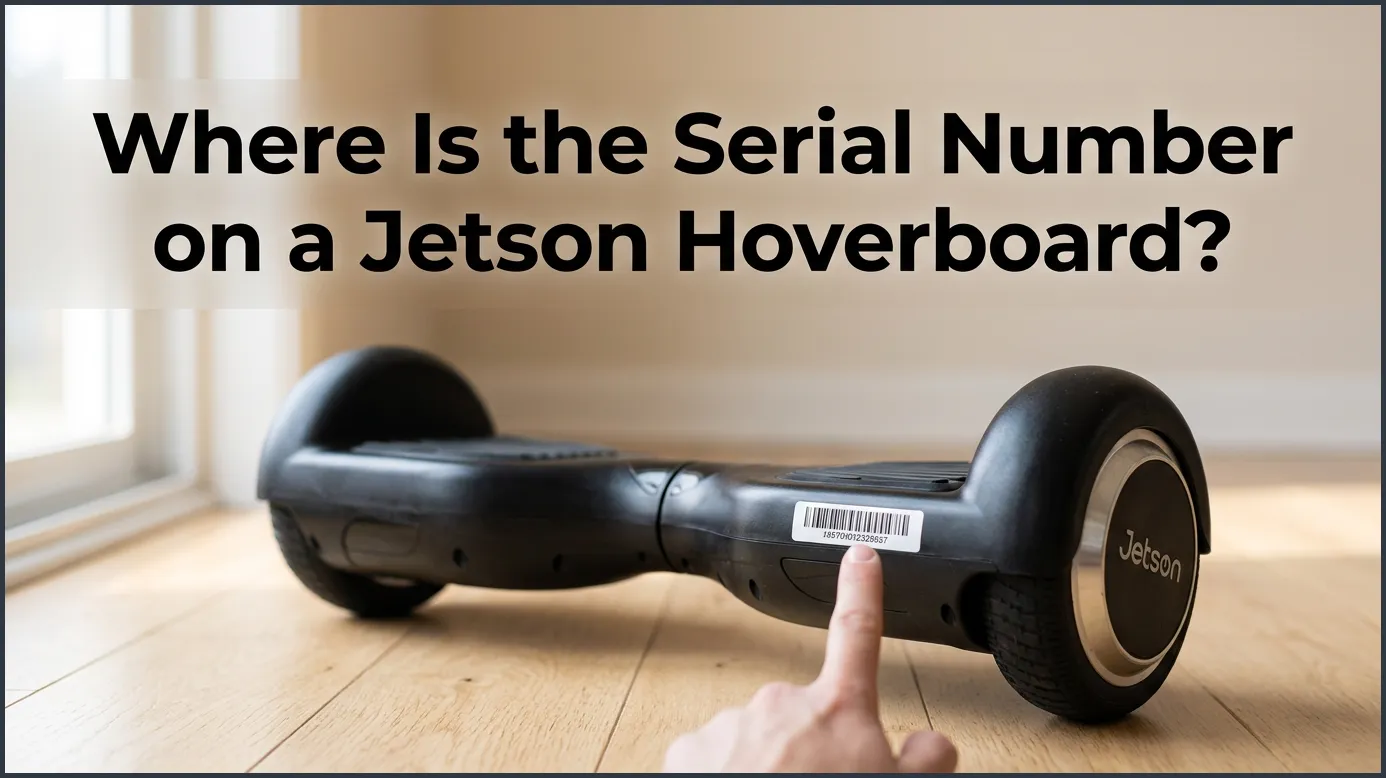
You can find the serial number on a Jetson hoverboard on a white or silver sticker located on the underside of the main frame. It is also printed on the original packaging box near the barcode and is listed in the Ride Jetson mobile app if your model features Bluetooth. This unique code is crucial for registering your device, securing warranty coverage, and getting customer support.
Imagine this. You just got a cool new Jetson hoverboard. You zip around the block. You love the speed. You feel like you are flying. Then, you decide to register your new toy. Or maybe you need a quick repair. You need the serial number. But where is it?
Searching for a tiny code on a sleek board can be annoying. This is a common problem for many riders. Do not worry. Finding this number is actually quite simple. Once you know where to look, you will have it in seconds.
If you are asking yourself, Where Is the Serial Number on a Jetson Hoverboard? then you have come to the right place. In this beginner guide, we will show you exactly how to find this key code. We will cover the main spots on the board. We will also look at the box and even your phone. Let us dive in and get your hoverboard sorted!
Key Takeaways
- Underneath the frame: The primary location is a sticker on the bottom of the hoverboard’s deck, usually near the wheel or charging port.
- On the retail box: If you kept the original packaging, the serial number is printed near the product’s barcode.
- Inside the companion app: Bluetooth-enabled Jetson hoverboards display the serial number within the Ride Jetson app settings.
- Structure of the number: The serial number is typically a long alphanumeric code containing letters and numbers.
- Warranty and support: You must have this number to register your product or file a warranty claim.
- Protect the label: Take a photo of the sticker right away as it can easily scratch off during rides.
📑 Table of Contents
- Where Is the Serial Number on a Jetson Hoverboard? The Main Locations
- Check the Original Packaging Box
- Using the Ride Jetson Mobile App
- Understanding the Difference: Serial Number vs. SKU
- What to Do If the Sticker Is Gone or Scraped Off
- Why You Need This Number Right Away
- Helpful Tips for Hoverboard Owners
- Conclusion
Where Is the Serial Number on a Jetson Hoverboard? The Main Locations
Finding the Sticker on the Belly
Flip your hoverboard over. Make sure it is turned off first. You do not want the wheels to spin in your hands! Lay it on a soft surface. A couch or a rug works great. This protects the plastic shell from scratches. Look at the flat plastic bottom. You will see a small white or silver sticker. This sticker contains the unique serial number.
What the Sticker Looks Like
The sticker is usually rectangular. It has a barcode with a series of black lines. Below or next to these lines, you will see a string of letters and numbers. It often starts with a specific letter prefix. This depends on your model. If you need help identifying these codes, you can check the official Jetson guide on finding my product’s serial number. It shows pictures of different sticker styles.
Check the Original Packaging Box
Finding the Barcode Label
Did you save the big cardboard box? If so, you are in luck! Do not crawl on the floor to inspect the board. Just go find the box in your garage or closet. Look at the outside of the box. There is a large white label on one of the sides. It is usually near the bottom or on the back.
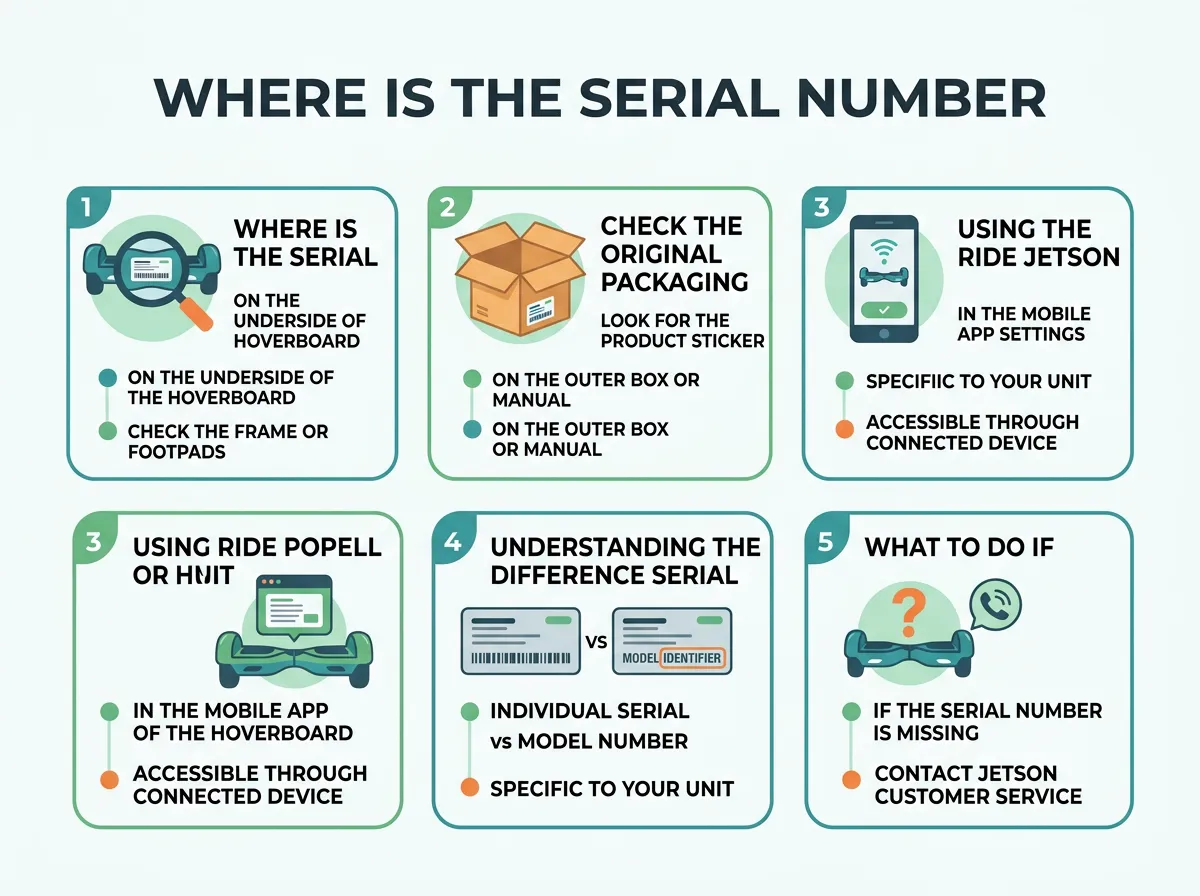
Where Is the Serial Number on a Jetson Hoverboard? — key points at a glance
Why Saving the Box Is Smart
This label has several barcodes. One is for the retail store. Another shows your serial number. This is very handy. If you want to know Where Is the Serial Number on a Jetson Hoverboard without lifting the heavy device, this is your best bet. It is clean, dry, and very easy to read. Just take a quick picture of it with your phone. That way, you can recycle the box to save space in your home.
Using the Ride Jetson Mobile App
Connecting via Bluetooth
Do you have a fancy Jetson model? Many new boards have Bluetooth speakers and lights. These boards connect to the Ride Jetson mobile app. This app lets you change colors. It lets you play music and track your speed. It also holds your board’s digital identity. So, Where Is the Serial Number on a Jetson Hoverboard? Let us look at the app.
Finding the Code in the Settings
First, turn on your hoverboard. Open the app on your phone. Make sure your Bluetooth is active. Pair your phone with the hoverboard. Now, go to the settings menu in the app. Look for a tab called “Device Info” or “About.” Tap on it. Your serial number will appear on the screen! You can copy and paste it right into an email. This is the cleanest way to find it.
Understanding the Difference: Serial Number vs. SKU
What Is a SKU?
It is easy to get confused by all the codes. You might see a SKU on your board. SKU stands for Stock Keeping Unit. It is a shorter code. It is the same for every single hoverboard of that model. For example, all Jetson Rogue boards share the same SKU. If you want to know more about this, you can learn how to locate your Jetson SKU online.
What Is a Serial Number?
A serial number is different. It is unique to your exact board. No other hoverboard in the world has the same number. It is like a social security number for your ride. Understanding this difference is key when you ask, Where Is the Serial Number on a Jetson Hoverboard? You do not want to give the customer support agent the SKU by mistake. The serial number is much longer. It usually contains both numbers and letters.
What to Do If the Sticker Is Gone or Scraped Off
How Stickers Get Damaged
Hoverboards take a lot of abuse. Kids ride them off curbs. They scrape them on concrete. Over time, the bottom of the board gets scratched up. This can tear or erase the white sticker. We often hear parents ask, Where Is the Serial Number on a Jetson Hoverboard if my kid scraped the bottom?
Tips to Recover a Lost Number
First, check your purchase receipt. If you bought it online, check your email confirmation. Many online stores link the serial number to your invoice. Second, look at your bank statement. It might have details. If you still cannot find it, you should visit the Jetson frequently asked questions page. They offer advice on what to do when your product label is damaged.
Why You Need This Number Right Away
Registering Your Warranty
When you buy a new ride, you must register it. This protects your purchase. If a part breaks, Jetson will fix it for free. But they will not help you without proof. You must visit the official Jetson product registration page. They will ask you for your purchase date, store name, and serial number. Doing this on day one is a smart move. Finding out Where Is the Serial Number on a Jetson Hoverboard? is the first step to securing your ride.
Filing a Help Ticket or Police Report
What if your hoverboard gets stolen? Or what if the battery stops charging? You will need to contact support or file a report. They will ask for your serial number first. Knowing Where Is the Serial Number on a Jetson Hoverboard? saves you a lot of time when talking to customer support. If you have it written down, the process is fast. If you do not, it can be a huge headache.
Helpful Tips for Hoverboard Owners
Take a Photo Immediately
As soon as you open the box, grab your phone. Take a clear photo of the sticker on the bottom of the board. Also, take a photo of the box label. Save these photos in a special folder on your phone. You can name the folder “Product Manuals.” This takes two seconds and saves you hours of work later.
Write It Down in the Manual
Your hoverboard came with a paper user manual. Open the front cover. There is usually a blank space for notes. Write the serial number there with a pen. Keep the manual in a safe drawer. This keeps the number safe even if your phone dies or gets lost. If a friend asks you, Where Is the Serial Number on a Jetson Hoverboard?, you can now tell them about the box and manual tricks!
Conclusion
Finding your Jetson hoverboard serial number is very simple once you know where to look. Check the bottom of the deck first. If it is not there, check the original box or your Ride Jetson app. Always take a photo of the sticker when the board is brand new. This keeps your warranty safe and ensures you can get quick help whenever you need it. Now you never have to wonder, Where Is the Serial Number on a Jetson Hoverboard? Happy riding!
Frequently Asked Questions
Can I find my Jetson hoverboard serial number without the sticker?
Yes, you can find it on the original packaging box near the barcode. If you have a Bluetooth model, you can also view it inside the Ride Jetson mobile app. Lastly, your purchase receipt or email invoice might list the serial number.
How many digits is a Jetson hoverboard serial number?
The serial number is typically a long alphanumeric string that contains both letters and numbers. The exact length can vary depending on your specific model, but it is always unique to your individual board. It is much longer than the standard SKU code.
Is the SKU the same as the serial number on a Jetson hoverboard?
No, the SKU and the serial number are different codes. The SKU identifies the general model of the hoverboard and is the same for all boards of that type, while the serial number is unique to your specific device. You must use the serial number for warranty registration.
What should I do if my hoverboard serial number sticker is scratched off?
If the sticker is damaged, check the original retail box or the companion mobile app first. You can also look at your purchase receipt or contact Jetson support for help. To prevent this, always take a photo of the sticker when you first unbox your ride.
Does the Ride Jetson app show the serial number for all models?
No, the Ride Jetson app only displays the serial number for models that have Bluetooth connectivity. If your hoverboard does not have Bluetooth, you will need to find the serial number on the physical sticker or the box. Standard models without wireless features cannot connect to the app.
Why is my Jetson serial number not working on the registration page?
This usually happens if you mistake a “0” (zero) for the letter “O” or a “1” (one) for the letter “I” when typing. Double-check the characters on the sticker or try taking a high-resolution photo to zoom in. If it still does not work, contact Jetson customer service to verify your code.
