


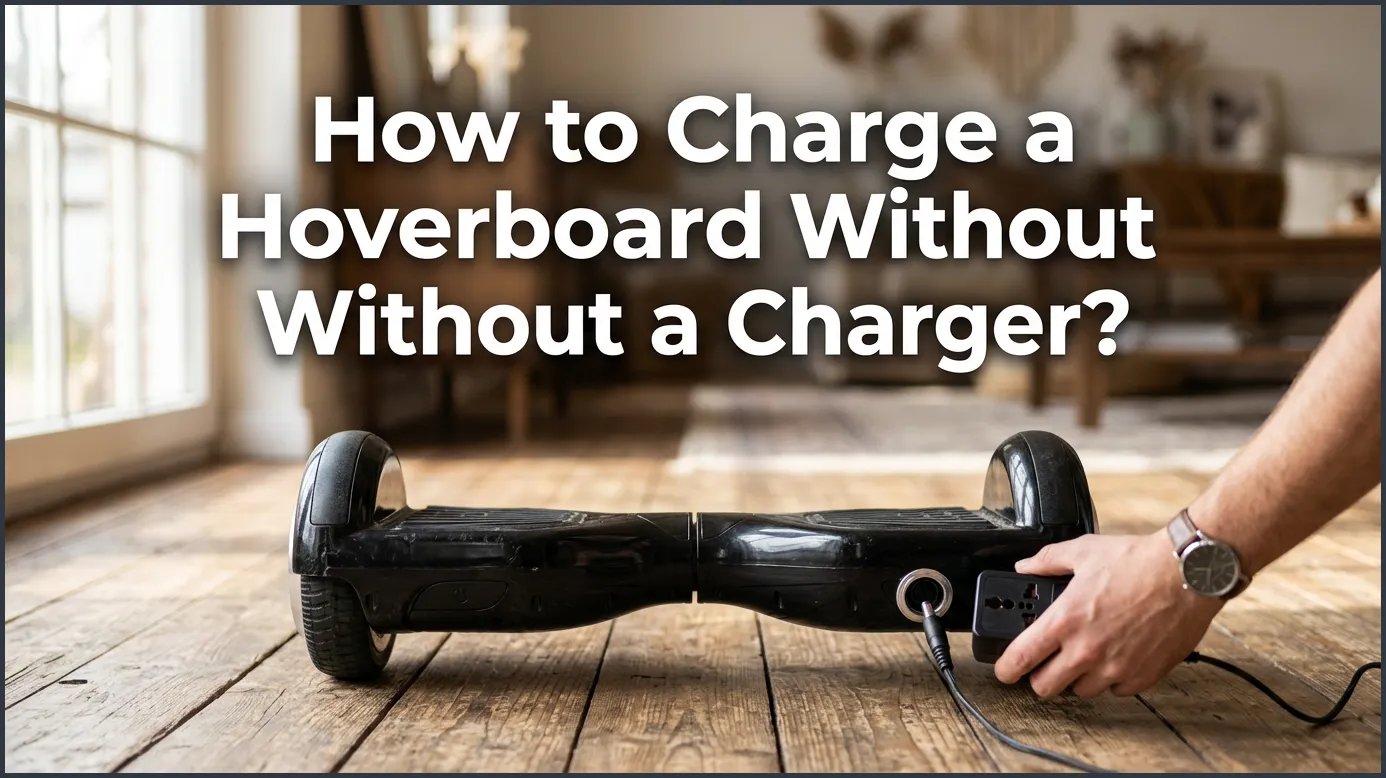
Charging your hoverboard without its official charger is possible in emergencies by using alternative power sources like a universal laptop charger or a portable power station. However, you must always match the voltage and current requirements exactly to avoid damaging the lithium-ion battery. Safety should remain your top priority, as using incorrect charging methods can lead to battery degradation or fire hazards.
Imagine this scenario. The sun is shining, the weather is perfect, and you are ready for a fun outdoor ride. You grab your favorite self-balancing scooter, step onto the deck, and hear that dreaded warning beep. The battery indicator flashes bright red. You look around your room, search your closet, and rummage through your drawers, but your charger is nowhere to be found. It is completely gone. In moments like this, frustration sets in quickly as you realize you are stuck at home.
Do not worry just yet. Your fun day does not have to end right here. Many riders face this exact same dilemma and ask themselves if they can power up their ride using alternative tools. In this complete guide, we will explore the real science behind your board’s battery. We will cover safe, temporary workarounds, and we will highlight the dangerous methods you must avoid to keep yourself and your home safe. Let’s dive in and learn how to charge a hoverboard without a charger safely.
Key Takeaways
- Universal Chargers Work: You can use a universal laptop charger if the voltage, amperage, and pin configuration match your hoverboard’s specifications.
- Portable Power Stations: A portable power station with a built-in AC outlet allows you to charge your hoverboard anywhere, even outdoors.
- Safety First: Lithium-ion batteries are highly sensitive, so using mismatched power adapters can cause overheating or permanent damage.
- Avoid Cheap Hacks: Splicing random wires or using car batteries is extremely dangerous and should never be attempted.
- Check the Specifications: Always verify that any alternative charger matches the 36V or 42V requirement of your hoverboard model.
- Get a Replacement: Alternative methods are temporary fixes; purchasing an OEM replacement charger is the safest long-term solution.
📑 Table of Contents
- Understanding Your Hoverboard Battery Specifications
- Safe Alternative Methods for How to Charge a Hoverboard Without a Charger
- Methods for How to Charge a Hoverboard Without a Charger You Must Avoid at All Costs
- How to Choose a Safe Replacement Charger
- Essential Tips to Keep Your Hoverboard Battery Healthy
- Conclusion
Understanding Your Hoverboard Battery Specifications
Before you try any alternative charging methods, you must understand what makes your hoverboard tick. Hoverboards are not simple toys. They are complex electronic devices powered by highly sensitive lithium-ion batteries. If you want to know how to charge a hoverboard without a charger, you must first learn how to read your battery specs.
Why Battery Details Matter
Every electronic device has specific power needs. Think of your hoverboard battery as a custom lock and your charger as the unique key. If you try to force the wrong key into the lock, you will break it. Using the wrong power source can destroy the lithium-ion cells inside your board. This can ruin your board permanently or, even worse, cause a dangerous chemical fire.
Checking the Voltage and Current
Flip your hoverboard over and look for the silver manufacturer sticker. This label lists the input voltage and amperage. Most standard hoverboards require a 36-volt or 42-volt charger. The output current is usually around 1.5 to 2 amps. If you use a tool with a higher voltage, you risk overloading the battery cells. If the voltage is too low, the battery will simply not charge. If you are curious about alternative options, you can read more discussions on this Quora thread about alternative hoverboard charging.
Safe Alternative Methods for How to Charge a Hoverboard Without a Charger
While nothing beats using the original equipment manufacturer (OEM) plug, you might find yourself in a tight spot. If you need to know how to charge a hoverboard without a charger in an emergency, here are a few safe methods you can try. Always exercise caution and monitor the device closely during the process.
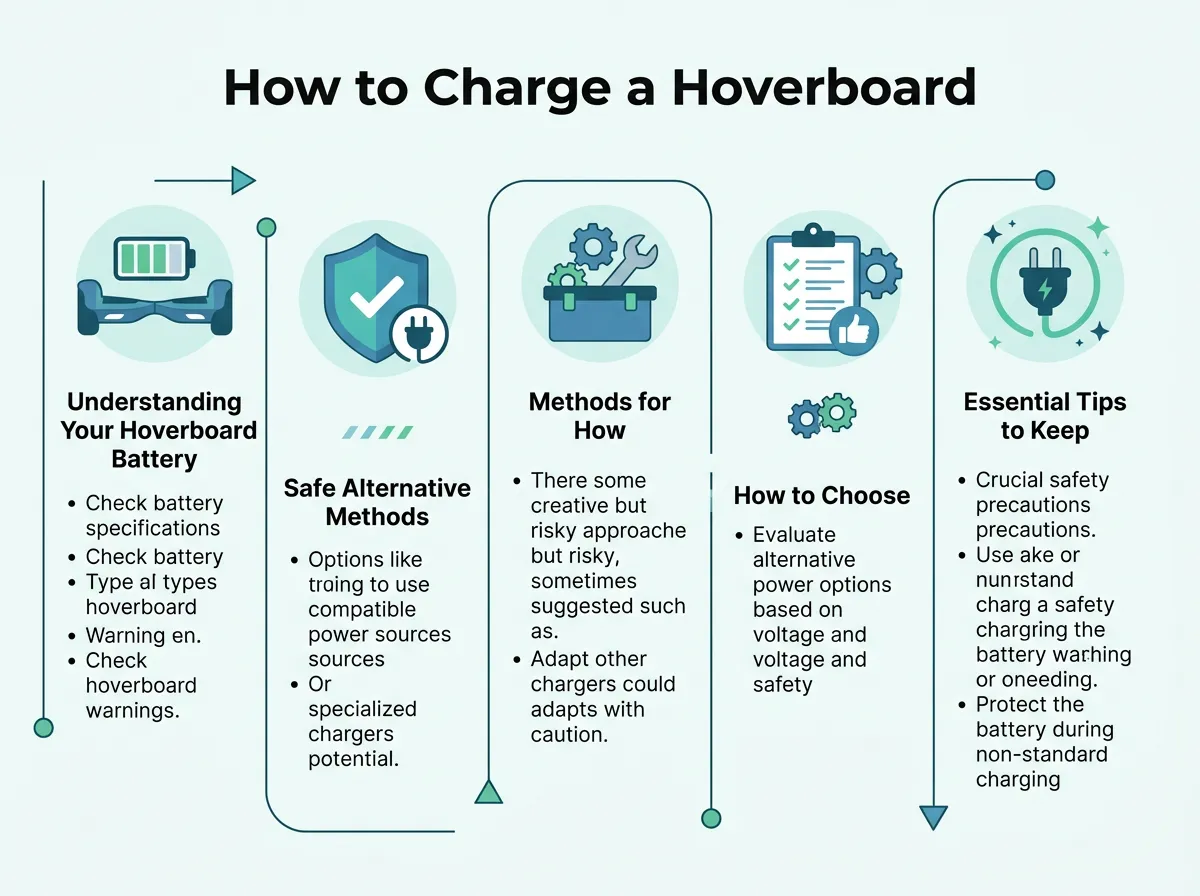
How to Charge a Hoverboard Without a Charger? — key points at a glance
Method 1: Using a Universal Laptop Charger
Many household laptop chargers look very similar to hoverboard plugs. A universal laptop charger often comes with adjustable voltage settings and a variety of interchangeable tips. If you have one of these at home, you can use it to solve the mystery of how to charge a hoverboard without a charger.
First, check the voltage selector on your universal charger. Set it to match the exact voltage listed on your hoverboard sticker, which is usually 42V for a 36V battery pack. Next, find the adapter tip that fits snugly into your hoverboard port. It should not be loose or wobbly. Once everything matches perfectly, plug it into the wall. Keep a close eye on the board. If the board gets hot to the touch, unplug it immediately.
Method 2: Utilizing a Portable Power Station
If you love outdoor adventures, you might own a portable power station. These handy devices are giant, high-capacity batteries with built-in AC outlets. This is a brilliant solution when you are away from home. You can learn details on how to charge a hoverboard using outdoor power options to keep your ride going during camping trips.
To use this method, you will still need a compatible charging cable. If you have a backup cable or a friend’s charger, you can plug it directly into the AC outlet of the power station. This is the safest way to charge on the go. The power station provides clean, stable sine-wave power that will not harm your sensitive hoverboard electronics.
Method 3: Using a Variable Bench Power Supply
This method is for the tech-savvy users out there. If you have a workshop with a variable bench power supply, you can use it to juice up your board. A bench power supply allows you to dial in the exact voltage and current limits manually.
Set your bench power supply to the exact charge voltage of your battery. Set the current limit to a safe level, such as 1.5 amps. Connect the positive and negative leads to the corresponding pins on the hoverboard charging port. You must use extreme caution here. Connecting the positive lead to the negative pin will cause a short circuit. Only try this if you have experience with multimeters and electrical circuits.
Methods for How to Charge a Hoverboard Without a Charger You Must Avoid at All Costs
When you search online for how to charge a hoverboard without a charger, you will find some very bad advice. Some videos and blogs suggest wild DIY tricks that are incredibly unsafe. Let us talk about what you should never do.
Splicing Bare Wires
Some internet guides suggest stripping the wires of an old USB cable or phone charger and shoving the bare copper into the hoverboard port. This is a recipe for disaster. A standard USB cable only carries 5 volts of power. Your hoverboard needs at least 36 volts. Splicing random wires can create sparks, melt the plastic port, or shock you. It is a major fire hazard that is never worth the risk.
Using Car Batteries
Another dangerous myth is connecting your hoverboard directly to a 12-volt car battery. A car battery does not provide the correct voltage for a hoverboard. Trying to link them together without a proper charge controller can cause the lithium battery to swell, rupture, or explode. Always keep car batteries far away from your smart ride.
How to Choose a Safe Replacement Charger
Alternative methods are great for emergencies, but they are not good long-term habits. The best long-term answer to how to charge a hoverboard without a charger is to buy a proper replacement as soon as possible. Here is how to find the perfect one.
Finding the Right Pin Configuration
Hoverboard charging ports usually have three tiny pins inside. This is called a 3-pin inline connector. When you shop for a new charger, make sure the female plug matches the pin layout of your board. Some rare models use a single-pin barrel plug, so double-check your board before hitting the buy button.
Checking for Safety Certifications
Never buy the cheapest charger you find online. Cheap, unbranded chargers often lack basic safety features like overcharge protection and short-circuit prevention. Look for a charger that is UL 2272 certified. This certification means the charger has passed strict safety tests. You can read more about safe charging habits on the Hoverboards UK charging guide to protect your investment.
Essential Tips to Keep Your Hoverboard Battery Healthy
Now that you know how to charge a hoverboard without a charger, let us discuss how to keep your battery in top shape. Proper maintenance will extend your battery’s lifespan and save you money in the long run.
Avoid Overcharging
Never leave your hoverboard plugged in overnight. Once the indicator light turns green, unplug it. Overcharging degrades the battery cells and reduces the overall riding time you get per charge. It also increases the risk of overheating.
Store Your Hoverboard Properly
Lithium batteries do not like extreme temperatures. Do not store your board in a freezing garage or a hot car trunk. Keep it in a cool, dry place inside your home. If you plan to store your board for a long time, charge it to about 50% first. Storing a completely dead battery can ruin its ability to hold a charge in the future.
Conclusion
Learning how to charge a hoverboard without a charger can save your afternoon when you are in a pinch. Tools like universal laptop chargers and portable power stations offer great temporary solutions if you match the voltage specs. However, safety should always come first. Avoid wild DIY wire hacks and invest in a quality, certified replacement charger as soon as you can. Treat your battery with care, and you will enjoy countless hours of smooth, worry-free riding!
Frequently Asked Questions
Can I charge a hoverboard with a phone charger?
No, you cannot charge a hoverboard with a standard phone charger. Phone chargers only supply 5 volts of power, whereas a hoverboard battery requires 36 to 42 volts to charge. Trying to do so will not work and can damage your ports.
Is it safe to use a laptop charger on a hoverboard?
It is only safe if you use a universal laptop charger where you can manually adjust the voltage output to match your hoverboard. If the voltage, amperage, and pin connection do not match exactly, you risk destroying your battery or causing a fire. Always use this method as a temporary last resort.
How long does a hoverboard take to charge?
Most standard hoverboards take about 2 to 3 hours to reach a full charge when using an official charger. If you are using an alternative method, charging times may vary, but you should monitor the board closely and never leave it plugged in unattended.
Can I charge a hoverboard with a USB cable?
No, a USB cable does not carry enough voltage or current to charge a hoverboard’s high-capacity lithium-ion battery. Attempting to strip USB wires and connect them directly to your board is extremely dangerous and can cause short circuits.
How do I know if my hoverboard is charging without a charger?
Some hoverboards will have an LED battery indicator light on the deck that flashes green or orange when power is successfully flowing into the system. If you are using a bench power supply or power station, you can also verify that power is flowing by checking the digital display on those devices.
What should I do if my hoverboard gets hot while charging?
If your hoverboard gets hot to the touch during charging, unplug it from the power source immediately. Overheating is a clear warning sign of a mismatched voltage or a damaged battery cell, which can lead to a fire. Allow the board to cool down completely in a safe area.
