


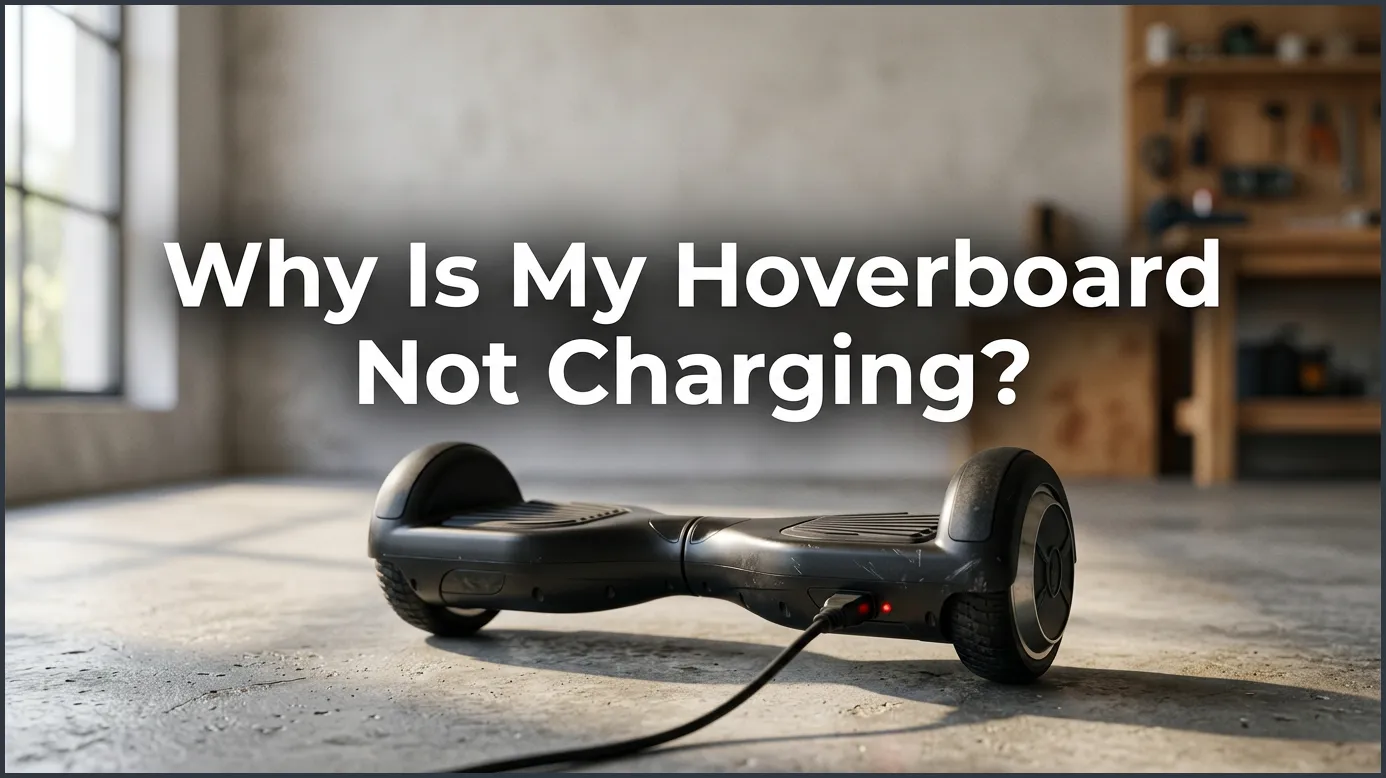
If your hoverboard won’t charge, the most common culprits are a faulty charger, a loose internal connection, or a completely dead lithium-ion battery. You can easily diagnose the issue by checking if the charger’s indicator light changes color and inspecting the charging port for physical damage. While many power issues can be solved by simply replacing the charger, a deeply depleted battery will require a safe replacement to get you riding again.
Why Is My Hoverboard Not Charging?
Imagine this scene. It is a warm, sunny Saturday morning. You are excited to ride your hoverboard around the park. You put on your shoes, grab your safety gear, and walk to your board. You tap the power button with your foot, but nothing happens. The board is completely dead.
You quickly plug it into the wall charger. You wait a few minutes, but the small light on the charger brick stays green or does not turn on at all. It is a very frustrating moment. You start to ask yourself, “Why is my hoverboard not charging?“
Do not worry. This is a very common issue that many riders face. In most cases, you do not need to buy a brand new board. This beginner’s guide will help you find the problem. We will look at easy ways to fix your board so you can get back to riding in no time.
Key Takeaways
- Check charger lights: A green light on an empty battery indicates a faulty charger or connection.
- Examine the port: Ensure the charging port pins are aligned and free of dirt or damage.
- Replace old batteries: Hoverboard batteries degrade over time and may need replacement if they won’t charge.
- Check internal wiring: Loose cables inside the hoverboard often prevent power from reaching the battery.
- Calibrate the system: A simple system reset can often resolve minor battery and charging glitches.
- Prioritize safety: Never leave a charging hoverboard unattended to prevent potential fire hazards.
📑 Table of Contents
- Common Reasons Why Is My Hoverboard Not Charging
- Reading the Charger Lights to Find Out Why Is My Hoverboard Not Charging
- Fixing a Bad Port: Why Is My Hoverboard Not Charging?
- Battery Health and Why Is My Hoverboard Not Charging
- Troubleshooting Guide: Why Is My Hoverboard Not Charging?
- Easy Maintenance Tips to Avoid Charging Issues
- Conclusion
Common Reasons Why Is My Hoverboard Not Charging
Before we open up the board, we need to understand the main causes. Usually, the issue comes down to three main parts. These are the charger, the charging port, or the battery itself. Let us look at these parts one by one to see why is my hoverboard not charging.
Bad Charger Connections
The first suspect is always the charger. Hoverboard chargers are quite delicate. If you drop the brick or pull the cord too hard, the wires inside can break. Sometimes, the charger looks fine on the outside, but it does not send power to the board. If the wires are broken, the battery will get no power.
Damaged Battery Cells
Lithium-ion batteries power these boards. They are great, but they can wear out. If you leave your board in a cold garage all winter, the battery might die completely. This is a common answer when you want to know why is my hoverboard not charging.
Loose Internal Wires
Hoverboards take a lot of bumps and drops. All that vibration can shake things loose inside. A tiny red or black wire might have popped off the circuit board. If this happens, power cannot reach the battery even if your charger is brand new.
Reading the Charger Lights to Find Out Why Is My Hoverboard Not Charging
The little LED light on your charger brick is like a doctor. It tells you exactly what is wrong if you know how to read it. Let us look at what these light signals mean to help you find why is my hoverboard not charging.
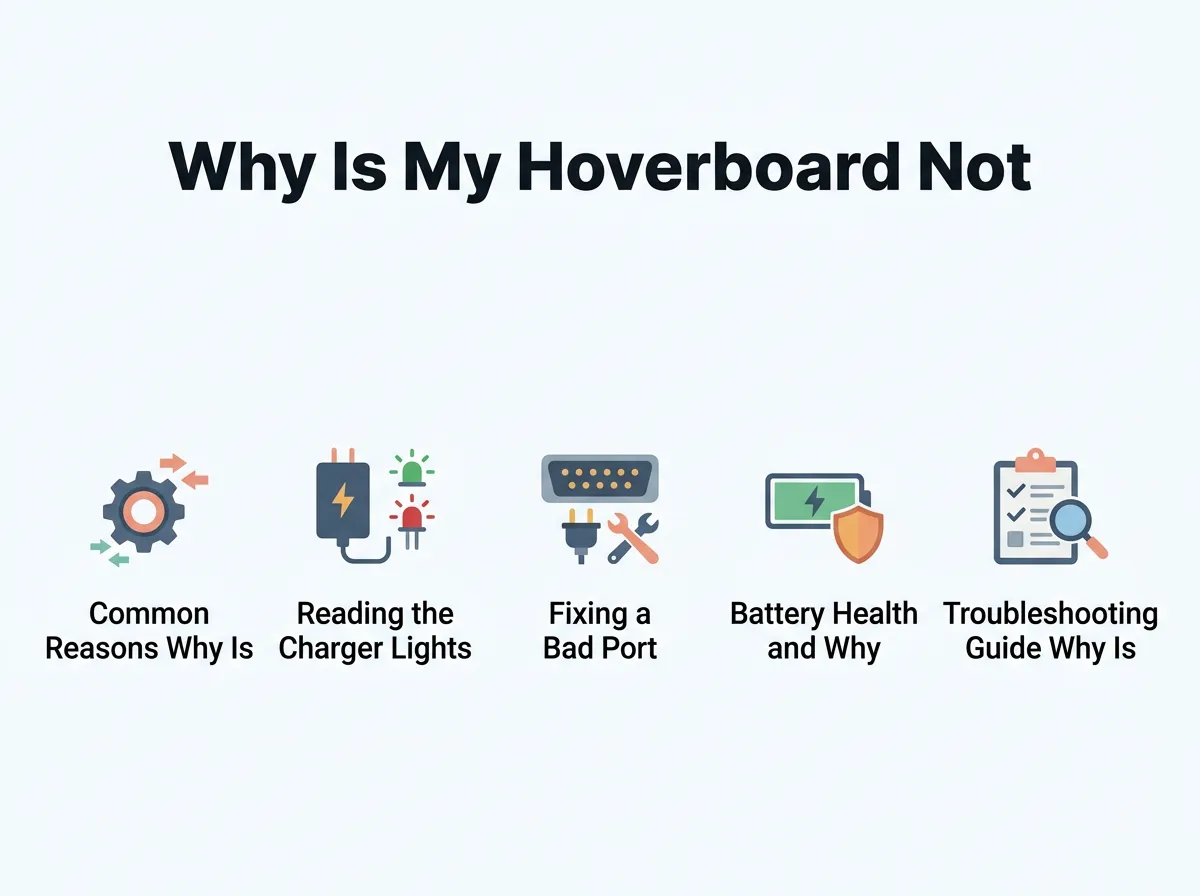
Why Is My Hoverboard Not Charging? — key points at a glance
The Solid Green Light
If you plug the charger into the wall and the light is green, that is normal. But if you plug it into your board and the light stays green, there is an issue. A green light means no power is flowing. The board is either fully charged, or the charger cannot detect the battery. If your board will not turn on but the light stays green, your battery might be dead or unplugged.
The Solid Red Light
A red light is actually a good sign. It means power is flowing from the wall straight into your battery. If you see a red light, let the board charge for two to three hours. If the light never turns green after many hours, your battery might be too old to hold a full charge.
No Light At All
If the charger light does not turn on at all when plugged into the wall, your charger is dead. Try plugging another device into the same outlet to test the wall socket. If the outlet works, you need to buy a replacement charger. This is a simple test when figuring out why is my hoverboard not charging.
Fixing a Bad Port: Why Is My Hoverboard Not Charging?
Sometimes the issue is not the battery or the charger. It is the small charging port on the side of your hoverboard. If the port is broken, you might wonder why is my hoverboard not charging even when plugged in. If you want to look into other repair options, you can check out common hoverboard repair resources online for replacement parts.
Aligning the Three-Pin Port
Most hoverboards use a three-pin charging port. Inside the port, there is a small plastic tab. This tab ensures you plug the charger in the right way. If you force the plug in backwards, you can bend the pins. Take a close look inside the port with a flashlight. If the pins are bent, you can gently bend them back with a small tool while the board is off.
Cleaning Dirt and Debris
Since hoverboards ride close to the ground, they collect a lot of dirt. Dust, grass, and mud can get trapped inside the port. This block prevents the charger pins from making contact. Use a wooden toothpick to gently clean out any dirt from the port. Never use metal tools like paperclips, as they can cause a short circuit.
Checking for Loose Ports
If you wiggle the charger plug and the light flickers, the port itself might be loose. The lock nut inside the board can back off over time. When this happens, the wires connected to the port can twist and snap. You will need to open the case to tighten the nut and solder any loose wires back in place.
Battery Health and Why Is My Hoverboard Not Charging
The battery pack is the most expensive part of your board. Understanding how it works will save you money and show you why is my hoverboard not charging. If you are having trouble with this, you can follow this step-by-step hoverboard charging troubleshooting guide to test your battery with a multimeter.
The Danger of Deep Discharge
If you do not ride your hoverboard for months, the battery slowly loses power. If the voltage drops too low, the smart charger will not recognize it. The charger thinks there is nothing connected. To prevent this, charge your board at least once a month, even if you are not using it.
Knowing When to Replace the Battery
Lithium batteries usually last for one to two years. If your board only runs for five minutes before dying, the battery is worn out. You will need to open the plastic shell and swap the old battery pack for a new one. Always buy a certified battery to ensure safety and quality.
Testing with a Multimeter
If you want to be sure about your battery, you can test it with a multimeter. A fully charged 36V hoverboard battery should read around 36 to 42 volts. If your meter reads below 30 volts, the battery is likely dead and cannot be saved by a normal charger.
Troubleshooting Guide: Why Is My Hoverboard Not Charging?
To make things easy, we made a simple guide to help you find the problem quickly based on what you see. Use this table to narrow down the issue and stop asking why is my hoverboard not charging.
| What You See (Symptom) | Likely Cause | Easy Fix |
|---|---|---|
| Charger light stays green when plugged into the board. | The board is not making contact, or the battery is dead. | Check the port pins. If they are fine, you may need a new battery. |
| Charger light is red, but never turns green. | The battery cannot hold a full charge. | Replace the battery pack. |
| No light on the charger brick at all. | The charger is broken or the wall outlet has no power. | Try a different outlet, or buy a new charger. |
| The board orange light blinks when charging. | The battery voltage is very low. | Leave it plugged in for a few hours to see if it recovers. |
| The charger light blinks green and red. | There is a short circuit or a wrong charger is used. | Unplug immediately. Check for the correct voltage match. |
Easy Maintenance Tips to Avoid Charging Issues
Preventing a problem is always better than fixing one. With some simple habits, you can keep your hoverboard running great for years. This will save you from wondering why is my hoverboard not charging in the future.
Let the Board Cool Down First
After a long, fast ride, your battery will be warm. Never plug in a hot hoverboard. Let it sit in a cool room for 15 minutes before you plug it into the wall. This protects the battery cells from heat damage and keeps them healthy.
Unplug Once Fully Charged
Do not leave your board plugged in overnight or for days. Once the charger light turns green, unplug it from the wall. Overcharging can stress the battery and shorten its overall lifespan. It can also be a safety hazard.
Store It Indoors
Extreme cold and extreme heat are very bad for batteries. Store your hoverboard in a dry, temperature-controlled room. Avoid damp basements, hot attics, or cold garages. If you store it for winter, charge it to about 50% first.
Conclusion
A dead hoverboard can put a quick stop to your weekend plans. However, finding the answer to why is my hoverboard not charging is usually quite simple. By checking your charger lights, cleaning the port, and keeping an eye on your battery health, you can solve most issues at home.
Always remember to put safety first. If you need to open your board, make sure it is unplugged. If you are not comfortable working on the wires, do not hesitate to ask a professional for help. Take good care of your board, and it will give you many miles of fun rides ahead!
Frequently Asked Questions
Why is my hoverboard not charging when plugged in?
This is often caused by a faulty charger, a loose internal connection, or a completely depleted battery. Try checking if the charger’s indicator light turns red when plugged into the hoverboard. If the light stays green or doesn’t turn on at all, you likely need to replace either the charger or the battery.
How do I know if my hoverboard charger is broken?
A working charger should display a green light when plugged into the wall and turn red when connected to a charging hoverboard. If the light remains green when connected to the board, or if it doesn’t light up at all, the charger is likely defective. You can test this by trying a different compatible charger to see if the board begins to power up.
Can a completely dead hoverboard battery be revived?
If a hoverboard battery is left uncharged for several months, it may enter a deep discharge state that prevents it from accepting a charge. In most cases, these batteries cannot be safely revived and must be replaced. To prevent this, always charge your hoverboard at least once a month, even when it is not in use.
Why is my hoverboard not charging and the light on the charger is green?
A persistent green light usually indicates that the charger is not successfully delivering power to the battery. This can happen if the charging port is damaged, the internal wiring is disconnected, or the battery itself is dead and rejecting the charge. Inspect the charging port pins for bend damage and ensure the internal cables are securely connected.
How do I reset a hoverboard that won’t charge?
Sometimes a simple system reset can resolve charging issues caused by software glitches. To reset it, turn off the hoverboard, place it on a flat surface, and hold the power button down for about 10 seconds until the lights flash. Release the button, turn the hoverboard off, and then plug it back in to see if it starts charging.
Is it dangerous to leave a hoverboard plugged in overnight?
Yes, leaving a hoverboard plugged in overnight or unattended is a fire hazard and can permanently damage the battery. Most hoverboards require only 2 to 4 hours to fully charge, and overcharging degrades the lithium-ion cells. Always unplug the device as soon as the charger light turns green to ensure safety and prolong battery life.
