


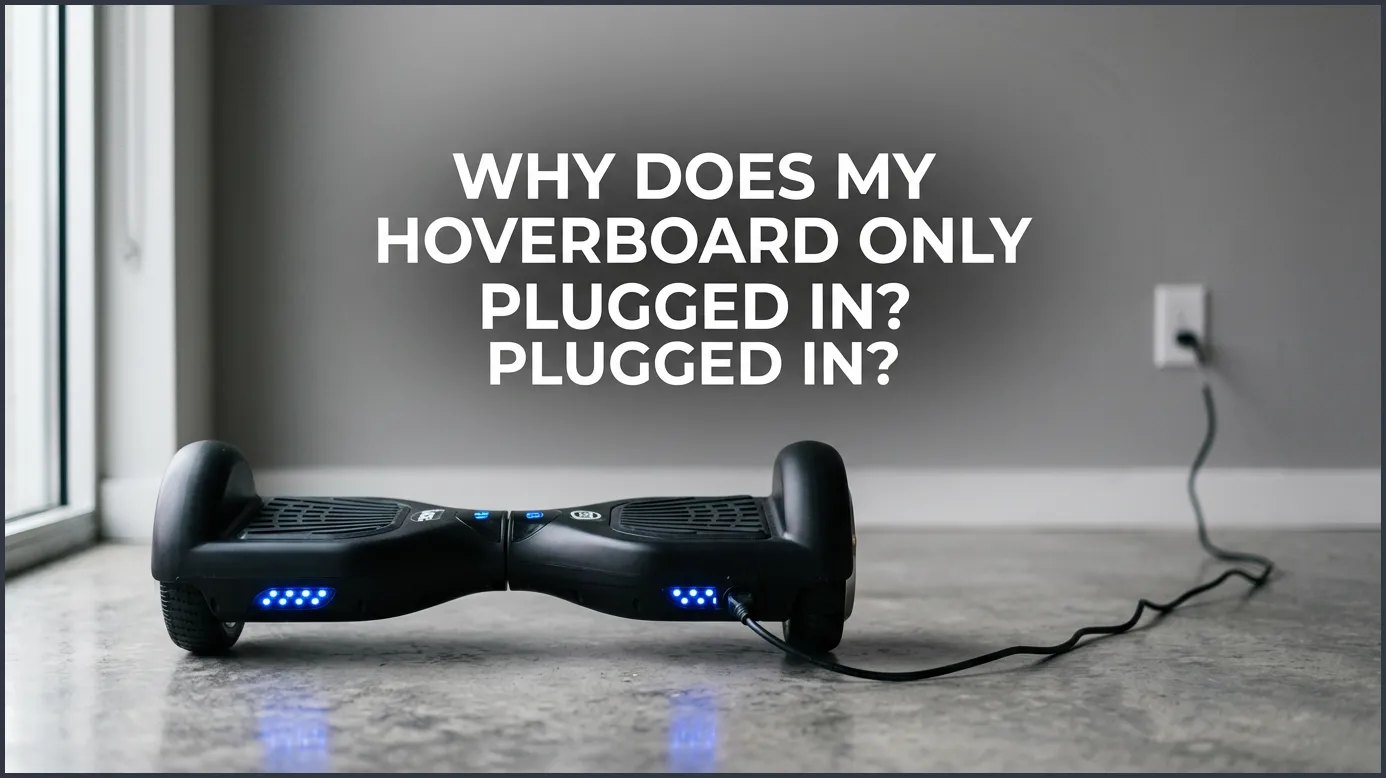
If your hoverboard only works while connected to the charger, you are likely dealing with a dead battery that can no longer hold a charge. This issue can also stem from loose internal wiring or a faulty motherboard. Replacing the battery or securing the connections will usually get you back to riding in no time.
Imagine the scene. The sun is shining, the weather is warm, and you are ready for a fun ride outside. You grab your favorite hoverboard, place it on the ground, and press the power button. Nothing happens. You plug it into the wall, and suddenly, the lights flash and everything seems perfect. But the moment you pull the plug, it dies again.
This situation is incredibly frustrating. It turns your fast, fun ride into a heavy paperweight. You might wonder if you broke it, or if it is just a simple glitch. Fortunately, this is a very common issue with a few clear causes.
In this beginner guide, we will dive deep into why your self-balancing board is acting up. We will look at batteries, cables, and motherboards to solve this mystery. By the end, you will know exactly how to diagnose the issue and get back to riding.
Key Takeaways
- Dead Battery: A lithium-ion battery that will not hold a charge is the most common cause of this problem.
- Loose Connections: Vibrations from riding can unplug internal wires connecting the battery to the motherboard.
- Charger vs. Battery: A green light on your charger often indicates a bad battery, not a fully charged one.
- DIY Testing: You can easily test your battery at home using a digital multimeter.
- Replacement Safety: Always choose certified replacement batteries to prevent fire hazards and ensure longevity.
📑 Table of Contents
Understanding the Symptoms: What Is Happening?
When you ask, “Why Does My Hoverboard Only Turn on When Plugged In?” you are looking at a power delivery problem. Your hoverboard has two main power states. It either runs on internal battery power, or it runs on direct power from your wall outlet. When it only turns on while plugged in, it means the electricity bypasses the battery entirely.
The Plug-In Paradox
This issue can be confusing. If the hoverboard turns on when plugged in, you know the screen, lights, and motherboard actually work. The circuit is complete, but only when the wall outlet provides the juice. This tells us the issue is not a dead motherboard. Instead, the flow of energy stops somewhere between the battery pack and the rest of the system.
The Green Light Illusion
Many riders look at their charger and see a green light. Normally, a green light means the battery is fully charged. However, in this case, the green light can lie to you. It often means the charger does not detect a battery at all. Since it cannot push power into the battery, it assumes the job is done and turns green. You can read more about these trick indicators in this hoverboard troubleshooting guide.
The Primary Culprit: A Dead Lithium-Ion Battery
In almost nine out of ten cases, the reason you are asking “Why Does My Hoverboard Only Turn on When Plugged In?” is a dead lithium-ion battery. These batteries are powerful, but they are also quite sensitive. If they sit empty for too long, they can slide into a sleep mode from which they cannot wake up.
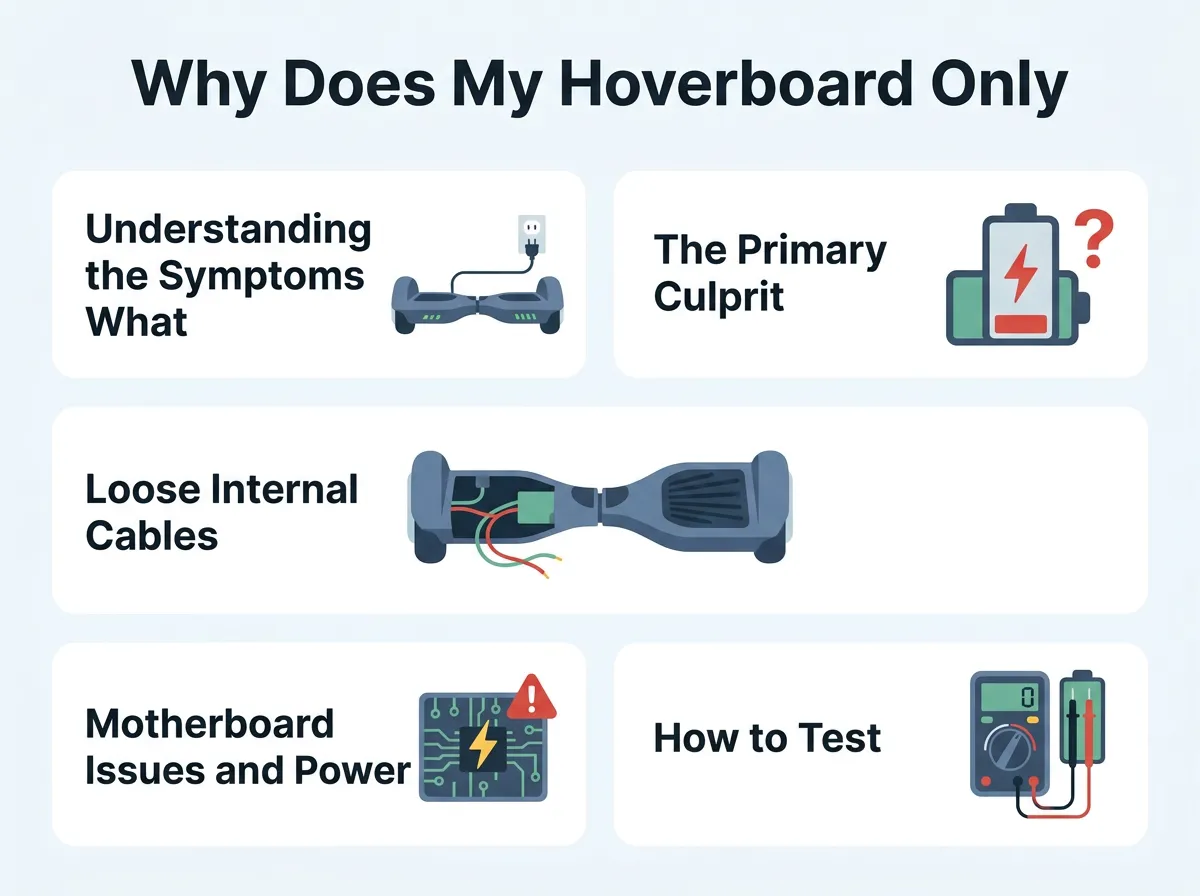
Why Does My Hoverboard Only Turn on When Plugged In? — key points at a glance
Why Hoverboard Batteries Fail
Batteries have a limited lifespan. They can only handle a certain number of charge cycles. Over time, the chemical components inside degrade. If you ride your board every day, the battery will naturally wear out after a year or two. Cheap, unbranded batteries tend to fail even faster.
The Cost of Long-Term Storage
Did you leave your hoverboard in the garage all winter? This is a classic mistake. If you store a hoverboard with a completely flat battery, the voltage drops too low. The battery protection circuit will then lock the battery for safety. Once this happens, the battery refuses to accept any new charge. It becomes a safety hazard to force charge it, so the system shuts it out.
Loose Internal Cables and Connectors
Hoverboards undergo a lot of physical stress. They bump over cracks, drop off curbs, and shake constantly. All this vibration can take a toll on the internal components. Sometimes, the fix is much simpler than buying a new battery.
How Riding Vibrations Disconnect Wires
Inside the plastic shell, several wires connect the battery, charging port, and motherboard together. These wires use plastic clips to stay in place. A hard bump can easily loosen these clips. If the main battery wire slips out of its socket, the motherboard cannot see the battery. It will behave as if no battery is installed, only turning on when you plug in the charger.
Checking the Battery Port Connections
If you feel comfortable using a screwdriver, you can check these wires yourself. Make sure the hoverboard is unplugged and turned off. Carefully remove the bottom screws to open the shell. Look for the thick yellow or red cables. Give them a gentle wiggle to ensure they are snapped tightly into their sockets. For other common wiring issues, you can check discussions on expert scooter support forums to see how other riders resolved similar loose connection problems.
Motherboard Issues and Power Distribution
If your battery and wires are in perfect shape, the issue might lie in the brain of your ride. The motherboard controls how power moves through the hoverboard. If a small chip on the board fails, the entire power system breaks down.
The Brain of the Hoverboard
Your hoverboard uses a main motherboard and often two smaller gyroscope boards. The main board has a power distribution circuit. This circuit decides whether to draw power from the wall or the battery. If the sensor that detects battery voltage fails, the board will ignore the battery entirely. This creates a loop where you wonder, “Why Does My Hoverboard Only Turn on When Plugged In?” even with a brand-new battery installed.
Signs of Motherboard Damage
Water is the biggest enemy of hoverboard motherboards. Riding through puddles or wet grass can cause short circuits. Look for dark, burnt marks on the green circuit board. A funny, plastic smell is also a major red flag. If you see or smell these signs, you will likely need to replace the motherboard entirely.
How to Test Your Hoverboard Battery Step-by-Step
Do not guess what is wrong with your hoverboard. You can easily test your battery with a simple tool called a multimeter. This tool measures electric voltage and will tell you if your battery is truly dead.
The Multimeter Test
First, grab a digital multimeter and set it to measure DC voltage. Open your hoverboard shell to access the battery. Locate the main power cable coming out of the battery pack. Carefully insert the multimeter probes into the battery connector. Be very careful not to let the positive and negative metal probes touch each other, as this can cause a spark.
Checking the Voltage Readings
Most standard hoverboards use a 36-volt battery pack. When fully charged, it should actually read around 42 volts. If your multimeter shows a reading below 30 volts, your battery is severely depleted. If it reads under 20 volts, the battery is completely dead and cannot be saved. In this case, you must replace it to solve the mystery of: “Why Does My Hoverboard Only Turn on When Plugged In?”
Safe Solutions and Next Steps
Once you find the root cause, it is time to take action. Fixing these issues is straightforward if you follow the right steps. Dealing with electricity requires care, so always prioritize safety.
Buying a Replacement Battery
If your battery failed the multimeter test, you need a replacement. Do not buy the cheapest battery you find online. Look for certified UL 2272 batteries. These certifications ensure the battery has passed strict safety tests. This protects your home from fire hazards. For more help on finding quality parts and managing repairs, look at this list of common hoverboard problems and fixes.
Safety Tips for Battery Installation
Replacing the battery is a great weekend project. Start by taking a photo of the wiring before you unplug anything. This photo will be your guide when you install the new pack. Ensure you mount the new battery securely. A loose battery can bounce around and damage itself or other internal parts during your next ride.
Conclusion
Answering “Why Does My Hoverboard Only Turn on When Plugged In?” usually leads to a tired, dead battery or a simple loose wire. While it is disappointing to face a broken ride, these issues are highly fixable. By testing your battery and checking your connections, you can easily find the problem. Remember to prioritize safety by using certified parts and taking your time during repairs. Soon enough, you will be back gliding down the sidewalk with a fully charged, fully working hoverboard!
Frequently Asked Questions
Can I ride my hoverboard while it is plugged into the wall?
No, you cannot ride your hoverboard while it is plugged in. For safety reasons, hoverboards have a built-in cutoff switch that prevents the motors from running while the charger is connected.
How long does a hoverboard battery typically last before needing replacement?
A standard lithium-ion hoverboard battery lasts between 1 to 2 years with regular use. Proper storage and regular charging can help extend this lifespan significantly.
Why does my charger show a green light if my hoverboard will not turn on?
A green light can mean the battery is fully charged, but it also lights up when the charger detects no battery at all. If the battery is completely dead or disconnected, the charger defaults to a green light.
Is it safe to leave my hoverboard charging overnight?
No, it is not safe to leave a hoverboard charging overnight. Overcharging can damage the battery cells, reduce overall life, and in rare cases, pose a serious fire hazard.
How can I prevent my hoverboard battery from dying during winter storage?
To protect your battery, charge it to about 50% to 80% before storing it. Pull it out of storage and charge it once a month to keep the voltage from dropping too low.
How much does a replacement hoverboard battery cost?
A certified, high-quality replacement battery usually costs between $30 and $70. Always ensure you buy a UL-certified battery to guarantee safety and compatibility.
