


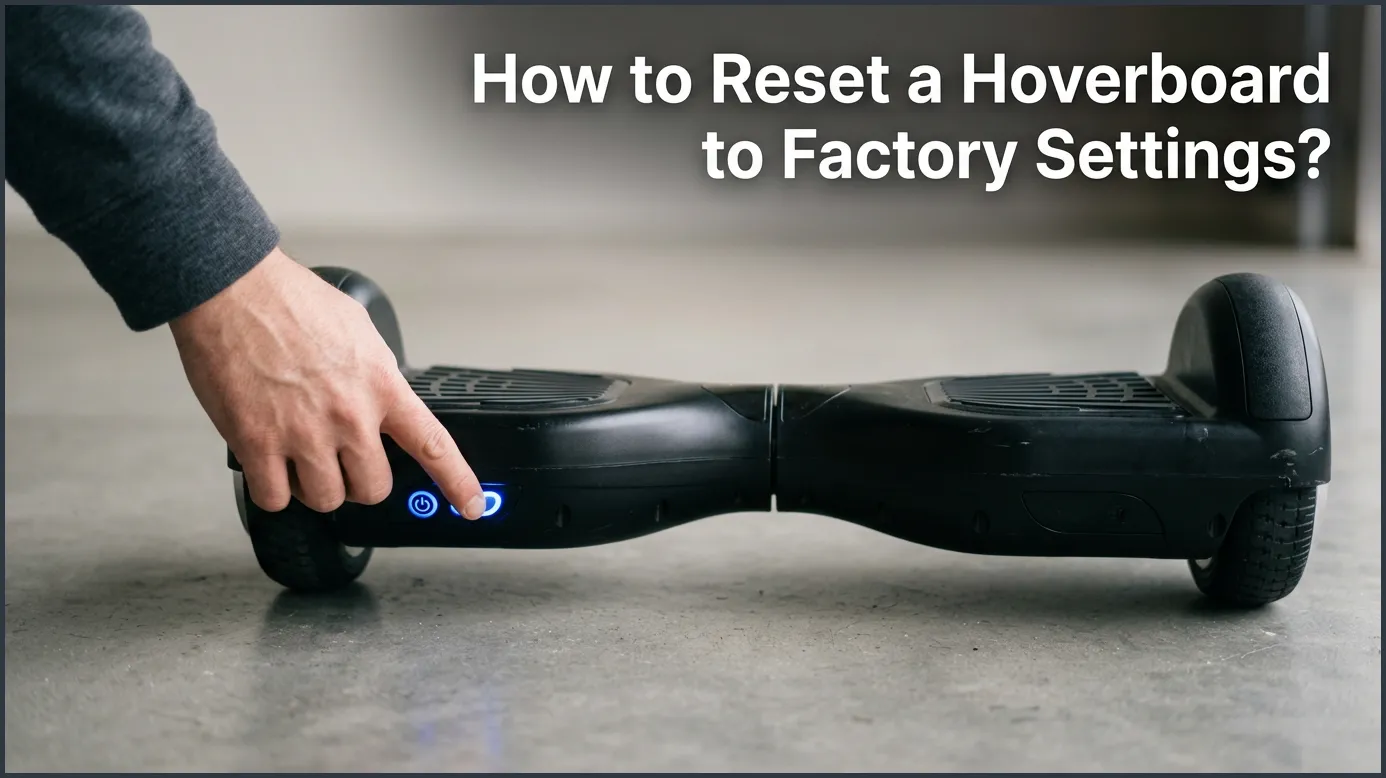
If your hoverboard is shaking, leaning, or flashing red lights, a simple system reset can fix it. You can easily recalibrate your board by holding the power button down for 10 seconds while keeping it completely level. This quick process restores your hoverboard to its factory settings and solves most common balance issues.
Imagine this. You step onto your hoverboard. You are ready to ride. But your board starts to shake. It feels like it has a mind of its own. It tilts to one side. It makes loud beeping sounds. A red light flashes on the deck. Do not worry. Your board is not broken. It just lost its balance. If you have ever wondered how to reset a hoverboard to factory settings, you are in the right place.
This common issue happens to almost every rider at some point. It can feel scary, but the fix is incredibly simple. In this guide, we will teach you how to recalibrate your board in just a few minutes. We will cover the basic steps, special tips for Bluetooth boards, and what to do if the reset does not work on the first try. Let us get your ride back to normal!
Key Takeaways
- Fixes common issues: Resetting solves shaking, uneven riding, and beep alerts.
- Keep it level: The board must be perfectly flat during calibration for the reset to work.
- Use the power button: Most boards reset by holding the power button for 10 seconds.
- Watch the lights: Flashing LEDs indicate the reset process has started.
- Power off to save: You must turn the board off and back on to lock in the new settings.
- Bluetooth models differ: Some Bluetooth hoverboards require extra care during a reset.
📑 Table of Contents
Why Does Your Hoverboard Need a Reset?
To fix the problem, it helps to understand why it happened. Your self-balancing scooter relies on tiny smart sensors. These sensors are called gyroscopes. They detect your weight and balance. They tell the motors which way to go and how fast to spin. Many riders ask how to reset a hoverboard to factory settings when their device starts acting up.
Over time, these sensors can get confused. Bumping into curbs, riding on rough roads, or jumping off the board can knock them out of line. When this happens, the board no longer knows what “flat” feels like. It thinks it is tilted when it is actually level. This causes the motor to spin unevenly, leading to shaking and spinning.
Common Symptoms of a Misaligned Hoverboard
How do you know it is time for a reset? Watch out for these warning signs:
- One side of the board feels lower than the other.
- The board shakes wildly when you step on it.
- You see a blinking red light in the center of the deck.
- The board keeps beeping and will not move.
- It pulls to the left or right when you try to ride straight.
If you notice any of these issues, you need to learn how to reset or balance your hoverboard to restore its brain.
Step-by-Step Guide: How to Reset Your Hoverboard
Let us walk through the simple steps to reset your board. You do not need any special tools for this. You only need your hands and a flat surface. The steps for how to reset a hoverboard to factory settings are very simple and take less than five minutes.
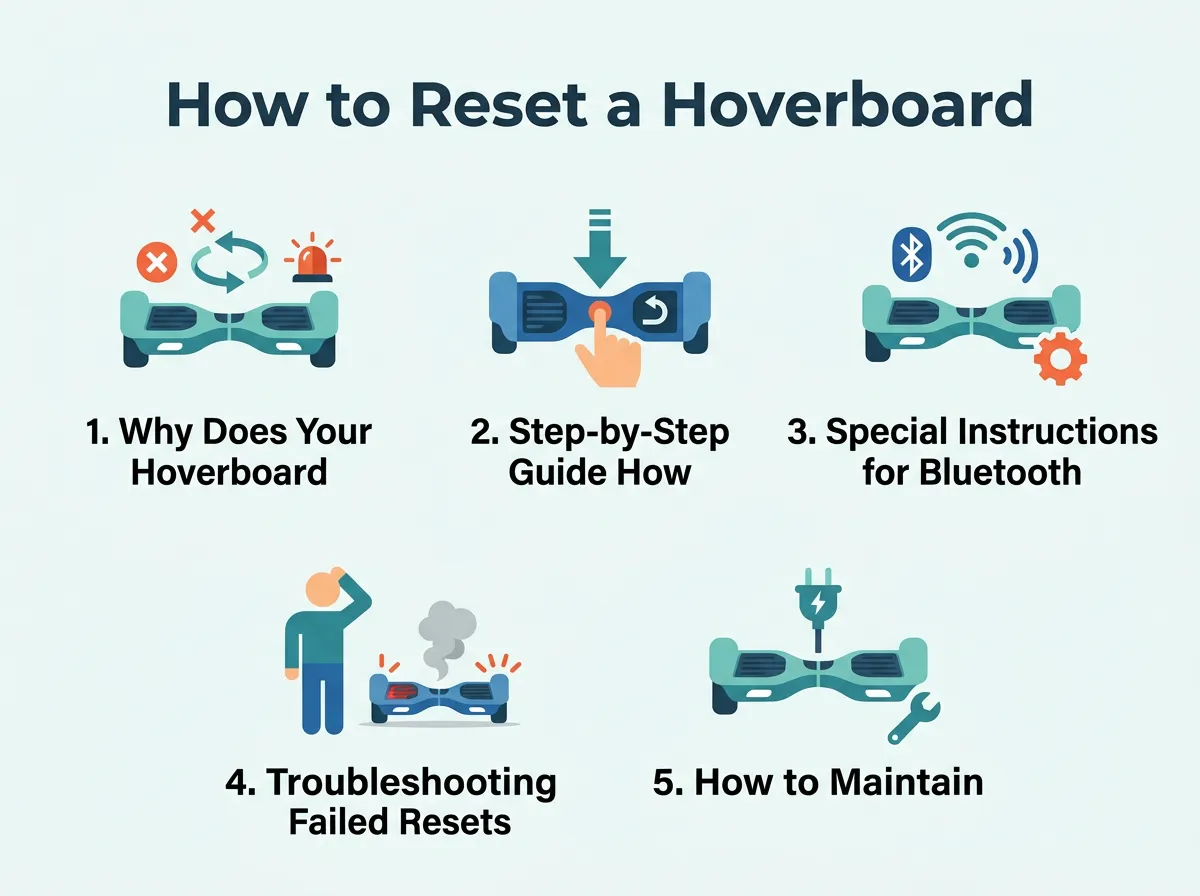
How to Reset a Hoverboard to Factory Settings? — key points at a glance
Step 1: Power Down Your Board
First, turn your hoverboard completely off. Do not try to reset it while it is in sleep mode. Press the power button and make sure all the lights go dark. If it is plugged into the charger, unplug it now.
Step 2: Find a Flat, Level Surface
This is the most important step. Find a flat floor in your home. Tile, wood, or flat concrete works best. Avoid thick carpets, as they can tilt the board. Place your board down on this flat surface.
Step 3: Align the Halves
Look closely at both sides of your board. They must be perfectly level with the ground. They must also be perfectly aligned with each other. Use a spirit level tool if you have one. If not, just use your eyes to make sure the footpads are flat and even.
Step 4: The 10-Second Hold
Locate the power button. Press and hold it down. Do not let go! After about 3 to 5 seconds, you will hear a beep. Keep holding the button down. Hold it for a full 10 seconds.
Step 5: Wait for the Light Show
While you hold the button, the LED lights will start to flash. This means the board is in calibration mode. Once the lights flash rapidly, you can release the power button. Keep the board completely still during this time. Let the lights flash for another 10 to 15 seconds.
Step 6: Power Off to Save
Press the power button once to turn the board off. This action saves the new level settings to the board’s memory. Wait a few seconds, then turn it back on. Your board is now fully reset and ready to ride!
Special Instructions for Bluetooth and Brand-Specific Models
Most boards use the exact steps listed above. However, some special models require a slightly different touch. You might worry that learning how to reset a hoverboard to factory settings is harder for Bluetooth models, but the process is nearly identical.
Resetting Bluetooth Hoverboards
If your board has Bluetooth speakers, the reset process might play a loud noise or a voice prompt. Do not let this startle you. Keep holding the power button until the lights flash. Sometimes, a Bluetooth board may fail to connect to your phone after a reset. If this happens, simply delete the board from your phone’s Bluetooth list and pair it again.
Brand-Specific Tips
Different brands may have unique reset steps. For example, if you ride a Jetson board, you should check how to recalibrate my hoverboard on the official Jetson support page. Their systems sometimes require you to hold the button for a bit longer or wait for a specific color of light.
Likewise, if you ride a Gyroor model, you might need a different approach. You can read the hard reset a Gyroor hoverboard guide to get exact steps for their advanced self-balancing systems. Always check your user manual if the basic method fails.
Troubleshooting Failed Resets
What happens if you did the reset but the board still shakes? Do not panic. If you tried to learn how to reset a hoverboard to factory settings but your board still has issues, you might need to troubleshoot further.
Checking the Green Light Status
When you turn the board back on, look at the system indicator light. It should be solid green. If it flashes green or turns red, the board did not save the calibration. Try the reset process again, but make sure the board is 100% still. Even a tiny wobble during the reset can cause it to fail.
Inspecting Internal Cables
If you reset the board five times and it still does not work, you might have a hardware issue. Sometimes, a hard crash can unplug a small wire inside. If you feel comfortable, you can unscrew the bottom cover. Look for any loose plugs or pinched wires. If you see any, gently plug them back in. If you are not comfortable doing this, take it to a local repair shop.
How to Maintain Your Hoverboard Calibration
Once you know how to reset a hoverboard to factory settings, keeping it calibrated is the next step. How can you prevent your board from losing its settings again?
Avoid Jumping Off
When you are done riding, always step off backward, one foot at a time. Never jump off the board. Jumping off makes the motors spin freely for a second. This sudden movement confuses the gyroscopes and ruins the calibration.
Stay on Smooth Ground
Try to ride on smooth pavements. Grass, gravel, and cracked streets are fun, but they shake the internal sensors. If you must ride on rough ground, slow down to reduce the vibration.
Store It Correctly
Do not throw your board into a pile in your closet. Store it flat on its wheels. Storing it on its side can put pressure on one wheel, which can slowly throw off the balance sensors over time.
Conclusion
Mastering how to reset a hoverboard to factory settings will keep your ride smooth and safe. It is the easiest way to fix shakes, spins, and annoying red lights. By keeping your board level and holding the power button for 10 seconds, you can save time and money on repairs. Always remember to ride safely, wear a helmet, and keep your board on flat ground during a reset. Happy riding!
Frequently Asked Questions
How often should I reset my hoverboard?
You only need to reset your hoverboard when it starts acting up. If you notice shaking, leaning, or flashing red lights, perform a system reset. Regular riders might need to do this once every few months.
Why is my hoverboard still beeping after a reset?
If your board keeps beeping after a reset, the battery might be low. Try charging it fully for 2 to 3 hours. If the beeping continues, there may be a loose wire inside the board that needs professional repair.
Do I need to unscrew my hoverboard to reset it?
No, you do not need to open the board for a standard factory reset. The entire process is done using only the power button. You only need to open the board if you suspect a loose wire or physical damage.
Can I reset my hoverboard on a carpet?
It is highly recommended to avoid carpets during a reset. Carpets can cause the board to tilt slightly, which leads to a bad calibration. Always use a hard, flat surface like tile or wood.
Will a reset fix a hoverboard that won’t turn on?
No, a reset will not fix a board that has no power. If your board will not turn on, check your charger and battery health. A reset only works if the board can power up and enter calibration mode.
Is the reset process the same for all brands?
Almost all hoverboard brands use the same 10-second power button hold to reset. However, some brands like Jetson or Gyroor may have unique light patterns or require slightly longer holds. Always check your user manual if the standard way fails.
