


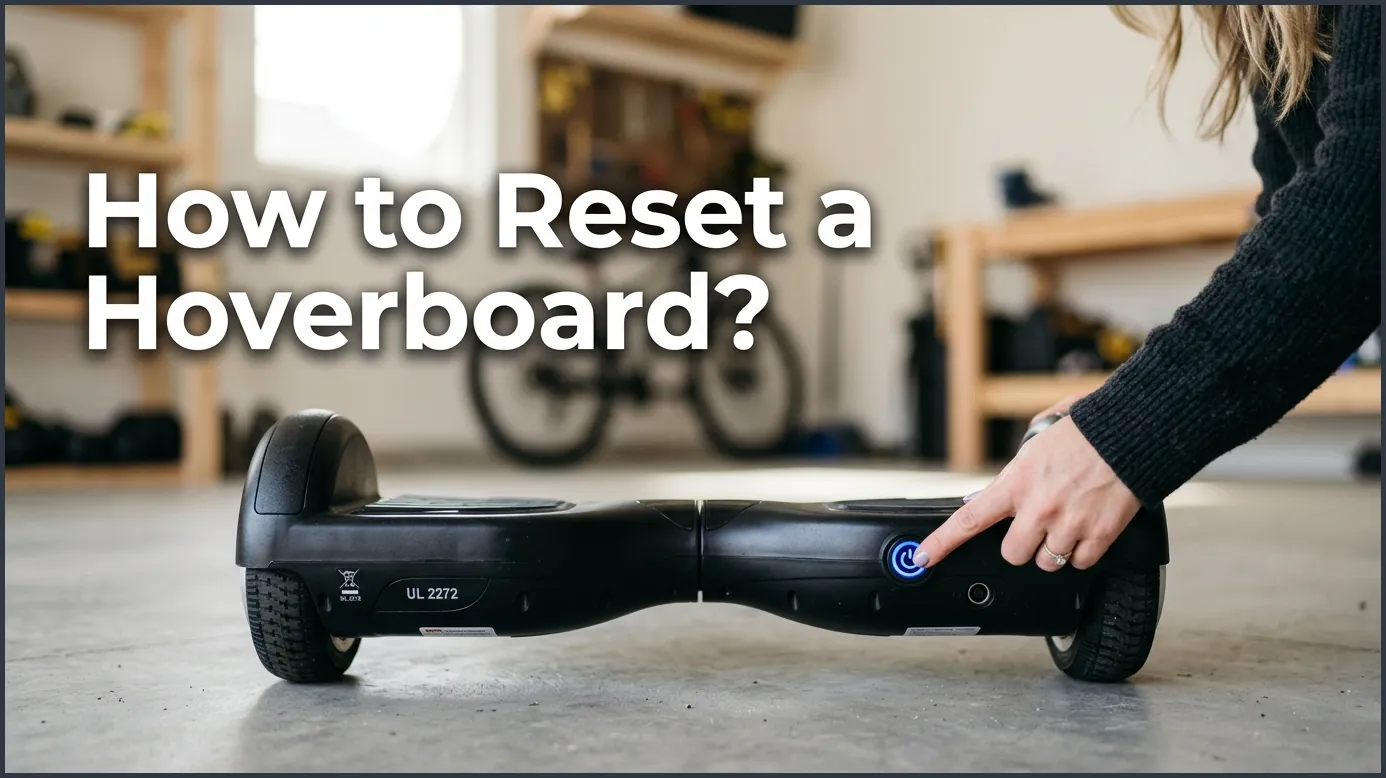
If your hoverboard is shaking, pulling to one side, or flashing a red light, you can easily fix it by performing a hard reset. To do this, turn off the board, level the pedals perfectly, press and hold the power button for 10 seconds until the lights flash, and then turn it off and back on again. This simple calibration process solves over 90% of common hoverboard issues in less than a minute.
Imagine this. You step onto your board. You are ready for a fun ride. You lean forward. Suddenly, the board shakes. It tilts to one side. It makes a loud, annoying beep. A bright red light starts to flash. You feel like you might fall off. This can be very frustrating. It can even feel a bit scary.
You might think your board is broken. You might think you need to buy a new one. But do not worry. Most of the time, your board is just confused. Its internal sensors have lost their balance. The good news is that you can fix this in less than a minute. Many people ask how to reset a hoverboard when they see these signs, and the answer is simpler than you think.
In this guide, we will show you exactly how to reset a hoverboard. We will cover the basic steps that work for almost every brand. We will also share brand-specific tips and troubleshooting advice. Let us dive in and get your board running smoothly again!
Key Takeaways
- Fixes Most Glitches: A quick reset solves shaking, tilting, beep codes, and blinking red lights.
- Leveling is Critical: Always make sure both foot pedals are completely flat and level before starting the reset process.
- Hold for Ten Seconds: You must hold the power button down for up to ten seconds to trigger the flashing calibration lights.
- Disconnect Bluetooth: Turn off any active Bluetooth connections before resetting to avoid system errors.
- Check Internal Parts: If a reset does not work after three tries, you might have a bad battery or a loose wire.
📑 Table of Contents
Why Does Your Hoverboard Need a Reset?
Your board is a smart machine. It relies on small parts called gyroscopes. These sensors tell the board when you lean. They help the board stay level. But these sensors can easily get mixed up. When they do, you need to learn how to reset a hoverboard to make them work right again.
The Signs of a Misaligned Board
How do you know when it is time for a reset? There are a few clear signs. First, the board might pull to one side. You try to go straight, but it turns left or right. Second, the board might shake violently. This often happens when you step on it. Third, you might see a red warning light. Finally, the board might make a continuous beeping sound. If you notice any of these signs, a quick reset is your best first step.
How Calibration Gets Out of Whack
Why does this happen in the first place? Hoverboards go through a lot. They bump into walls. They roll over cracks in the pavement. They drop off curbs. All of these small shocks can shift the internal sensors. Even riding on rough grass or gravel can cause issues. Sometimes, a low battery can also trigger system errors. Over time, these small shifts add up. That is why knowing how to reset a hoverboard is a vital skill for every rider.
Step-by-Step Guide: How to Reset a Hoverboard
Now, let us look at the actual process. This is often called calibration. It is very simple. You do not need any special tools. You just need a flat surface and a few seconds of patience. Follow these easy steps to learn how to reset a hoverboard.
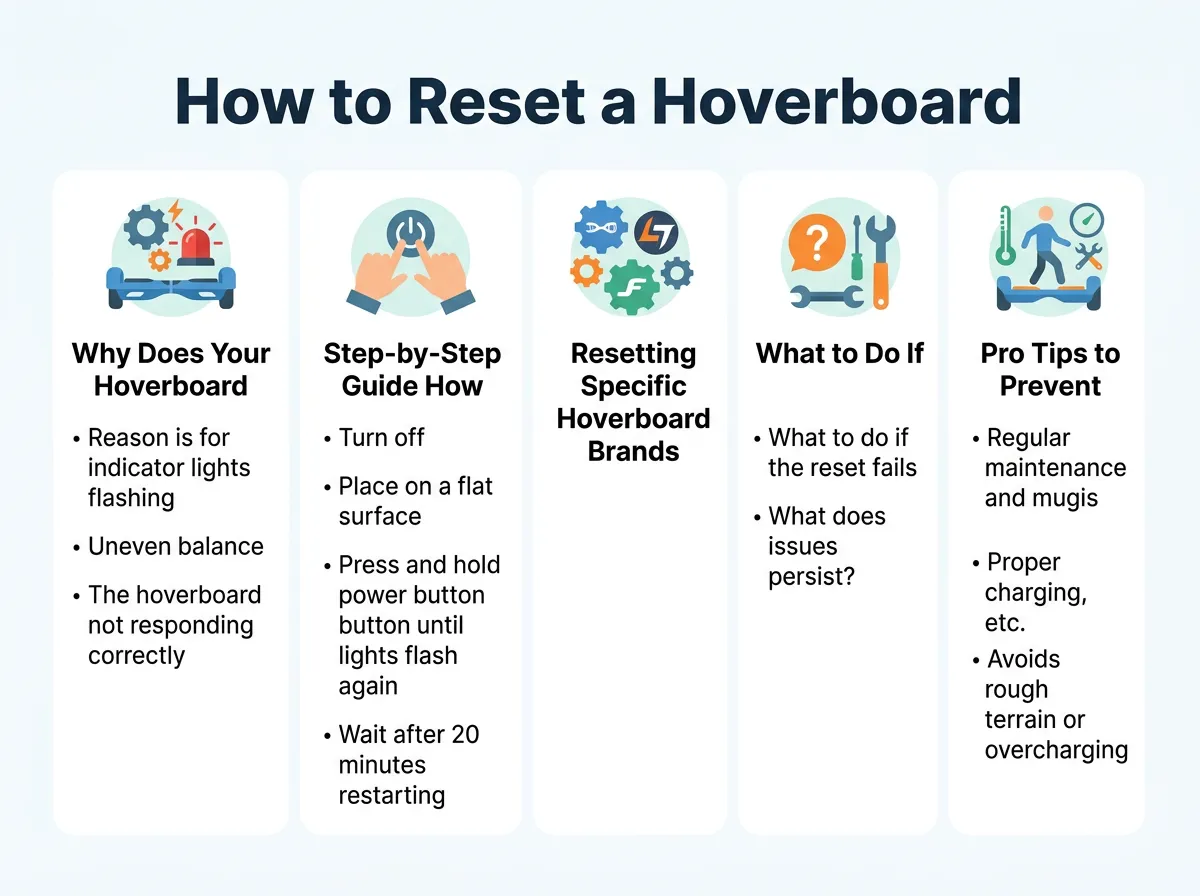
How to Reset a Hoverboard? — key points at a glance
Step 1: Power Down and Prepare
First, turn your hoverboard completely off. Do not just put it in sleep mode. Use the main power button to shut it down. Once it is off, make sure it is not plugged into the charger. It is safer to reset the board when it is disconnected from any power source.
Step 2: Level the Foot Pedals
This is the most important step in how to reset a hoverboard. You must find a flat, even floor. A tiled floor or a hard wood floor works best. Avoid thick carpets, as they can tilt the board. Place your board down. Now, line up the foot pedals. They must be perfectly level with the ground. They must also be level with each other. You can use a small bubble level if you have one. If not, just look at the board from the side. Make sure the green plastic pads are totally flat. If your board is tilted during this step, it will calibrate incorrectly. You can learn how to reset or balance your hoverboard to fix these annoying tilts and ensure a perfectly level ride.
Step 3: Trigger the Calibration Mode
With the board level and turned off, find the power button. Press the power button down and hold it. Do not let go. Keep holding it for about five to ten seconds. Soon, you will hear a beep. The lights on the board will start to flash. Some boards will flash their front LED lights. Others will flash the battery light. Once the lights start flashing, you can let go of the power button. The board is now in calibration mode. It is rewriting its balance settings. Keep the board perfectly still during this time. Do not touch it or move it.
Step 4: Save and Restart
Let the lights flash for another five to ten seconds. This gives the computer time to save the new level position. Next, press the power button once to turn the board off. This saves the calibration data. Wait about three seconds. Finally, press the power button again to turn the board back on. Your hoverboard is now reset! Step on it carefully to test it out. It should feel stable, smooth, and ready to roll. Once you know how to reset a hoverboard, you will never worry about sudden shaking again.
Resetting Specific Hoverboard Brands
Most hoverboards use the same basic system. However, some popular brands have slight differences. Let us look at how to handle a few specific models.
How to Calibrate a Jetson Hoverboard
Jetson boards are very popular. They are sleek and fun to ride. If you ride a Jetson, you can follow these specific steps to recalibrate your Jetson hoverboard quickly and get back on the road. For most Jetson models, you must make sure the board is off. Level the pedals. Hold the power button for about five seconds. You will see the LED lights on the wheels or the body flash. Once they flash, turn the board off. Turn it back on, and you are good to go.
Resetting Other Popular Brands
If you own a Swagtron or a Razor hoverboard, the process is very similar. Some Swagtron models will beep twice when they are calibrated. Razor boards often have a green light that blinks during the process. If your board has Bluetooth, make sure to turn off your phone’s Bluetooth before you start. An active Bluetooth connection can sometimes interrupt the reset process. Always check your user manual if the standard hold-and-flash method does not work.
What to Do If the Reset Fails
Sometimes, you try to reset the board, but the issues do not go away. The red light might keep flashing. The board might still shake. Do not panic. There are a few things you can check.
Checking the Internal Wiring
If your board still acts up after three resets, you might have a loose wire. When hoverboards bump into things, wires can unplug. If you are comfortable with basic tools, you can unscrew the bottom cover. Look for any loose cables. Often, the yellow gyroscope cables can slip out of their sockets. Simply plugging them back in can fix the issue. However, only do this if your warranty is already expired. Opening the board can void your warranty. When simple resets fail, a deeper look into a hard reset hoverboard guide can help you fix bad gyroscopes and trace loose wires inside the shell.
Testing the Battery Health
A bad battery can also cause calibration errors. If your board is old, the battery might not hold a full charge. When the voltage drops, the sensors stop working correctly. This can cause the board to shut down or shake. If your board only rides for a few minutes before beep codes start, you likely need a new battery pack. Always buy a certified replacement battery to stay safe.
Pro Tips to Prevent Future Calibration Issues
You now know how to reset a hoverboard. But it is even better to prevent these issues from happening in the first place. Here are a few simple tips to keep your board balanced.
Avoid Rough Landings and Jumps
Hoverboards are tough, but they are not skateboards. Avoid jumping off curbs. Try not to hit bumps at high speeds. Every hard impact can knock the gyroscopes out of alignment. If you want your board to stay calibrated, ride smoothly. Use ramps instead of curbs whenever you can.
Keep Your Board Dry and Clean
Water is the enemy of electronic boards. Never ride your hoverboard through deep puddles or in heavy rain. Water can seep into the sensors and ruin them. Also, keep dirt and hair out of the wheel axles. A dirty axle can drag on one side. This makes the board think it is off-balance, which leads to annoying tilts and shakes. Wipe your board down with a damp cloth after riding to keep it in top shape.
Conclusion
Learning how to reset a hoverboard is a skill that every rider should know. It is the ultimate quick fix for shakes, tilts, and warning lights. In most cases, you do not need a repair shop. You just need a flat floor, a few seconds to hold the power button, and a quick restart. By keeping your board clean, riding smoothly, and resetting it when needed, you can enjoy a safe ride for years to come. Now, get out there, reset your board, and enjoy the ride!
Frequently Asked Questions
Why is my hoverboard shaking when I step on it?
Your hoverboard is shaking because its internal gyroscope sensors have lost their calibration. This can happen after a hard bump or if you step on the board too slowly. A quick manual reset will easily fix this issue and make the ride smooth again.
How many times can I reset my hoverboard?
You can reset your hoverboard as many times as you need to. There is no limit, and doing a reset will not damage the internal software or battery. However, if you have to reset it after every ride, you likely have a hardware issue.
Why is my hoverboard blinking red and beeping?
A blinking red light and beeping sound usually mean the board has detected a balance or system error. It can also mean the battery is very low or the board is tilted too far. Try charging the board fully, and then perform a standard reset to clear the error.
Will resetting my hoverboard fix battery issues?
No, resetting the board only recalibrates the balance sensors. If your battery is old, damaged, or cannot hold a charge, a reset will not help. You will need to purchase a certified replacement battery pack to solve power problems.
Do I need to turn off Bluetooth before calibration?
Yes, it is highly recommended to turn off Bluetooth on your phone before you start. Active Bluetooth signals can sometimes interfere with the board’s internal chip during the reset process. Disconnecting first ensures a clean, successful calibration.
What if my hoverboard will not turn off to reset?
If your board is frozen and will not turn off, do not force it. Let the battery run down completely until the lights go out. Once the battery is empty, plug it in to charge it slightly, and then perform the reset process as normal.
