


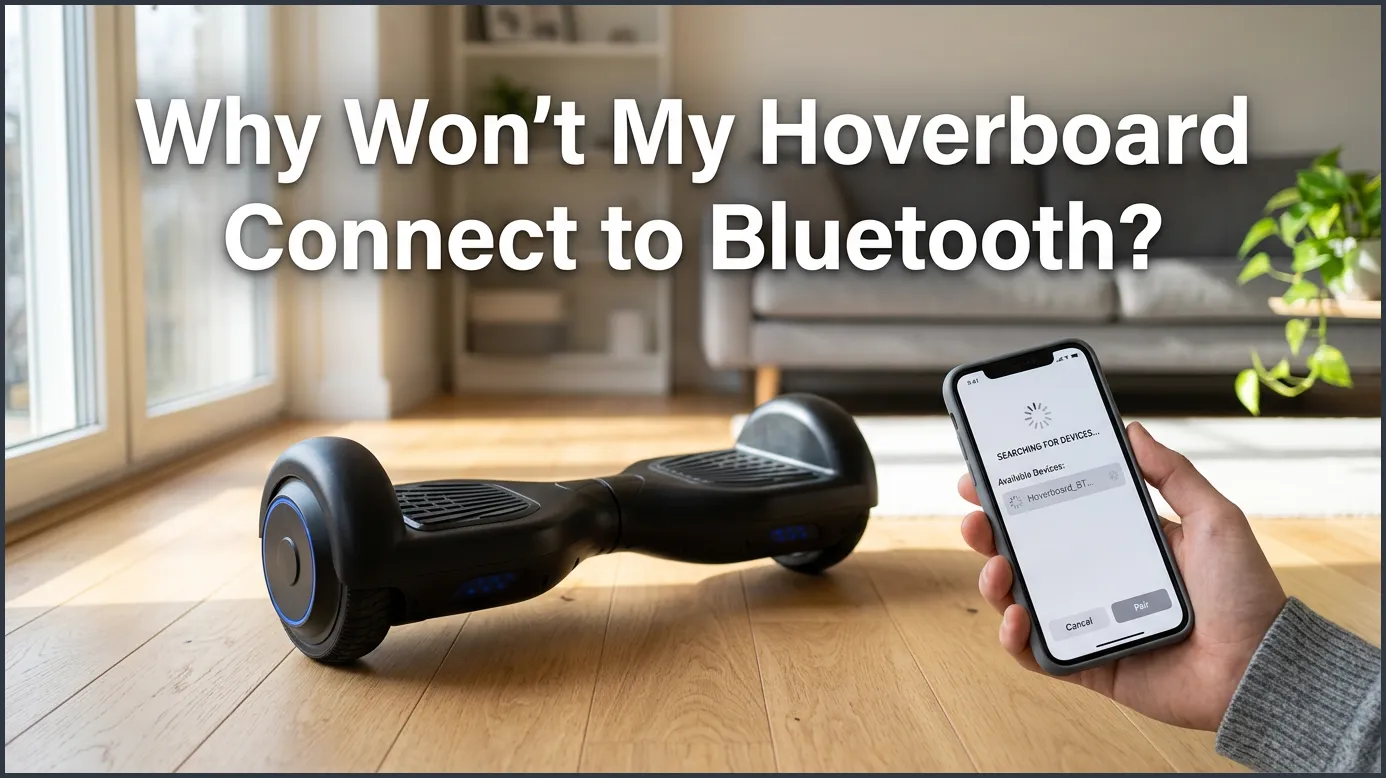
If your hoverboard will not connect to Bluetooth, the issue is usually a simple pairing error, a low battery, or a minor system glitch. You can easily fix most of these connection problems by resetting your hoverboard, disconnecting other nearby devices, or clearing your phone’s Bluetooth cache.
Imagine this scenario. You just got a new hoverboard. You are ready to ride it outside. You want to listen to your favorite playlist while you glide down the street. You turn on the board and open your phone’s settings. But nothing shows up on your screen. You wait and wait, but the connection fails. It can be very annoying when your new gadget does not work.
Wireless features make riding much more fun. They let you stream music and track your speed. However, wireless tech can sometimes be finicky. If you are stuck wondering, “Why won’t my hoverboard connect to Bluetooth?” you are not alone. This is one of the most common issues that riders face today.
In this guide, we will look at how hoverboard Bluetooth works. We will cover the most common reasons for connection failures. Then, we will give you easy, step-by-step ways to fix the issue yourself. Most of these fixes take less than five minutes and require no special tools.
Key Takeaways
- Low Battery Limits: A low battery often disables Bluetooth to save power for riding.
- Device Interference: Your hoverboard might already be linked to another device nearby.
- Simple System Reset: Calibrating or resetting your board is the easiest way to fix software glitches.
- App vs. Audio: Many hoverboards have separate Bluetooth connections for apps and music.
- Hardware Checks: Loose internal wires or a damaged Bluetooth chip require physical repairs.
📑 Table of Contents
Understanding Hoverboard Bluetooth Technology
Hoverboards are smart machines. They use small computer boards to balance and move. They also have a tiny Bluetooth receiver inside the shell. This receiver acts like a two-way radio. It sends out a signal to tell your phone it is ready to connect.
How the Bluetooth Module Works
When you turn on your hoverboard, the internal chip starts broadcasting. This signal travels through the air. Your phone acts like a radio receiver. It scans the airwaves for this signal. If the signal is too weak, your phone cannot find it. Sometimes other electronics block this signal. It is helpful to know how to pair hoverboard bluetooth devices properly to avoid these common mix-ups.
Dual Bluetooth Signals
Many modern hoverboards use two different Bluetooth signals. One signal is for the built-in speakers. The other signal is for the mobile app. The app lets you change riding modes, check battery levels, and adjust lights. Sometimes, your phone connects to the app but not the speakers. This can be very confusing for beginners. You must make sure you connect to the correct signal for your needs.
The Most Common Reasons for Connection Failures
Why does this connection fail in the first place? There are a few main reasons. Let us look at the most common issues. These are usually easy to fix at home.
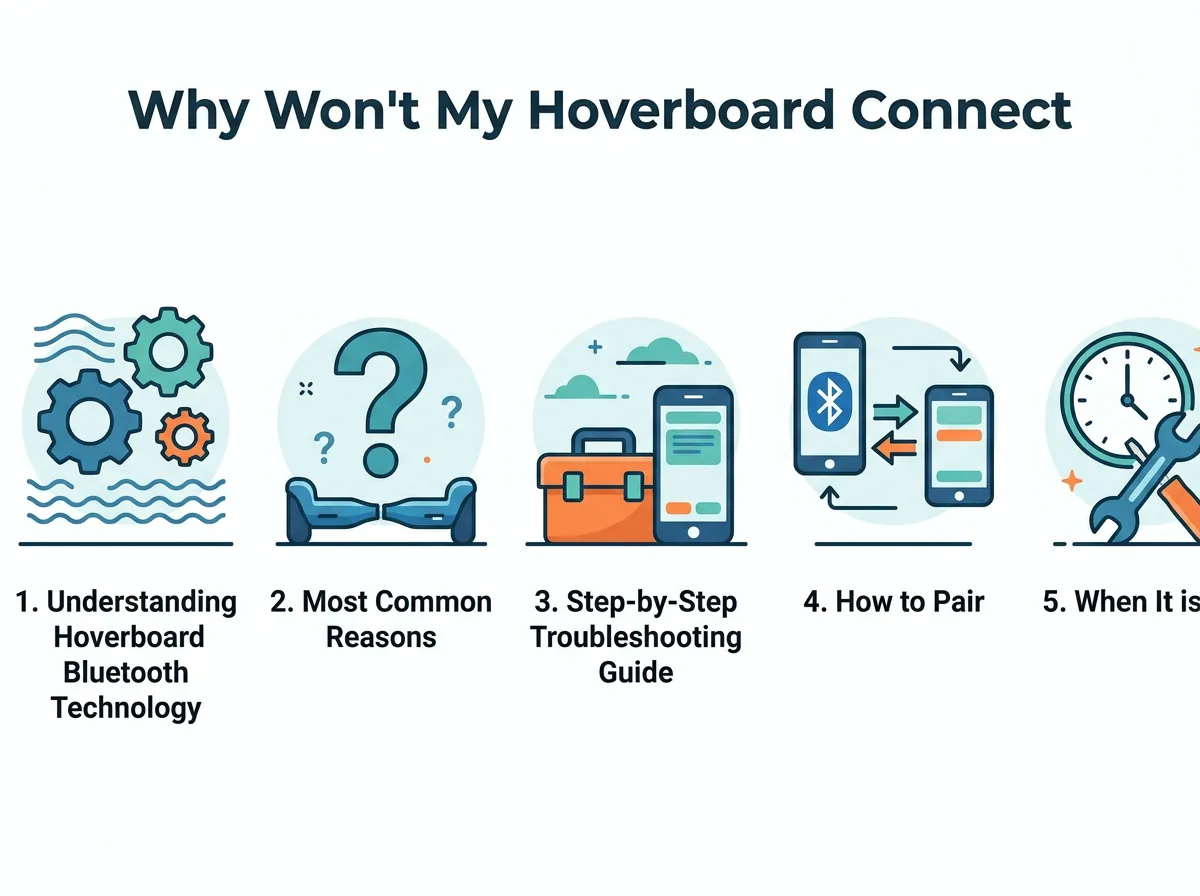
Why Won’t My Hoverboard Connect to Bluetooth? — key points at a glance
Battery Levels are Too Low
Your hoverboard needs power to run the motors. It also needs power for the speakers. When the battery gets low, the board tries to save energy. It turns off extra features first to keep you safe. The Bluetooth chip is often the first thing to shut down. If your battery is under twenty percent, charge it up. This simple step fixes most issues.
Interference and Range Issues
Bluetooth is a short-range tool. It works best within thirty feet. If you are too far away, the signal will drop. Walls and other large items can block the signal. Other electronics can also cause interference. Microwave ovens, Wi-Fi routers, and baby monitors use similar airwaves. Move away from these devices to get a better link.
The “Already Connected” Trap
Hoverboards can only connect to one phone at a time. Did your friend use the board earlier? Is your mom’s phone nearby? The board might be linked to their phone automatically. If so, your phone will not see it. You must turn off Bluetooth on other devices first. Once the board is free, it will show up on your phone.
Step-by-Step Troubleshooting Guide
If you are still asking yourself, “Why won’t my hoverboard connect to Bluetooth?” you should try a few basic steps. These steps work for almost every brand. They are safe and take only a few minutes.
Step 1: Perform a Hard Reset
A reset cleans the board’s memory. It also aligns the sensors. First, turn off your hoverboard. Place it on a flat, level surface. Ensure the foot pedals are perfectly level. Press and hold the power button for ten seconds. The lights will flash. You might hear a beep. Keep holding until the lights stop flashing. Turn the board off, then turn it back on. This resets the system and the wireless chip.
Step 2: Clear Your Phone’s Bluetooth Cache
Sometimes the issue is your phone, not the board. Phones get confused by old connections. Go to your phone settings. Find the Bluetooth menu. Look for your hoverboard in the list. Tap “Forget this Device.” Turn your phone’s Bluetooth off, wait five seconds, and turn it back on. Search for new devices again. This forces your phone to search for the board fresh.
Step 3: Check for Device Interference
If you are in a crowded room with many Wi-Fi signals, move outside. Try to connect in an open yard. This removes any wireless blocks. It helps you see if the hardware is actually broken. You can also consult this why won’t my hoverboard connect to bluetooth troubleshooting guide for extra tips on finding lost signals.
How to Pair Your Hoverboard Correctly Every Time
Using the right steps saves time. Many people try to connect too fast. Let us look at the best way to link your devices.
The Right Pairing Order
Start with everything turned off. Turn on your hoverboard first. Listen for the startup sound. Some boards make a beep. Others say “Bluetooth waiting for connection.” Next, open your phone’s settings. Turn on Bluetooth. Wait for the list of devices to update. Tap on the hoverboard’s name. Wait for the success sound from the speakers before you ride.
Naming Conventions to Look For
Hoverboards have different Bluetooth names. They rarely say “Hoverboard.” Instead, look for names like “Bluetooth,” “HY-speakers,” “Music,” or the brand name of your board. If you see a random string of numbers and letters, try tapping that. It might be your board. Once you connect, you can often rename it in your phone settings to make it easier next time.
When It is a Hardware Issue
What if you tried everything and nothing worked? It might be a physical problem. This is common if the board took a hard hit or got wet.
Checking for Loose Wires
Inside the hoverboard, small wires connect the battery to the Bluetooth chip. A hard crash can knock these wires loose. If you feel comfortable, you can open the board. You will need a screwdriver. Unplug the battery first for safety. Look for loose plugs near the speakers. If you find one, plug it back in gently. You can find detailed steps and parts on pages like this hoverboard bluetooth repair solutions site.
Replacing the Bluetooth Module
If the chip is burnt or broken, it needs a replacement. You can buy these chips online. They are cheap and easy to find. However, you must be careful. If you do not want to open the shell, take it to a local repair shop. This is safer and keeps your warranty safe. Professional help is always the safest bet if you are not handy with tools.
Conclusion
Connecting your hoverboard should be fun and easy. Most issues come down to simple bugs, low battery, or old connections. By resetting your board and clearing your phone’s cache, you can fix almost any issue. Keep your board charged, avoid wet grass, and enjoy your favorite tunes while you ride!
Frequently Asked Questions
Why does my hoverboard beep when I try to connect to Bluetooth?
A beeping sound usually means the hoverboard is in pairing mode and waiting for a device. If the beeping is fast and continuous, it may indicate a low battery or calibration error. Try charging the board fully or resetting it to stop the beeping.
Can I connect two phones to one hoverboard at the same time?
No, hoverboard Bluetooth chips can only link to one device at a time. If you want to connect a different phone, you must disconnect the first one first. Turn off Bluetooth on the first phone to let the new phone scan and find the board.
Why is my hoverboard Bluetooth music sound so quiet?
The volume is controlled by both your phone and the hoverboard’s internal amplifier. First, make sure your phone’s volume is turned up all the way. If it is still quiet, check if your hoverboard app has an independent volume limit setting.
Do all hoverboards have Bluetooth speakers?
No, not all hoverboards come with Bluetooth speakers. This is a premium feature found on specific models. Check your hoverboard’s user manual or box to confirm that your specific model has wireless capabilities.
How do I reset the Bluetooth chip on my hoverboard?
You can reset the chip by performing a full system calibration. Turn off the board, place it on a flat surface, and hold the power button down for ten seconds until the lights flash. Turn it off and on again to complete the reset.
Will riding in the rain ruin my hoverboard’s Bluetooth?
Yes, water can easily damage the sensitive Bluetooth module inside the hoverboard. Most hoverboards are not waterproof, so riding through puddles or in the rain can short out the wireless chip. Always ride in dry conditions to protect your electronics.
