


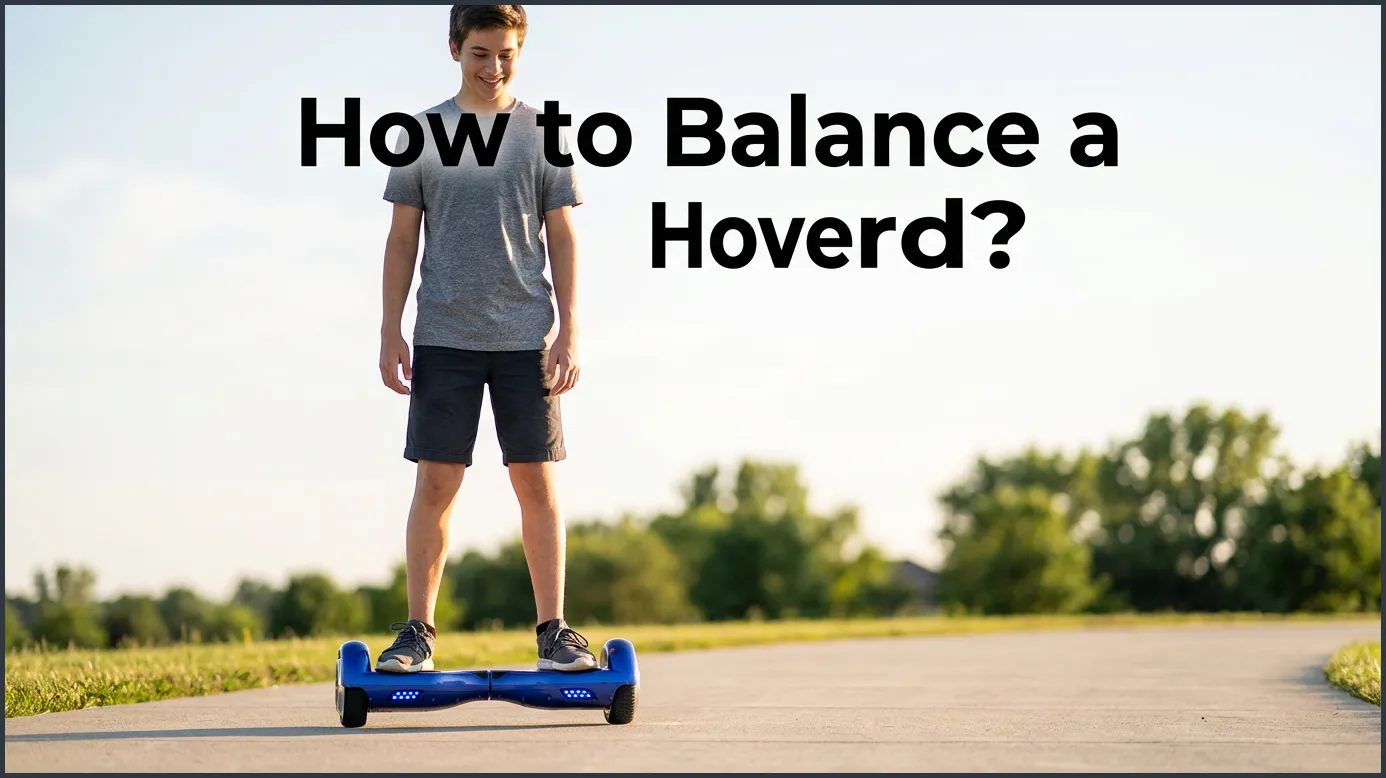
To balance a hoverboard, stand straight with a wide stance and keep your feet pressed against the outer wheels. Avoid looking down at your feet, and use subtle ankle movements rather than your waist to steer. If the board continues to shake or wobble, a simple sensor calibration will quickly restore its balance.
You have probably seen people gliding down the street on self-balancing scooters. They look cool, relaxed, and totally in control. It almost looks like they are floating. But when you step onto a board for the very first time, reality hits. Your legs might shake like jelly. The board might wobble back and forth. You might feel like you are about to fall right onto your face.
Do not worry because this is a very common experience. Your body is simply trying to figure out a completely new way of moving. Balancing on two wheels takes a little bit of practice, but it is much easier than it looks. Once you learn the basic muscle movements, it becomes as natural as walking.
In this guide, we will teach you how to balance a hoverboard step-by-step. We will cover how to prepare, how to step on, how to move, and how to stay safe. Let us dive in and get you riding with confidence!
Key Takeaways
- Foot Placement is Key: Always place your feet wide and tight against the outer edges of the board for maximum control.
- Look Straight Ahead: Looking down shifts your body weight forward and causes you to lose your balance.
- Steer with Your Ankles: Control forward and backward movement by tilting your ankles, not by bending your waist.
- Always Step Off Backward: Stepping forward makes the board shoot out beneath you, leading to falls.
- Calibrate When Shaking: A quick system reset will fix shaky sensors and restore a smooth riding experience.
- Practice on Carpet First: Thick carpet slows down the wheels and provides a softer landing while you learn.
📑 Table of Contents
1. Getting Ready Before You Step On
Before you even turn on your board, you need to set yourself up for success. The right environment and gear will build your confidence. It also keeps you safe from bumps and bruises.
Pick the Perfect Practice Spot
You want a flat, smooth, and wide-open space. For your very first try, a thick carpet is ideal. Carpet slows down the wheels. It stops the board from rolling away too fast. It also gives you a softer landing if you lose your footing. If you do not have carpet, a flat patch of grass or a smooth driveway is a great alternative. Stay away from hills, cracks, and busy areas.
Gear Up for Safety
Safety is the most important part of learning. You should always wear a helmet. Elbow pads, knee pads, and wrist guards are also highly recommended. Wear flat shoes with good grip, like sneakers. Do not try to ride barefoot, in socks, or in flip-flops. You need a solid grip on the footpads to control the board.
Check Your Board
Make sure your hoverboard is fully charged. When the battery is too low, the board can shut off without warning. This can cause you to fall. Turn the board on and place it flat on the ground. It should sit level and still before you try to step on it.
2. Stepping Onto Your Hoverboard Step-by-Step
Stepping onto the board is often the scariest part for beginners. The secret is to step on quickly and confidently. If you hesitate, the board will start to move under your foot.
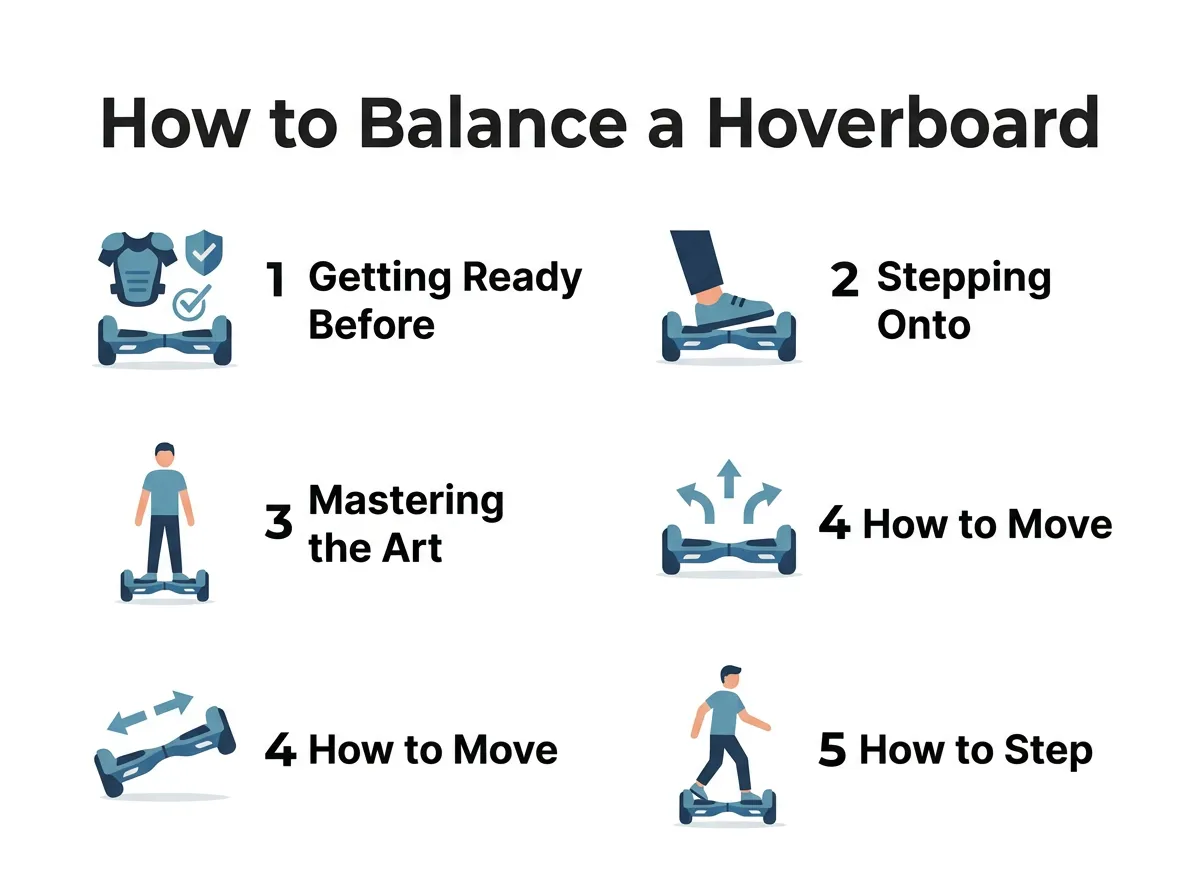
How to Balance a Hoverboard? — key points at a glance
The Dominant Foot First Method
Start by placing your dominant foot on the board. This is usually the foot you kick a ball with. Place it flat on the rubber footpad. Make sure your foot is pushed all the way to the outer edge. Your shoe should touch the side fender next to the wheel. This wide stance gives you the best control over the sensors.
The Swift Second Step
Do not wait too long once your first foot is on the board. Immediately step up with your other foot. Think of it like climbing a step on a staircase. Do not try to slide your foot on. Just step straight up and place it wide on the other side. Keep your feet level with each other.
Keep Your Eyes Up
This is the golden rule of riding. Look straight ahead of you. Do not look down at your feet. When you look down, your head tilts forward. This shifts your body weight too far forward. It makes the board roll before you are ready. Keep your chest high, look at the horizon, and let your feet do the work. For a deeper look at proper riding posture, you can read this guide for smooth riding to build your confidence fast.
3. Mastering the Art of Balance and Posture
Now that you are standing on the board, you need to find your center of gravity. This is where your body and the machine work together.
Stand Tall and Relax
When you are nervous, your muscles tense up. This tension makes you stiff, which causes the board to shake. Try to take a deep breath and relax your shoulders. Stand tall, but keep your knees slightly bent. A soft bend in your knees acts like shock absorbers. It helps you stay stable when you hit small bumps.
The Support System Trick
For your first few minutes, use a support system. You can hold onto a sturdy table, a wall, or a friend’s shoulder. Practice standing on the board while holding your support. Get used to the feeling of the board underneath you. Slowly let go of your support for a few seconds at a time.
4. How to Move and Steer Safely
A hoverboard moves based on your body weight. It uses gyroscopes to detect which way you are leaning. You do not need to make big movements to make it go.
Control with Your Ankles
Do not bend at your waist to move. Bending your waist shifts your hips back and makes you fall. Instead, control the board entirely with your ankles. To move forward, gently press your toes down. To slow down or go backward, press your heels down. Keep these movements small and smooth.
How to Turn
Turning is very simple once you get the hang of it. To turn left, press your right toes forward. This makes the right wheel spin faster, pushing you to the left. To turn right, press your left toes forward. If you want to spin in a tight circle, press your left toes down while pressing your right heels down.
5. How to Step Off Without Falling
Many beginners do great while riding, but they fall when they try to get off. Getting off the board requires the correct technique.
Always Step Off Backward
Never step off the front of the hoverboard. When you step forward, you naturally shift your weight to your back foot. This tells the board to roll forward. The board will shoot out from under you, and you will fall backward. Always step off backward.
The Exit Motion
To get off safely, come to a complete stop. Shift your weight to one foot. Take your other foot and step straight backward onto the ground. Once that foot is secure, lift your remaining foot off the board. Practice this exit motion near a wall until it feels natural.
6. How to Fix a Shaky Hoverboard
If you are trying your best to balance but the board still shakes, the issue might not be you. Sometimes the internal sensors need a reset.
Why Calibration is Important
Hoverboards use tiny sensors to stay level. If you ride over bumps or drop the board, these sensors can lose their alignment. When this happens, the board will wobble or pull to one side, making it very hard to ride.
How to Calibrate Your Board
Fortunately, you can fix this at home in just a few minutes. Turn your hoverboard off completely. Place it on a flat, level floor. Adjust the two halves of the board so they are perfectly even. Press and hold the power button for about ten seconds. The lights will begin to flash. Once the flashing stops, turn the board off. Turn it back on, and your sensors will be perfectly balanced. You can learn the exact steps to calibrate a hoverboard to keep it running smoothly. If your board still acts up after this, this helpful guide on how to reset or balance your hoverboard offers great troubleshooting tips.
Conclusion
Learning how to balance a hoverboard is all about practice, patience, and muscle memory. Do not get discouraged if you wobble during your first few tries. Start on a soft surface, keep your feet wide, and look straight ahead. Always step off backward to stay safe. With a little bit of time, you will be gliding around your neighborhood like a pro. Put on your helmet, step up confidently, and have fun!
Frequently Asked Questions
How long does it take to learn to balance on a hoverboard?
Most beginners can learn to balance and ride within thirty minutes of active practice. It may take a day or two of short practice sessions to feel completely relaxed and confident. Starting on carpet helps speed up the learning process.
Why does my hoverboard shake when I step on it?
A shaking board is usually caused by tense leg muscles or incorrect foot placement. If your feet are too close to the center, the sensors cannot read your weight correctly. Try to relax your legs, widen your stance, and keep your feet close to the wheels.
Is it easier to learn on grass or concrete?
It is best to start on a thick carpet or flat grass because these surfaces slow down the wheels and cushion falls. Once you can step on and off without losing your balance, you can move to smooth concrete for a faster, easier glide.
Which foot should I step on the hoverboard with first?
You should always step on with your dominant foot first to give you better control over the board. This is usually the foot you use to kick a ball or climb stairs. Keep this foot pressed tight against the outer edge of the board.
Why do I keep falling backward when riding?
Falling backward usually happens because you are looking down at your feet or bending at your waist. When your upper body leans forward, your hips push backward, causing you to lose balance. Keep your head up, look straight ahead, and stand straight.
How do I know if my hoverboard needs to be calibrated?
If your board shakes constantly, pulls to one side, or feels uneven when you stand flat, it needs to be calibrated. A quick system reset will align the internal sensors and make your ride stable again.
