


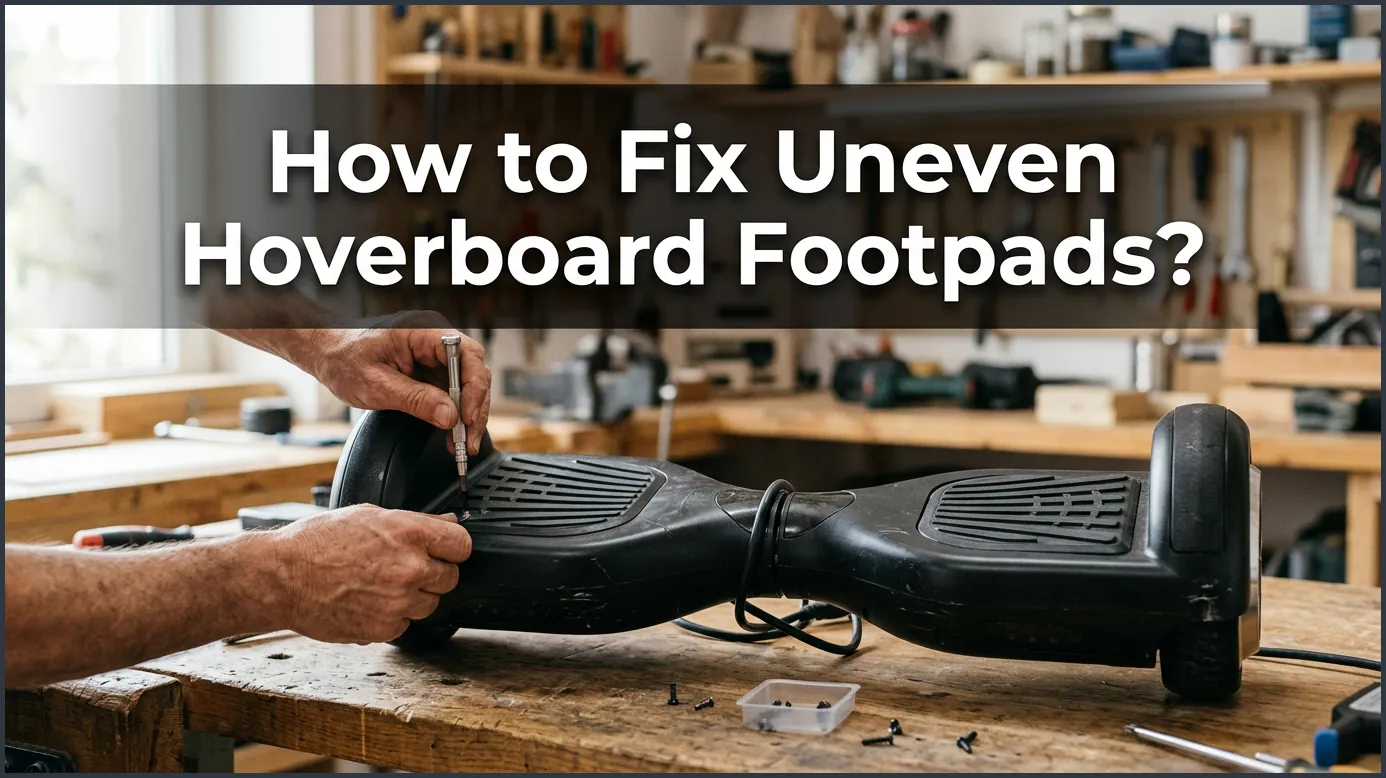
If your hoverboard has uneven footpads, the quickest fix is to perform a manual system recalibration. This simple process resets the internal sensors so that both sides align perfectly flat. If a reset does not work, you may need to clear stuck footpad switches or secure loose internal wires.
Imagine stepping onto your favorite hoverboard, ready for a fun ride. You press down with your feet, but something feels completely off. One footpad tilts forward while the other tilts back. You feel shaky, and keeping your balance is suddenly a huge struggle. Riding like this is not just hard, it can also be very dangerous.
This is a common issue that many riders face. When your board gets out of sync, it makes the ride jerky and unsafe. You do not need to panic or throw your board away. Most of the time, this is an easy issue to solve right at home. Are you wondering how to fix uneven hoverboard footpads? We have all the steps you need to get back on track.
In this guide, we will break down the entire process. We will look at why this happens and how to fix it step by step. We will cover quick resets, physical checks, and simple part replacements. By the end, your board will feel brand new, and you will be ready to glide smoothly once again.
Key Takeaways
- Start with Calibration: Over 90% of uneven footpad issues are resolved by a simple system reset.
- Ensure a Flat Surface: Always use a spirit level or flat floor during calibration to get the best results.
- Check the Footpad Switches: Dust, dirt, or tiny rocks can get stuck under the rubber pads and trigger the sensors.
- Inspect Internal Wires: Bumps and drops can unplug the gyroscopic wires inside the hoverboard shell.
- Know When to Replace Gyros: If your board shakes or fails to reset, you may need a new gyroscopic sensor board.
- Ride with Care: Avoid rough terrain and hard steps to keep your footpads aligned for longer.
📑 Table of Contents
Why Are Your Hoverboard Footpads Uneven?
To fix the issue, it helps to know why it happened in the first place. Your hoverboard relies on smart technology to keep you upright. Here are the main reasons why the footpads can become uneven.
The Role of Gyroscopes
Inside your hoverboard, there are tiny sensors called gyroscopes. These sensors detect how you shift your weight. They tell the motors which way to spin and how fast to go. If these sensors lose their zero-point reference, they get confused. They might think a tilted position is actually flat. This makes one footpad stay higher or lower than the other.
Minor Bumps and Hard Landings
Hoverboards are tough, but they are not indestructible. Riding off curbs, hitting cracks, or dropping the board can rattle the insides. These small shocks can knock the internal sensors out of alignment. Over time, these tiny impacts add up, and your footpads become visibly uneven.
Wear and Tear Over Time
Every time you ride, your board works hard to balance you. Over months of use, the parts inside can wear down. The rubber pads under your feet can stretch or shift. The wires inside the shell can also wiggle loose. This normal wear and tear is a common cause of uneven footpads.
How to Fix Uneven Hoverboard Footpads with Calibration
When learning how to fix uneven hoverboard footpads?, your very first step should always be calibration. Calibration resets the gyroscopes to their factory settings. It tells the board exactly what “flat” feels like. It is the easiest fix, and it works for almost almost every balance issue.
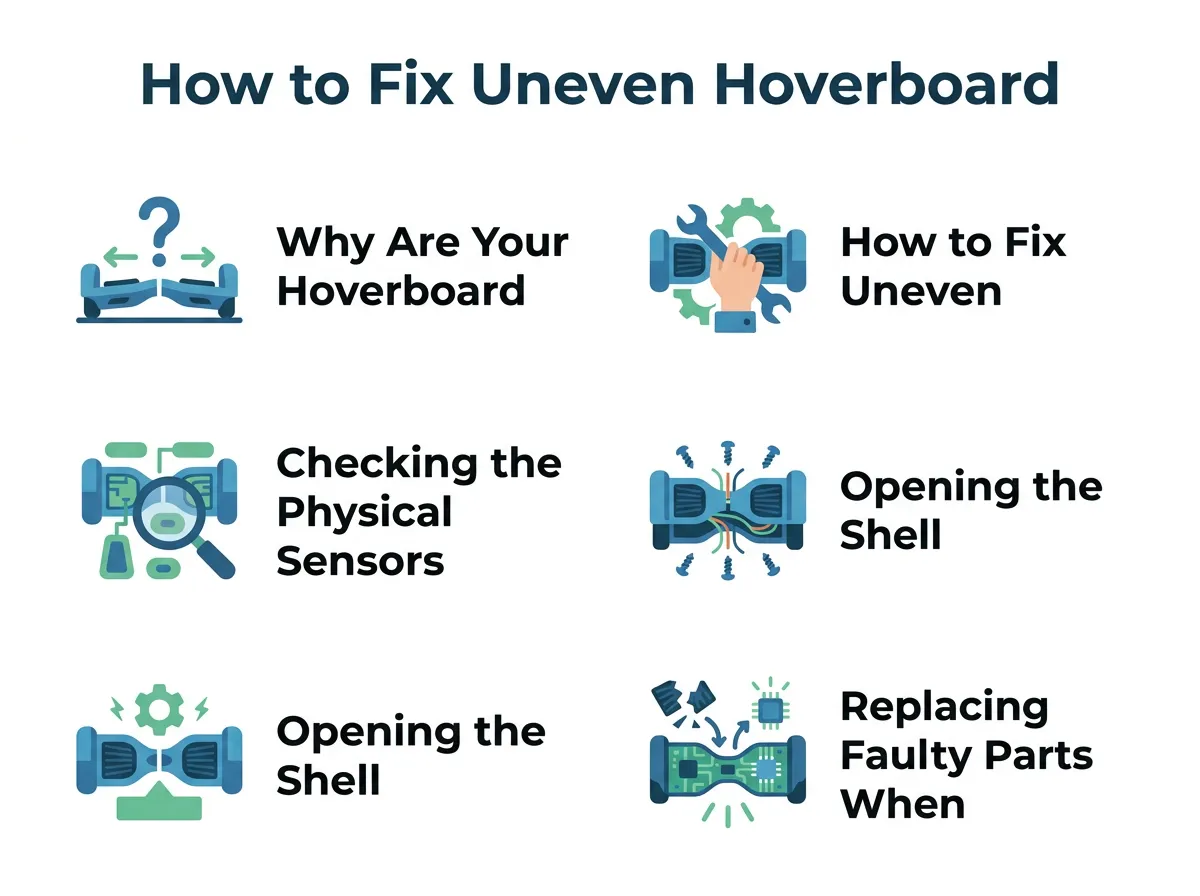
How to Fix Uneven Hoverboard Footpads? — key points at a glance
Step 1: Power Down the Board
Before you start, make sure your hoverboard is turned off completely. Do not try to calibrate it while it is in sleep mode. Press the power button and ensure all the lights are off.
Step 2: Level the Footpads
Place your hoverboard on a very flat, hard surface. A tiled floor or a flat table works best. Do not do this on thick carpet. Align both footpads so they are perfectly level with each other and parallel to the ground. You can use a small spirit level tool to make sure they are completely flat.
Step 3: Hold the Power Button
Press and hold the power button down for about 5 to 10 seconds. Keep holding it until you hear a beep or see the LED lights start flashing. This flashing light means the board is in calibration mode. Keep the board perfectly still while it flashes.
Step 4: Save and Restart
Let the lights flash for another 10 seconds. Then, press the power button once to turn the hoverboard off. This action saves the new level settings. Turn the board back on, and your footpads should now be perfectly even. If you want more details on this process, check out this guide on calibrating your hoverboard for smooth riding.
Checking the Physical Sensors Under the Footpads
If calibration does not solve the problem, the issue might be physical. Under the rubber grip of each footpad, there are physical switches. These switches tell the board when you are standing on it.
How the Footpad Switches Work
When you step on the footpad, a small plastic peg pushes down. This peg blocks an infrared sensor on the circuit board. This tells the motor to start running. If the peg gets stuck, the hoverboard thinks you are still pushing down on one side, which keeps the footpad tilted.
Looking for Stuck Rubber Pegs
Turn off your board and look closely at the rubber footpads. Press them down with your hands. Do they feel springy? If one side feels mushy or stays depressed, a peg might be stuck. Gently pull up on the rubber pad to release any trapped parts.
Cleaning Under the Footpads
Dirt, dust, and small rocks can slip under the edges of the rubber pads. This debris can block the switches from returning to their normal position. Use a thin plastic tool or a toothpick to clear out any dirt from the seams. A clean footpad is a responsive footpad.
Opening the Shell to Check for Loose Wires
If the outside looks fine, you may need to look inside. This sounds scary, but it is actually quite simple. All you need is a basic screwdriver and a clean workspace.
Safety First: Unplug the Battery
Before you open the shell, make sure the hoverboard is off and unplugged from the charger. Once you unscrew the bottom plastic cover, locate the battery. Carefully unplug the main battery cable. This prevents any accidental short circuits while you work.
Examining the Gyroscope Connections
Look at the small green circuit boards on each side of the hoverboard. These are the gyroscope boards. They connect to the main motherboard with several colorful wires. Check to see if any of these wires are loose, pinched, or unplugged. For more in-depth visual steps on this, you can read about fixing an unbalanced hoverboard.
What to Do with Loose Wires
If you find a loose wire, gently push it back into its slot on the circuit board. Make sure the plug clicks into place. If you see a broken wire, you may need to solder it back or replace the wire harness. Once everything is secure, put the shell back on, screw it tight, and test the board.
Replacing Faulty Parts (When Resets Fail)
Sometimes, a simple system reset is not enough. If you still need to know how to fix uneven hoverboard footpads?, the issue might be hardware related. Over time, gyroscopes can fail completely.
Identifying a Dead Gyroscope Board
If you calibrate your board and it immediately tilts again, your gyroscope might be broken. Other signs include a red flashing status light, weird vibrating noises, or one side of the board not responding at all. If you experience these issues, check out this helper article on repairing a hoverboard that is off-balance.
Buying the Right Replacement Parts
You can easily buy replacement gyroscope boards online. Make sure you buy parts that match your specific hoverboard brand and model. Some boards use a three-piece system, while others use a two-piece system. Check your user manual or open the shell to verify your system type before buying.
Step-by-Step Replacement Guide
To replace the gyroscope, follow these simple steps:
- Disconnect the battery for safety.
- Unscrew the old gyroscope board from the plastic housing.
- Unplug all the wire harnesses connected to the old board.
- Place the new board in the exact same spot and screw it down.
- Plug the wires back into the new board.
- Reconnect the battery, close the shell, and run a calibration test.
Tips to Prevent Uneven Footpads in the Future
Once your hoverboard is level, you want to keep it that way. Preventive care can save you from doing these repairs all over again.
Avoid Drastic Temperature Changes
Extreme cold or heat can affect the sensors and the battery. Do not leave your hoverboard in a hot car trunk or a freezing garage. Store it indoors at room temperature to protect the delicate electronics.
Step Off the Board Gently
When you finish riding, always step off backward, one foot at a time. Do not jump off or let the board spin out of control. Rough landings can easily shock the gyroscopes and cause them to go out of alignment.
Regular Maintenance and Storage
Keep your hoverboard clean. Wipe away mud, dust, and water after every ride. Store the board on a flat surface rather than propping it up against a wall. This helps keep the physical footpad springs in good shape.
Conclusion
Dealing with uneven hoverboard footpads can be frustrating, but it does not have to end your fun. In most cases, a simple five-minute calibration is all it takes to get your board working perfectly again. If the issue persists, checking the physical switches and internal wires will usually do the trick.
Now you know how to fix uneven hoverboard footpads? using simple tools and easy steps. Regular maintenance and careful riding will keep your board balanced and safe for a long time. So grab your board, calibrate it, and get back out there for a smooth, joyful ride!
Frequently Asked Questions
Why is my hoverboard tilted on one side?
This usually happens when the internal gyroscopes lose their alignment. A quick manual calibration will reset the sensors and level the footpads. If that fails, a stuck rubber switch or a loose wire inside the shell might be the cause.
How do I calibrate my hoverboard?
Turn the board off, place it on a flat surface, and align the footpads level. Press and hold the power button for 5 to 10 seconds until the lights flash, then turn the board off and back on. This resets the balance sensors instantly.
Can a dirty hoverboard cause uneven footpads?
Yes, dirt and small stones can get trapped under the rubber footpads. This debris can press down on the internal switches, making the board think you are standing on it. Cleaning the edges of the pads will solve this issue.
How do I know if my gyroscope is broken?
If your hoverboard shakes violently, displays a red warning light, or fails to calibrate, the gyroscope may be damaged. You can easily buy and install replacement gyroscope boards to fix this problem.
Do I need special tools to fix my hoverboard?
No, you only need a few basic household tools. A standard Phillips screwdriver is all you need to open the plastic shell, and a spirit level helps ensure the board is flat during calibration.
Is it safe to ride a hoverboard with uneven footpads?
No, riding an unbalanced hoverboard is highly unsafe because it can lead to sudden stops, jerking movements, or falls. You should always calibrate and fix the footpads before attempting to ride again.
