


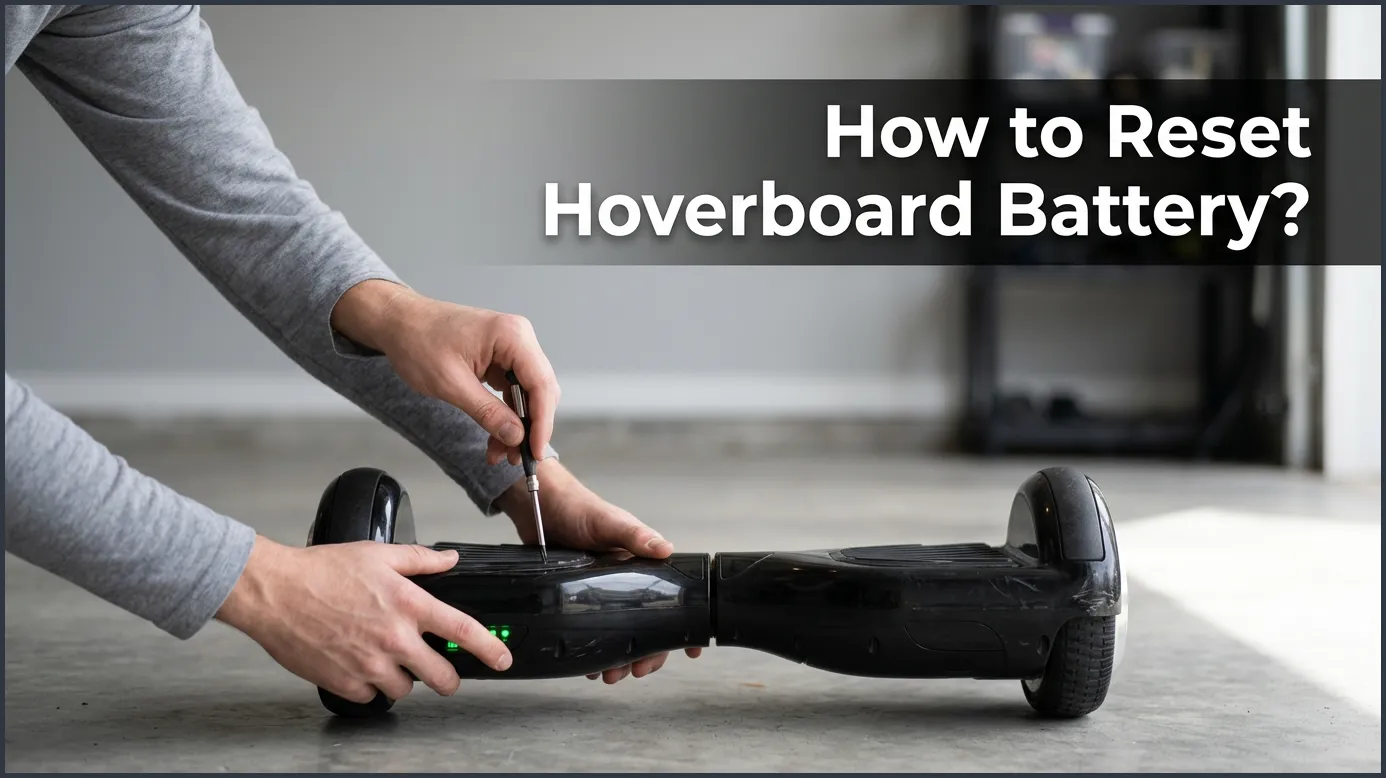
Resetting your hoverboard battery is a simple process that involves fully charging the board, performing a system recalibration, or power cycling the battery management system (BMS). If your hoverboard is beeping, won’t hold a charge, or shows a red warning light, this reset guide will restore your device to peak performance. Following these step-by-step troubleshooting methods will save you from buying expensive replacement parts unnecessarily.
Picture this scenario. It is a beautiful Saturday afternoon. You grab your safety gear, step onto your hoverboard, and prepare to zoom down the sidewalk. But instead of a smooth glide, you hear a loud, annoying beep. The red light on your board flashes wildly, and the motor suddenly shuts down. You step off, feeling frustrated and disappointed.
It is a common issue that many riders face. Most of the time, the problem is not a broken motor or a ruined machine. Instead, it is a simple communication glitch between the main board and the power cells. You might think you need to buy a brand-new ride, but there is a much cheaper and faster solution. Often, all your device needs is a fresh start.
In this beginner-friendly guide, we will walk you through the process of fixing this issue. We will explain why these errors happen, how to calibrate your system, and how to safely cycle your power. Let us dive into the simple steps of learning how to reset hoverboard battery packs so you can get back to riding in no time.
Key Takeaways
- System Glitches: Most battery issues are caused by minor system communication errors rather than physical damage.
- Quick Reset: A simple ten-second button press can recalibrate your hoverboard and clear battery error codes.
- BMS Hard Reset: Unplugging and replugging the physical battery connector can restore a locked battery management system.
- Proper Charging: Always use the official charger and avoid leaving the hoverboard plugged in overnight.
- Replacement Signs: If the battery is swollen, hot to the touch, or still fails after a reset, you must replace it for safety.
📑 Table of Contents
Why Does Your Hoverboard Battery Need a Reset?
Hoverboards rely on smart lithium-ion batteries. These are not like normal household batteries. They contain a small computer chip called a Battery Management System, or BMS. This chip monitors the voltage of each individual cell to keep your rides safe and balanced. However, this system can sometimes become confused. Let us look at the most common reasons why this happens.
The Battery Management System Glitch
Sometimes, the BMS chip gets a bad reading. It might think a healthy battery cell is empty. When this happens, it stops sending power to the motors. A reset clears this bad reading. It acts like rebooting a slow smartphone or laptop. Many common reasons why hoverboard batteries lose connection come down to this simple chip error.
Voltage Imbalance
Your battery has many small cells inside it. If you ride on rough paths or hilly roads, some cells drain faster than others. This causes an imbalance. The system sees this imbalance as a danger and shuts down. Resetting the unit helps the charger balance these cells evenly once again.
Step-by-Step Guide: How to Reset Hoverboard Battery
Before you take your board apart, you should try the easiest method first. You do not need any special tools for this. It is a quick system reset. Many users find that this simple process solves their issues instantly. Follow these easy steps to get started.
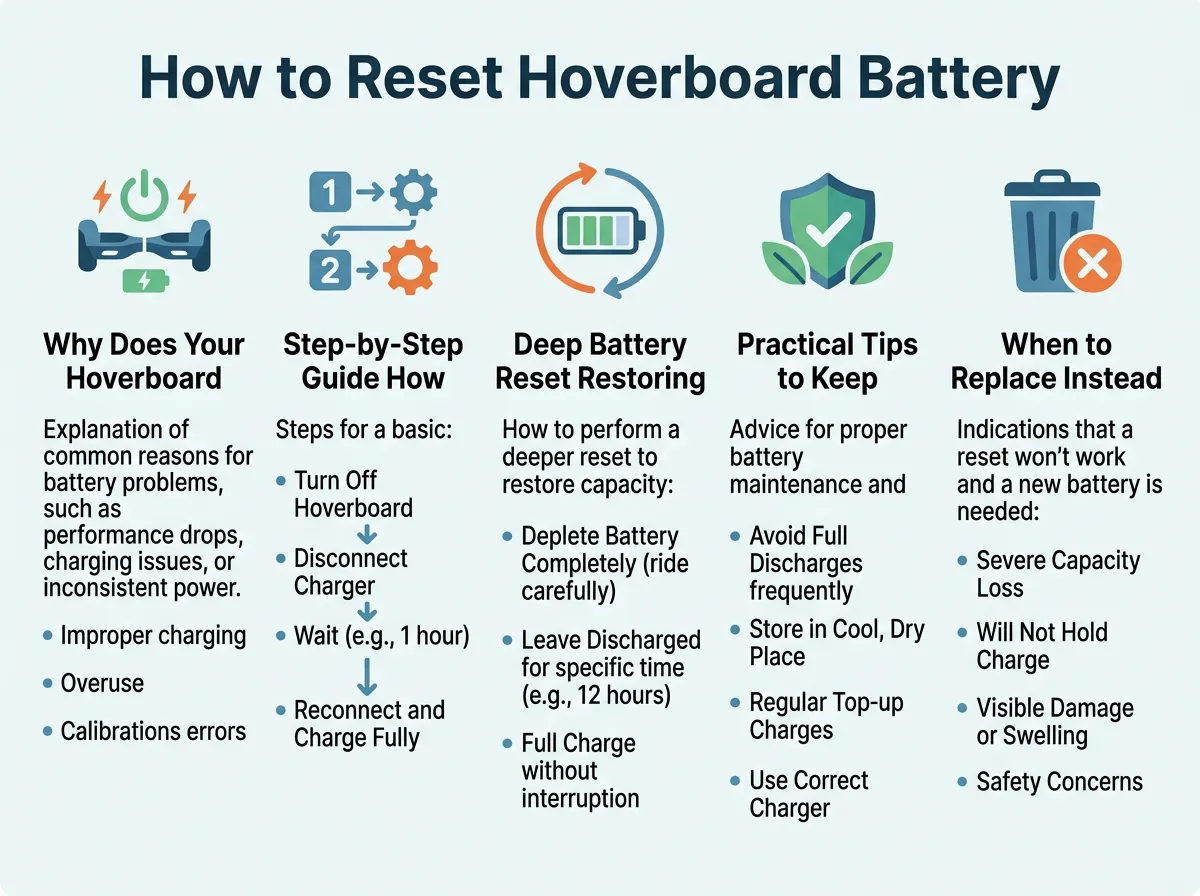
How to Reset Hoverboard Battery? — key points at a glance
Step 1: Prep Your Hoverboard
Turn off your hoverboard completely. Do not leave it on standby mode. Place the board on a flat, even surface like a table or a hard floor. Make sure both footpads are perfectly level with each other. If the board is tilted, the reset will not work correctly.
Step 2: Press and Hold the Power Button
Locate the power button on the back or side of the board. Press and hold this button down for about 10 seconds. Do not let go of the button, even if you hear noises. This is the key action when you want to know how to reset hoverboard battery systems without tools.
Step 3: Watch the Lights and Listen
While you hold the button, the front lights will start to flash. You will also hear a loud beep. Keep holding the button until the flashing stops and the lights stay solid. This usually takes around 10 to 15 seconds. Once the lights are steady, let go of the power button.
Step 4: Restart the Board
Turn the hoverboard off to lock in the new settings. Wait about five seconds, then turn it back on. Your green battery light should now show a stable, healthy charge. If you need more help with this process, you can check out this official guide on recalibrating your hoverboard to ensure your sensors are aligned.
Deep Battery Reset: Restoring the BMS
If the quick reset did not fix your issue, you may need to try a hard reset. This requires opening the plastic outer shell. Do not worry, because this process is very simple. You only need a basic Phillips-head screwdriver and a few minutes of your time.
Step 1: Open the Case
Turn off your hoverboard and unplug the charger. Flip the board upside down on a soft towel so you do not scratch the plastic. Use your screwdriver to remove the screws on the side of the board that holds the battery. Keep these screws in a small bowl so you do not lose them.
Step 2: Locate the Battery Connector
Gently lift off the plastic cover. You will see a bundle of wires. Look for the battery, which is usually wrapped in blue or black plastic. Find the thick yellow or red connector that plugs the battery into the motherboard. This connector is the key to restoring power to your hoverboard battery safely.
Step 3: Unplug and Wait
Carefully pull the connector apart. Do not pull on the wires directly. Pull from the plastic plug. Once it is unplugged, wait for at least two minutes. This waiting period allows all the electricity to drain out of the motherboard. This completely clears the memory of the BMS chip.
Step 4: Reconnect and Test
Plug the connector back together firmly. You might see a tiny, harmless spark when you plug it in. This is normal. Put the plastic cover back on and tighten the screws. Flip the board over, charge it for an hour, and turn it on to see if the issue is solved.
Practical Tips to Keep Your Battery Healthy
Once you successfully complete the reset, you want to keep your battery in great shape. Good habits will prevent future errors. Here are some simple tips to extend your hoverboard’s lifespan.
- Do Not Overcharge: Never leave your hoverboard plugged into the wall overnight. Unplug it as soon as the charger light turns green.
- Avoid Wet Areas: Water is the biggest enemy of lithium-ion cells. Avoid riding through puddles or in heavy rain.
- Let It Cool Down: Do not charge your board immediately after a long ride. Let the battery cool down for fifteen minutes first.
- Keep It Charged: If you plan to store your hoverboard for winter, do not store it completely empty. Charge it to about 50 percent first.
When to Replace Instead of Reset
Sometimes, a battery is simply past its prime. If you try to learn how to reset hoverboard battery packs and nothing works, you might need a replacement. Keep an eye out for these warning signs.
If your hoverboard only runs for five minutes before dying, the cells are worn out. Also, watch out for physical changes. If the plastic case of the battery looks swollen or feels hot, stop using it immediately. Swollen batteries are dangerous and must be recycled safely. Always buy a replacement battery that has a UL safety certification to ensure your home stays safe.
Conclusion
Fixing a dead hoverboard does not have to be a stressful or expensive task. By knowing how to reset hoverboard battery systems, you can easily solve most common power issues right at home. Start with a simple power calibration. If that fails, try a quick physical reset of the BMS connector. With a little patience, you will save money and get back to enjoying your favorite outdoor rides.
Frequently Asked Questions
How do I know if my hoverboard battery needs a reset?
If your hoverboard has a flashing red light, makes continuous beeping noises, or turns off suddenly while riding, it likely needs a reset. These signs usually point to a simple communication error between the battery and the motherboard. Performing a quick system reset often clears these issues immediately.
Can a hoverboard battery be restored after sitting empty for months?
Yes, but it depends on how low the voltage has dropped. If the battery was left completely flat, the BMS might have entered a sleep mode. A manual hard reset or using a smart charger can sometimes wake the battery up and restore its normal function.
Why does my hoverboard beep when I plug in the charger?
This beeping is a safety alert showing that the board is turned on while charging or that there is a battery error. Always turn off your hoverboard before plugging it into the wall. If it continues to beep, try doing a full system recalibration.
Is it safe to reset my hoverboard battery at home?
Yes, performing a basic button reset is completely safe and does not void your warranty. If you choose to do a hard reset by opening the case, just make sure the hoverboard is unplugged from the wall to avoid any minor electrical shocks.
How long does a hoverboard battery typically last before failing?
A high-quality lithium-ion hoverboard battery usually lasts between 1 to 2 years with regular use, or about 500 charge cycles. Proper charging habits and avoiding extreme temperatures will help prolong this lifespan. If a reset does not fix your power issues, it might be time for a replacement.
Can I use any charger to reset and charge my hoverboard?
No, you should always use the original charger that came with your hoverboard or an official replacement from the manufacturer. Using a charger with the wrong voltage can damage the battery cells, ruin the BMS chip, or even cause a fire hazard.
