


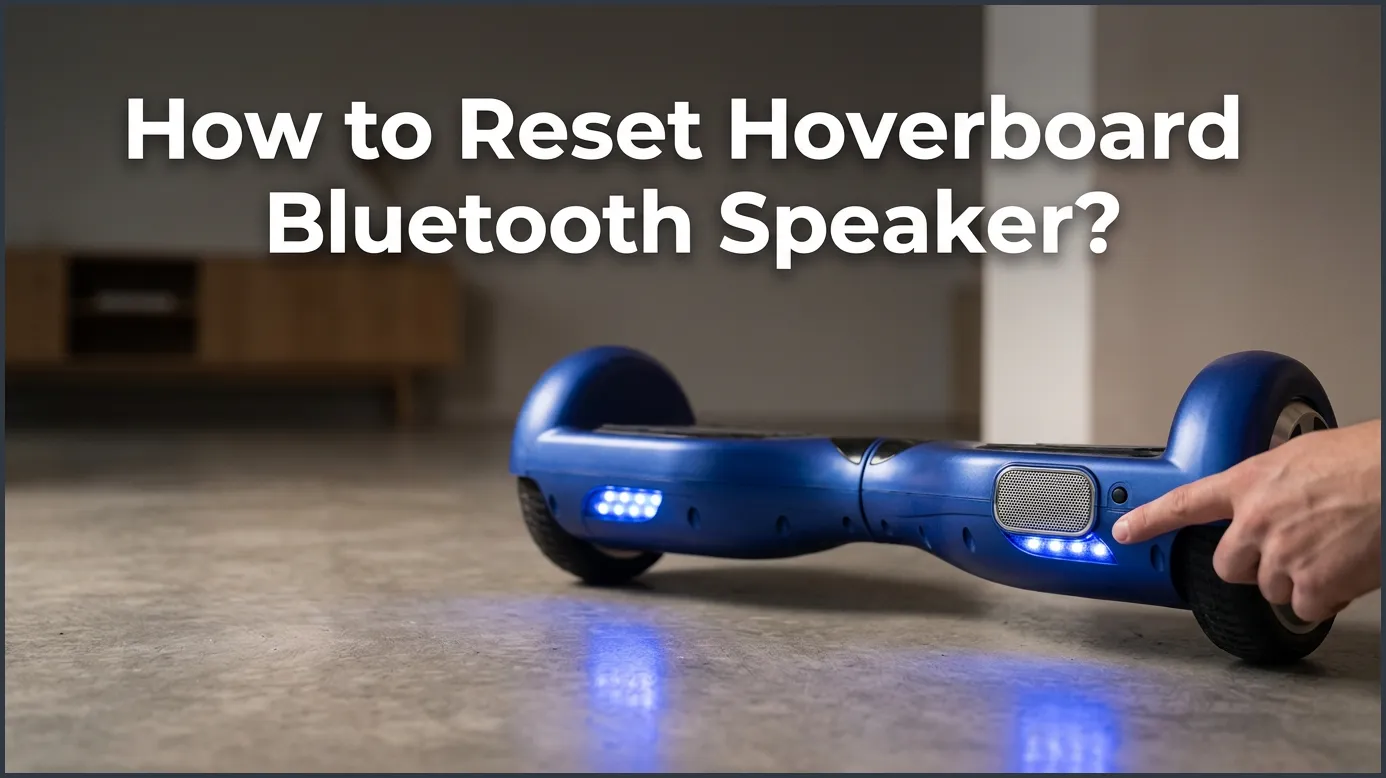
To reset your hoverboard Bluetooth speaker, you need to unpair the board from your mobile device, turn off the hoverboard, and perform a complete system recalibration by holding the power button for ten seconds. This quick process clears the speaker’s temporary memory, removes corrupt data, and restores a stable connection.
Imagine gliding down the sidewalk on a beautiful, sunny afternoon. Your hoverboard is rolling smoothly, and your favorite upbeat song is blasting from the built-in speaker. Suddenly, the music cuts out. It might start to stutter, make a strange buzzing sound, or go completely silent. You look down at your phone, and it says you are still connected. It is a very frustrating moment that can quickly ruin a fun outdoor ride.
We rely on these built-in sound systems to make our rides exciting and fun. But just like smart TVs, phones, and wireless headphones, hoverboard speakers can experience software glitches. The good news is that you do not need to buy a brand new board or take it to an expensive repair shop. Most of the time, all your board needs is a quick digital refresh to clear up the confusion.
In this guide, we will show you exactly how to restore your sound. We will explain why these common audio glitches happen in the first place. Then, we will walk you through easy, step-by-step instructions to get your music playing again. Let us dive right in and get your hoverboard back in top shape!
Key Takeaways
- Unpairing is Vital: Always delete the hoverboard from your phone’s Bluetooth memory before resetting the board itself.
- System Reset Fixes Audio: Calibrating the hoverboard resets the internal Bluetooth chip along with the gyroscopes.
- Check Battery Levels: Low battery power can automatically shut off or disrupt your Bluetooth connection to save energy.
- Avoid Interference: Keep other nearby devices turned off when trying to pair your board to prevent signal crossing.
- Hardware Checks: Rough riding can loosen internal speaker wires, which may require a simple physical check.
📑 Table of Contents
- Understanding Your Hoverboard’s Audio System
- Why is Your Hoverboard Bluetooth Speaker Not Working?
- How to Reset Hoverboard Bluetooth Speaker: The Step-by-Step Guide
- Alternative Troubleshooting Tips for Hoverboard Audio Issues
- When to Check the Physical Bluetooth Module
- Pro Tips to Keep Your Hoverboard Speaker in Top Shape
- Conclusion
Understanding Your Hoverboard’s Audio System
To fix the speaker, it helps to understand how it works inside the board. Your hoverboard is not just a toy with wheels. It is a small, smart vehicle with multiple computer chips inside. The main brain of the hoverboard is the motherboard. Attached to this motherboard is a smaller chip called the Bluetooth receiver module.
This tiny chip has its own antenna. It constantly listens for radio signals from your phone or tablet. When you play a song, your phone turns the music into digital data. It sends this data through the air to the hoverboard. The Bluetooth chip receives the data, turns it back into sound, and sends it to the physical speaker. If the main motherboard gets overwhelmed by balancing the board, it can sometimes lose track of the audio data. This is when you experience silent rides or disconnected signals.
Why is Your Hoverboard Bluetooth Speaker Not Working?
There are several reasons why your music might suddenly stop playing. Knowing the root cause can help you prevent the issue from happening again in the future.
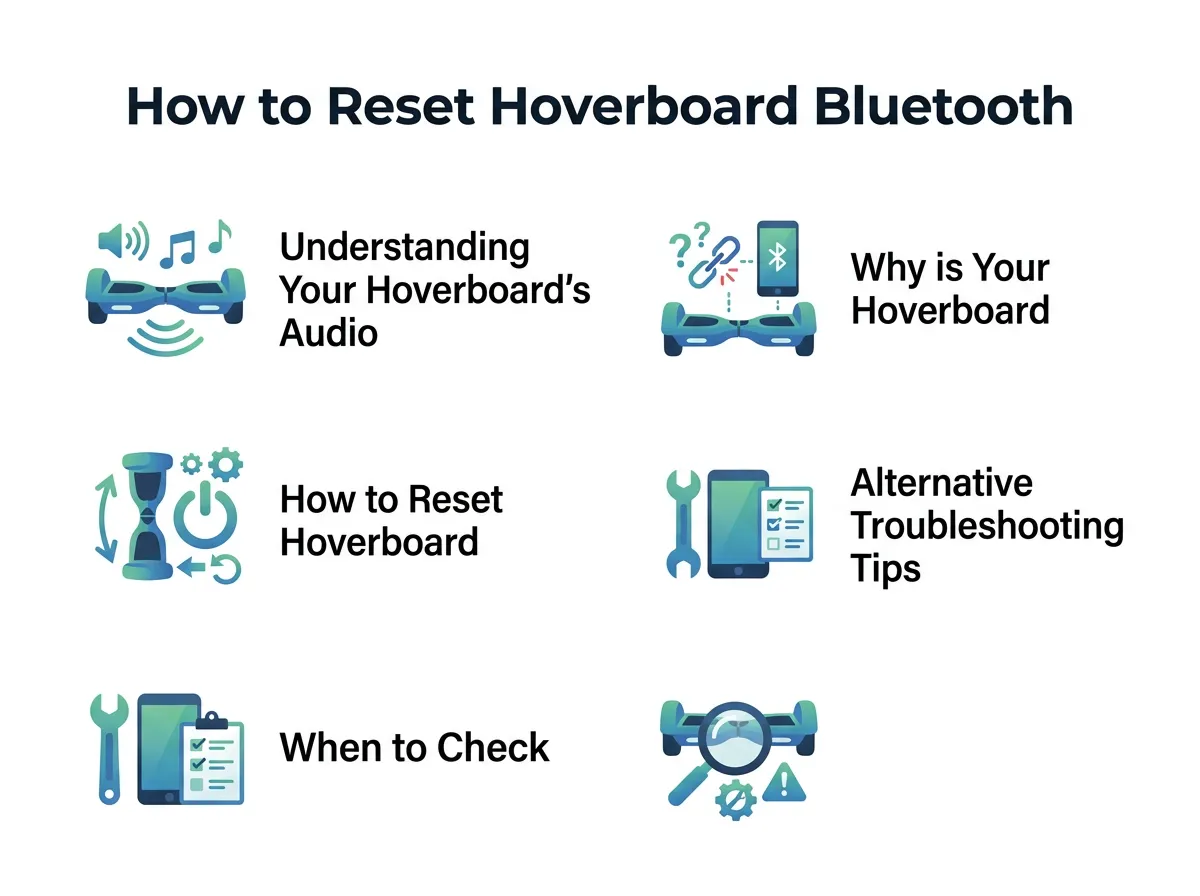
How to Reset Hoverboard Bluetooth Speaker? — key points at a glance
Out of Sync Connection
The most common issue is a simple sync error. Your phone might remember the hoverboard, but the hoverboard might lose track of your phone. When this happens, the connection gets stuck in a loop. The speaker thinks it is busy, and your phone thinks it is playing music, but you hear nothing but silence. This is a classic software mismatch.
Low Battery Interference
Did you know that low battery levels can directly affect your speaker? When your hoverboard battery drops below a certain level, it enters a power-saving mode. It does this because riding safely is its main job. To save energy for the motors, the board will start to turn off extra features. The Bluetooth speaker is usually the very first thing to lose power. If your battery is low, your music might stutter, crackle, or disconnect completely.
Signal Crowding
We live in a world filled with wireless signals. Wi-Fi routers, smart watches, and cordless phones all use the same radio frequencies. If you try to connect your hoverboard inside a house with many active gadgets, the signals can bump into each other. This causes interference and can block your phone from finding the speaker.
How to Reset Hoverboard Bluetooth Speaker: The Step-by-Step Guide
Let us get into the exact steps to reset your hoverboard Bluetooth speaker. This process is very simple and takes less than five minutes. You do not need any special tools, and you do not need to be a technology expert to do this successfully.
Step 1: Disconnect and Forget the Device
First, grab your smartphone, tablet, or whatever device you use to play music. Open your Bluetooth settings menu. Look through your list of previously paired devices and find your hoverboard speaker. It might be named “Hoverboard,” “Bluetooth,” or have the brand name of your board. Tap on the info icon or settings icon next to its name. Choose “Forget This Device” or “Unpair.” This is a crucial step because it removes any old, corrupted connection files from your phone’s memory.
Step 2: Power Down and Charge
Now, turn off your hoverboard completely. Do not just leave it in standby mode. Make sure all the LED lights are totally dark. If your battery is low, plug the board into the charger. Let it charge for at least thirty minutes. Starting this process with a healthy battery is the best way to ensure success. Many common bluetooth connection problems can be traced back to a weak battery.
Step 3: Calibrate Your Hoverboard
Many riders do not know that resetting the speaker is tied directly to resetting the board itself. A full system reset will clear the memory of all internal modules, including the speaker chip. To do this, follow these steps:
- Place your hoverboard on a completely flat, level surface. The footpads must be perfectly level with the ground and with each other.
- Press and hold the power button down. Keep holding it for about 10 to 15 seconds.
- You will hear a loud beep, and the LED lights will start to flash. Do not let go of the button when you first hear the beep. Keep holding until the lights flash rapidly.
- Once the lights are flashing, let go of the power button.
- Turn off the board to save this new, clean calibration.
This classic trick is how you recalibrate my hoverboard, and it works wonders for clearing out frozen audio chips at the same time.
Step 4: Reconnect and Test
Turn your hoverboard back on. You should hear the familiar startup chime or a friendly voice saying the Bluetooth is ready to pair. Now, open your phone’s Bluetooth settings once again. Search for new devices. Tap on your hoverboard’s name to pair it. Play a song and turn up the volume. Your speaker should now sound clear and work perfectly. If you want a more detailed look at this exact process, you can read this handy how to reset hoverboard bluetooth a step-by-step guide for extra tips.
Alternative Troubleshooting Tips for Hoverboard Audio Issues
Sometimes, a basic reset might not solve the problem on the very first try. That is completely normal! There are a few other easy tricks you can try to get your music playing.
Check for Multiple Connected Devices
Do you share your hoverboard with siblings, parents, or friends? If so, another phone might be secretly connected to it. Bluetooth speakers can usually only connect to one device at a time. If your sister’s phone is nearby and her Bluetooth is turned on, the hoverboard might connect to her phone automatically. Ask everyone in your house to turn off their Bluetooth for a moment. This will let your phone connect without any competition.
Move Away from Your Wi-Fi Router
If you are trying to pair your board right next to your home internet router, it might cause heavy interference. Try moving to a different room, or even better, go outside into your yard or driveway to do the pairing process. Clear open air makes it much easier for your phone to establish a clean signal with the board.
When to Check the Physical Bluetooth Module
If you have tried resetting the board several times and still hear nothing, the problem might be physical. Hoverboards go through a lot of bumps, jumps, and vibrations. Over time, these movements can affect the physical parts inside the plastic shell.
Loose Internal Wiring
Inside your hoverboard, a small electronic board runs the Bluetooth speaker. This module connects to the main motherboard with thin, colored wires. If you ride on rough pavement, these wires can slowly wiggle loose from their plastic plugs. If you feel comfortable doing so, you can unscrew the bottom plastic shell of the board. Look for any loose plugs or wires hanging near the circular speaker cone. Simply pushing them back into their slots can fix your issue. Always make sure the board is turned off and unplugged before you open it up!
Water Damage Issues
Most standard hoverboards are not waterproof. If you ride through deep puddles, wet grass, or in the rain, water can easily get inside the shell. Even a tiny drop of water can short circuit the delicate Bluetooth receiver. If you suspect water damage, do not turn the board on. Let it sit in a dry, warm room for at least 48 hours to dry out completely before you attempt another reset.
Pro Tips to Keep Your Hoverboard Speaker in Top Shape
To prevent future Bluetooth glitches and keep your board sounding amazing, it is smart to follow a few simple maintenance tips.
First, always turn off your hoverboard when you are finished riding. Leaving it turned on drains the battery unnecessarily. It also keeps the Bluetooth signal active, which can cause annoying connection loops with your phone even when you are inside the house.
Second, keep your hoverboard clean and dry. Use a dry microfiber cloth to wipe away dust and dirt from the speaker grills. Dust can block the sound waves and make your music sound muffled. Never use wet wipes or liquid cleaners near the speaker openings, as moisture can easily seep inside.
Third, keep your phone’s operating system updated. Sometimes, an outdated phone system has trouble talking to newer Bluetooth chips. Keeping your phone updated ensures the best compatibility and the strongest signal strength.
Conclusion
Riding a hoverboard is twice as much fun when you have your favorite tunes playing along with you. While Bluetooth issues can be annoying, they are usually very easy to fix on your own. By following our guide on how to reset hoverboard Bluetooth speaker, you can get back to riding with music in no time at all.
Remember to clear your phone’s memory, perform a quick system calibration, and check for outside interference. With these quick steps, you will keep your hoverboard sounding great for many rides to come. Stay safe, have fun, and enjoy the music!
Frequently Asked Questions
Why is my hoverboard Bluetooth not showing up on my phone?
This usually happens because the hoverboard is already connected to another device nearby, or the board’s Bluetooth cache is frozen. To fix this, turn off Bluetooth on other nearby devices, and perform a full recalibration of your hoverboard to restart the wireless module.
Do I need to unscrew my hoverboard to reset the speaker?
No, you do not need to unscrew the board for a standard reset. You can easily reset the speaker system using the power button on the outside of the shell to perform a system recalibration.
Why is my hoverboard speaker making a clicking or buzzing noise?
A clicking or buzzing noise is usually caused by low battery power or signal interference from other wireless devices. Try charging your hoverboard completely and moving away from Wi-Fi routers to see if the noise stops.
Will resetting my hoverboard delete my speed settings or riding modes?
A standard system reset and recalibration will return the board to its default factory settings. If your board uses a mobile app to change speed modes, you will simply need to reconnect the app and adjust your settings again after the reset.
Can water damage cause my hoverboard speaker to stop working permanently?
Yes, water can short circuit the delicate electronic components inside the Bluetooth module. If your board got wet, turn it off immediately and let it dry in a warm room for 48 hours before testing it.
How do I know if my hoverboard has a built-in Bluetooth speaker?
You can check the bottom of your hoverboard for a round, plastic grill that covers the speaker cone. Also, when you turn on a Bluetooth-enabled hoverboard, it will usually make a loud startup chime or play a short musical sound.
