


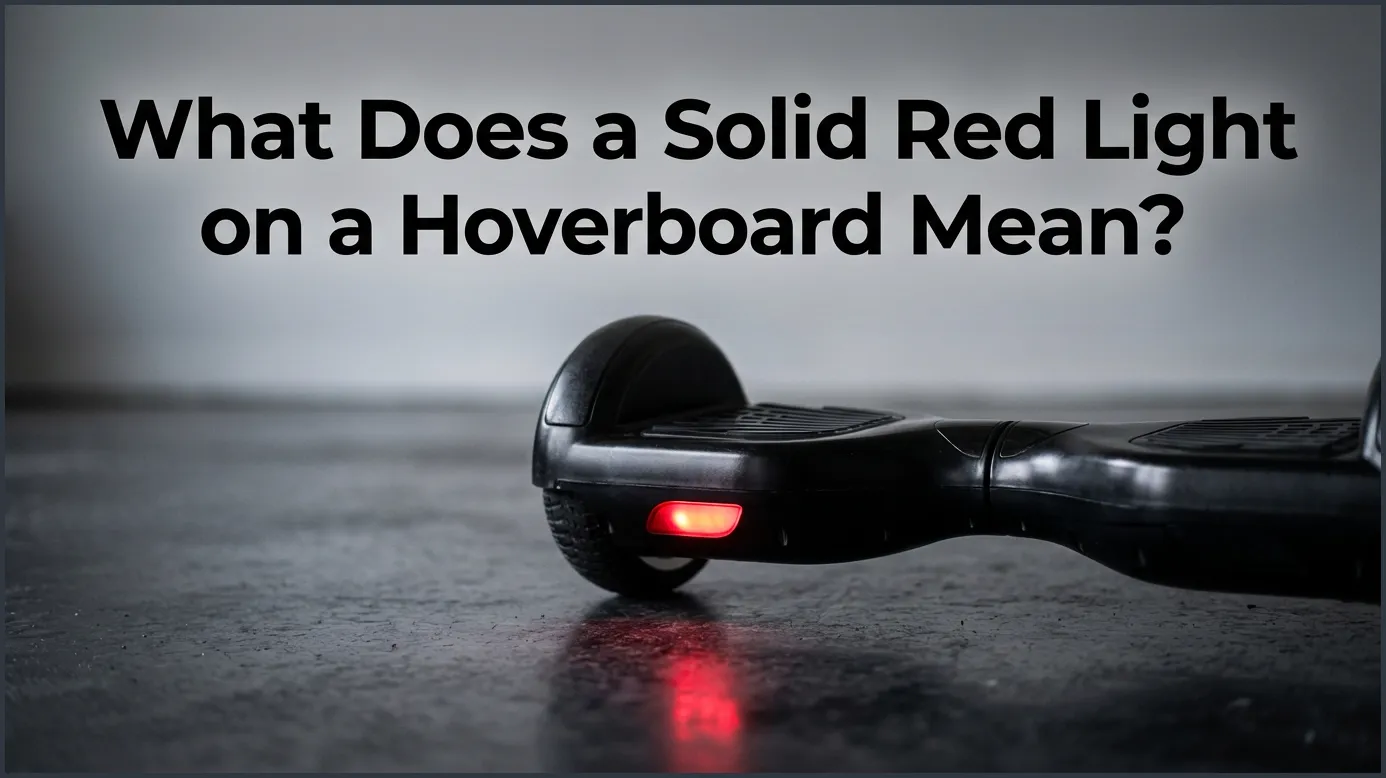
A solid red light on a hoverboard typically indicates a system error, a low battery, or a calibration issue. When this warning light stays on, it acts as a safety lock that prevents the hoverboard from balancing or riding. You can usually resolve this issue by performing a system recalibration or checking the internal battery connections.
Imagine this scenario. You are gliding down the sidewalk on a beautiful, sunny afternoon. The wind is in your face, and you feel like you are flying. Suddenly, your board lets out a sharp, annoying beep. It slows to a crawl and refuses to move. You look down between your feet, and you see it. A bright, solid red light is staring back at you.
This is a very common issue for riders of all skill levels. It can be quite frustrating when your favorite ride suddenly stops working. You might wonder if your board is broken forever. You might also worry about how much a repair will cost. Fortunately, this warning light is not always a sign of a major disaster.
In this guide, we will explore this issue in deep detail. We will look at why hoverboards have these safety lights. We will walk through the most common causes of the red light. Most importantly, we will show you easy, step-by-step methods to fix your board at home. Let us dive in and get your wheels rolling again!
Key Takeaways
- System Error Warning: A solid red light is a warning that your hoverboard has detected an internal issue and disabled self-balancing for safety.
- Low Battery Indicator: Often, the solid red light simply means your battery level has dropped below 10 percent and needs a charge.
- Calibration is Key: Many solid red light issues can be fixed at home with a quick and easy system recalibration.
- Wiring Problems: Loose cables or disconnected wires inside the shell are common culprits after a crash or hard bump.
- Safety First: Avoid riding the board while the red light is on to prevent sudden shutdowns and falls.
- Professional Help: If basic troubleshooting fails, you may need to replace the battery or motherboard.
📑 Table of Contents
The Panic of the Red Light: What Is Your Board Telling You?
When you see that warning light, it is easy to feel a bit of panic. But that light is actually a safety feature. Your hoverboard has a tiny computer inside. This computer monitors everything to keep you safe. If something goes wrong, the computer turns on the red light to protect you from falling.
The Hoverboard’s Brain and Sensors
Your hoverboard relies on gyroscope sensors. These sensors detect your weight and balance. They tell the motors how fast to spin. All of these parts must work together in perfect harmony. If one sensor detects a small error, the system stops working. It is a protective measure. Knowing what does a solid red light on a hoverboard mean can help you understand this delicate system.
Why the Board Locks Up
When the solid red light turns on, the board will usually lock its wheels. It does this because it cannot guarantee your safety. If you try to ride it anyway, you could easily fall. The lock keeps you from using a broken device. Think of it as a friendly warning from your board’s internal computer.
The Most Common Causes of a Solid Red Light
There are a few main reasons why this light might appear. Some are simple, while others require a bit more work. Let us look at the most frequent culprits behind this pesky light.
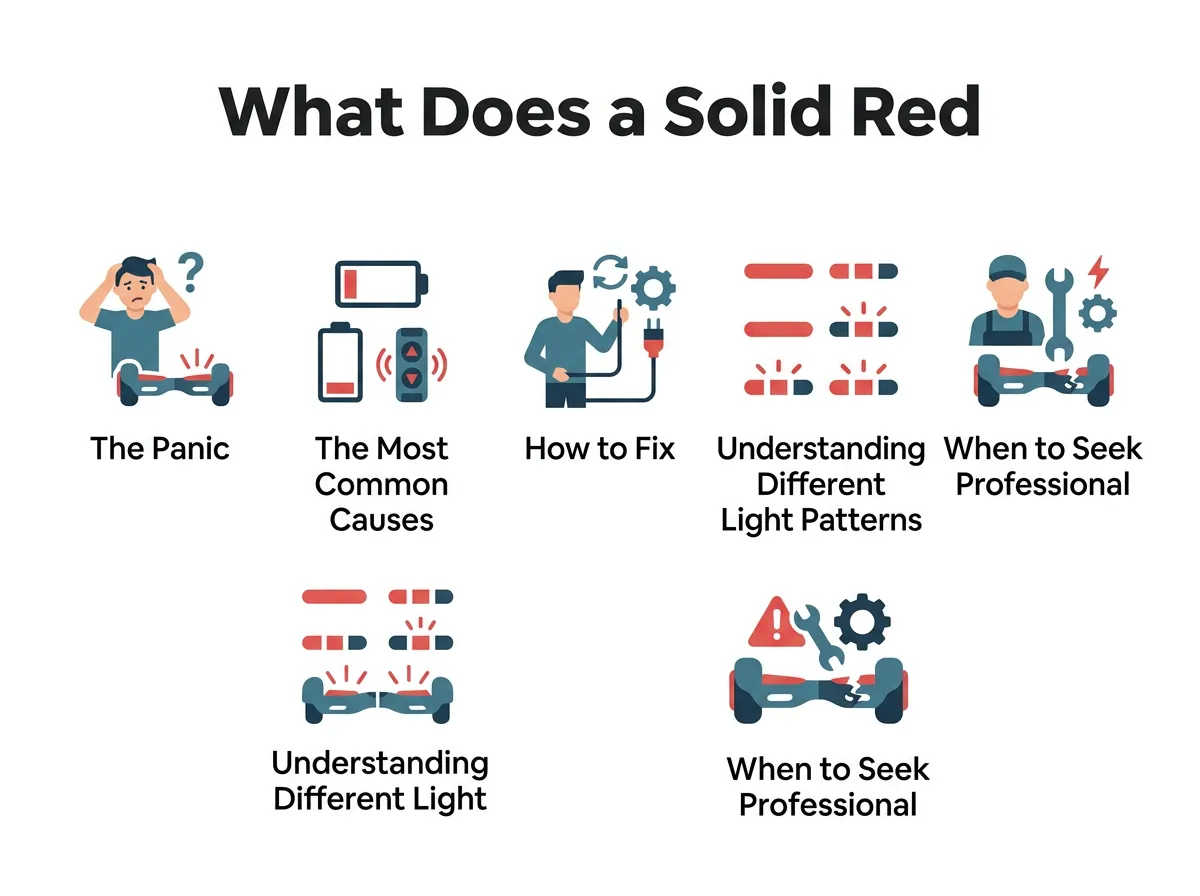
What Does a Solid Red Light on a Hoverboard Mean? — key points at a glance
1. Low Battery Life
This is the simplest cause. Hoverboards need a lot of power to balance and move. When the battery gets too low, the board cannot function. Many models will show a red light when the charge drops below ten percent. If your board has been stored in a cold garage, the battery might drain even faster than usual.
2. Calibration Off-Balance
Over time, your hoverboard can lose its sense of balance. This often happens after a hard crash or a jump off a curb. The gyroscope sensors get confused. When the board realizes its sensors do not match up, it triggers the red light. This is one of the most common answers to the question, what does a solid red light on a hoverboard mean?
3. Loose Internal Wires
Your hoverboard goes over bumps, cracks, and dirt. All of these vibrations can shake things loose inside the plastic shell. Sometimes, a wire simply slips out of its plastic clip. If the main computer loses connection with a wheel or a sensor, it immediately turns on the red light.
4. Defective Motherboard or Gyroscopes
This is a more serious issue. Like any electronic device, hoverboard parts can wear out. A power surge during charging can damage the motherboard. Water damage from riding through puddles can also ruin the circuits. In these cases, the red light is warning you of a hardware failure.
How to Fix a Solid Red Light on a Hoverboard
Now that we know the causes, let us talk about the fixes. You do not need to be a professional mechanic to try these steps. Most of them can be done in your living room in just a few minutes.
Step 1: Give It a Full Charge
Before you do anything else, plug your hoverboard into the charger. Leave it alone for at least two to three hours. Make sure the charger light turns green. Once it is fully charged, turn the board on and see if the red light is gone. If the light remains, move on to the next step.
Step 2: Perform a Hard Reset (Recalibration)
Recalibration is the magic cure for most hoverboard problems. It resets the gyroscopes to their default factory settings. Here is how you do it:
- Turn off your hoverboard completely. Do not leave it in standby mode.
- Place the hoverboard on a completely flat, level surface. Use a spirit level if you have one.
- Make sure both footpads are perfectly parallel to the ground.
- Press and hold the power button down for about ten seconds.
- You will hear a beep, and the lights will start flashing. Keep holding the button.
- Release the button after the lights stop flashing or after another beep.
- Turn the board off, then turn it back on to test it.
Step 3: Inspect the Internal Connections (Advanced)
If calibration does not work, you might have a loose wire. You can check this by carefully opening the outer shell. Make sure the hoverboard is turned off and unplugged. Use a screwdriver to remove the screws on the bottom of the board.
Lift the plastic cover slowly. Be careful not to pull on any attached wires. Look for any loose plugs or disconnected cables. Gently press all plastic connectors to make sure they are secure. If you need help identifying these parts, you can consult the iFixit Hover-1 Liberty Troubleshooting guide for visual help with internal parts.
Understanding Different Light Patterns
Not all red lights are the same. Your hoverboard uses different patterns to tell you what is wrong. Paying close attention to these patterns can save you a lot of time.
Red Light vs. Green Light
A green light is what you always want to see. It means your battery is healthy and the board is ready to ride. A red light means stop. If you want to dive deeper into these signals, you can read more about understanding the indicator lights on your hoverboard to learn what each color represents.
Flashing Red Lights vs. Solid Red Lights
There is a big difference between a flashing light and a solid light. A flashing light often blinks a specific number of times. Each number of blinks represents a specific error code. For example, five blinks might mean a battery issue, while one blink might mean a motherboard issue. If your light is blinking instead of staying solid, you can check this guide on hoverboard red light flashing to decode those specific blink patterns.
When to Seek Professional Repair or Replacement
Sometimes, DIY fixes are not enough. If you have tried charging, calibrating, and checking the wires, the problem might be a broken part. You will need to decide if you want to fix it yourself or seek help.
Signs of a Dead Battery
Hoverboard batteries do not last forever. If your board displays a red light immediately after you unplug it from the charger, your battery is likely dead. Lithium-ion batteries can degrade over time, especially if they are left empty for months. You will need to purchase a replacement battery and install it.
Replacing the Motherboard
If the battery is fine but the solid red light refuses to go away, the motherboard might be fried. Replacing a motherboard is a bit more complex. It involves unplugging many wires and installing a new circuit board. If you do not feel comfortable doing this, it is best to take your board to a local repair shop or contact the manufacturer.
Conclusion
Seeing a solid red light on your hoverboard can be a bummer, but it is not the end of the world. In most cases, it is simply a cry for help from your board’s safety system. By understanding what does a solid red light on a hoverboard mean, you can tackle the issue with confidence.
Start with the simplest solutions first. Charge your board fully, and then try a quick recalibration. Most of the time, this will get you back on the road in minutes. If the problem persists, do not be afraid to look inside or ask for professional help. Stay safe, wear your helmet, and happy riding!
Frequently Asked Questions
Can I ride my hoverboard with a solid red light?
No, you should not ride your hoverboard when the red light is solid. The board will often disable its self-balancing feature, which can cause you to fall. Always fix the issue before trying to ride again.
How do I reset my hoverboard to fix the red light?
To reset your board, turn it off and place it on a flat surface. Hold down the power button for about ten seconds until the lights flash, then release. Turn the board off and on again to complete the recalibration.
Why does my hoverboard beep and show a red light?
This beep and light combination is a built-in safety warning. It usually means your battery is critically low or the system has detected a calibration error. It tells you to step off the board immediately for your safety.
Will water damage cause a solid red light?
Yes, water exposure can easily trigger a solid red light on your hoverboard. Moisture damages the sensitive internal circuit boards and gyroscopes. If your board got wet, let it dry completely for 48 hours before turning it on.
How long do hoverboard batteries last?
Most hoverboard batteries last between one and two years with regular use. Over time, they lose their ability to hold a charge and may trigger a permanent red light. When this happens, you will need to buy a replacement battery.
Is it safe to leave my hoverboard charging overnight?
No, you should never leave your hoverboard charging overnight or unattended. Overcharging can damage the battery life and create a potential fire hazard. Always unplug the charger as soon as the indicator light turns green.
