


A fall or crash sends a sudden shockwave through your hoverboard, which knocks its sensitive internal gyroscopes out of alignment. Because the motherboard relies on these sensors to stay level, even a minor bump can cause your ride to shake, tilt, or pull to one side. Fortunately, a simple manual reset is usually all it takes to recalibrate the system and get you back on track safely.
Picture this. You are cruising down the sidewalk on a sunny afternoon. The wind is in your hair, and you feel completely in control. Suddenly, your hoverboard hits an unexpected crack in the pavement. You wobble, lose your footing, and tumble onto the grass. Your hoverboard flips over once or twice before coming to a stop. You brush yourself off, glad that only your pride is hurt. But when you step back on your board, something feels completely wrong. It shakes violently, tilts forward too much, or stubbornly pulls to the left.
This is a incredibly common story for riders of all skill levels. Hoverboards are amazing pieces of technology, but they are also highly sensitive. When they suffer a sudden crash, they often lose their sense of balance. In this beginner-friendly guide, we will dive deep into the science behind your self-balancing board. We will explore exactly why these smart devices get confused after a tumble and show you how to fix them in just a few simple steps.
Key Takeaways
- Delicate Gyroscopes: Hoverboards rely on tiny, highly sensitive sensor chips to detect your balance and tilt.
- Impact Displacement: A hard fall creates physical shockwaves that confuse these sensors, throwing off their baseline “zero” position.
- Clear Indicators: Shaking, pulling to one side, or flashing red lights are classic signs that your board needs a reset.
- Simple Home Fix: Most calibration issues can be solved in under two minutes by using a simple power-button sequence.
- Hardware Check: If software recalibration does not work, a loose wire or damaged sensor board inside the shell may be the cause.
📑 Table of Contents
The Delicate Science of Hoverboard Balance
To understand why your board gets confused after a crash, we first need to look at how it works. A hoverboard does not have a brain, but it does have a very clever central nervous system. This system is designed to keep you upright and moving in the direction you lean.
What is a Gyroscope?
Inside every hoverboard, beneath the plastic foot pads, sit two tiny electronic devices called gyroscopes. These are not spinning mechanical wheels like the gyroscopes of the past. Instead, they are micro-electromechanical sensors (MEMS) on small computer chips. These chips are incredibly sensitive. They detect even the tiniest changes in angle, tilt, and acceleration. When you lean forward, the gyroscopes instantly feel that change and tell the board to move forward to keep you balanced.
How the Motherboard Talks to the Wheels
The gyroscopes do not work alone. They constantly send speed and angle data to the main motherboard. The motherboard acts as the master computer. It processes this data hundreds of times per second. It then decides how much power to send to the electric motors inside each wheel. When everything is working perfectly, this communication happens instantly. You do not even think about it; you just lean, and the board glides.
What Actually Happens During a Fall?
When you ask yourself, “Why Does My Hoverboard Lose Calibration After a Fall?”, the answer lies in the physics of a crash. Hoverboards are built to carry your weight, but they are not always designed to handle sudden, sharp shocks.
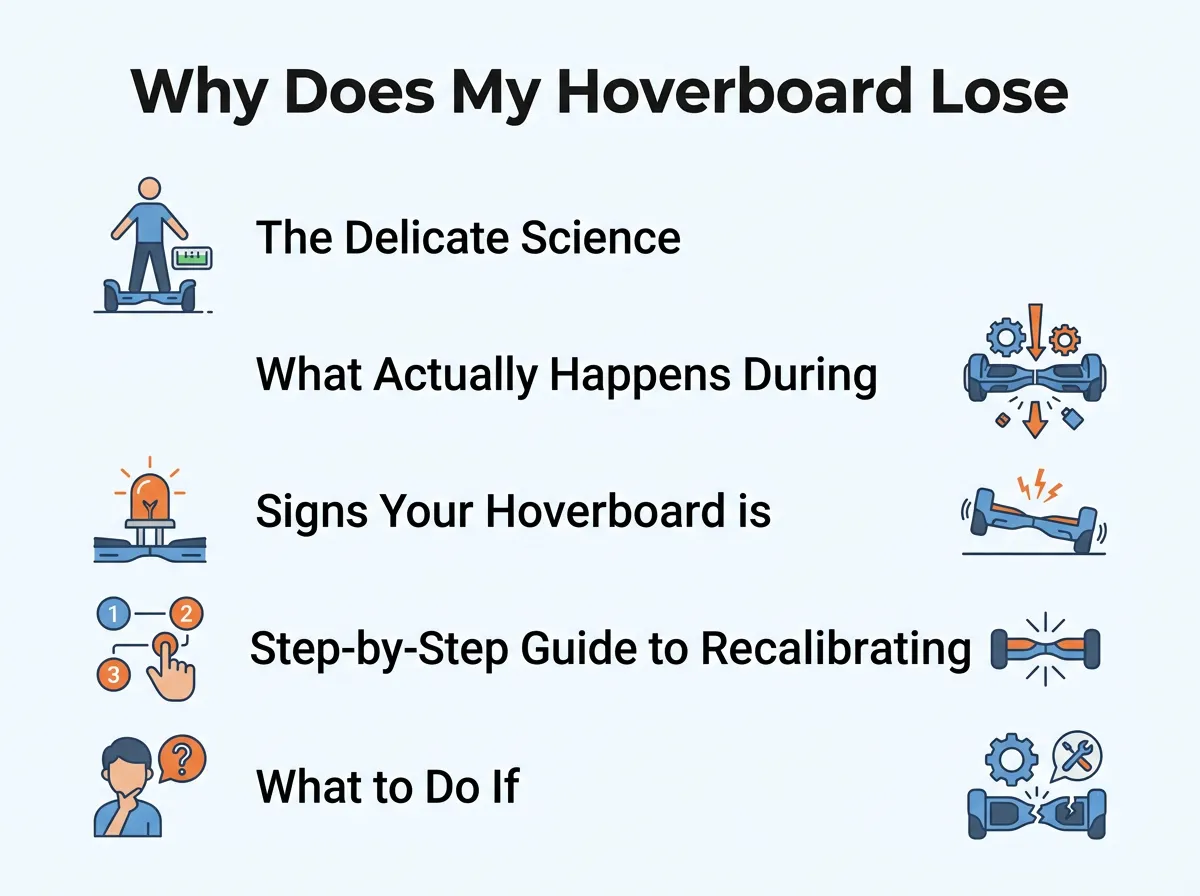
Why Does My Hoverboard Lose Calibration After a Fall? — key points at a glance
Physical Impact vs. Electronic Confusion
When your hoverboard hits the ground hard, a physical shockwave travels through the entire plastic and metal frame. This shockwave vibrates the sensitive gyroscope chips. Think of it like someone shaking you while you are trying to read a map. Suddenly, the sensor loses track of its exact orientation. The physical impact can also slightly shift the position of the sensor boards inside the plastic housing. Even a tiny fraction of a millimeter of movement can make the computer think “flat ground” is actually a steep hill.
The Safe-Mode Reaction
Sometimes, the board does not have any physical damage, but its software gets highly confused. During a fall, the wheels might spin freely in the air at high speeds while the board is upside down. This sudden lack of resistance, combined with extreme tilt angles, triggers safety protocols in the motherboard. The board gets confused about which way is actually up, leading to a complete loss of calibration.
Signs Your Hoverboard is Out of Calibration
How do you know for sure that your board is out of calibration instead of being permanently broken? Here are the most common warning signs to watch out for after a tumble:
- Pulling to One Side: When you try to ride straight, the board constantly drifts or veers to the left or right.
- The Shakes: The hoverboard vibrates or shudders violently under your feet, especially when you step on or off.
- Uneven Footpads: One side of the board sits at a completely different angle than the other when nobody is standing on it.
- Spinning: Your ride might start spinning in circles on its own, or you might find your hoverboard only going backwards or spinning in circles without your input.
- Beeping and Red Lights: The center warning light flashes red, and the board emits a continuous, annoying beeps to tell you it is unhappy.
Step-by-Step Guide to Recalibrating Your Hoverboard
The good news is that you do not need to take your board to a repair shop just because it had a fall. In 90% of cases, you can fix the balance yourself at home. This process is called a manual reset or recalibration. Here are the simple steps to do it:
Step 1: Power Off and Level the Board
First, turn your hoverboard completely off. Do not just put it in standby mode. Place the board on a flat, level floor. A tiled kitchen floor or a hardwood floor works best. Avoid carpet, as it can make the board tilt slightly. Make sure both foot pedals are perfectly level with the ground and perfectly aligned with each other.
Step 2: The Magic Power Button Hold
With the board flat and still, press and hold the power button down. Do not let go. Keep holding it for about 5 to 10 seconds. Soon, you will hear a beep, and the LED lights on the board will start flashing. This flashing light indicates that the board has entered its calibration mode.
Step 3: Let It Calibrate
Once the lights start flashing, you can let go of the power button. Keep the hoverboard completely still. Do not touch it, nudge it, or let your pets near it. The computer inside is now taking a snapshot of this position and saving it as the new “perfectly level” baseline. This process takes about 15 to 30 seconds.
Step 4: Power Off and Test
After the lights stop flashing or begin flashing in a regular, slow pattern, press the power button once to turn the hoverboard off. This saves the new settings into the memory. Now, turn the hoverboard back on as you normally would. For detailed steps tailored to specific brands, you can always check out the official instructions to recalibrate your hoverboard to ensure your model doesn’t require a unique button sequence.
What to Do If Recalibration Fails
Sometimes, you can try to recalibrate your board three or four times, but the red lights keep flashing. If this happens, the physical impact of the fall may have caused some internal damage.
Checking for Loose Internal Wires
The shock of a crash can easily unplug or loosen the small wiring harnesses inside the hoverboard. If a gyroscope wire becomes loose, the motherboard cannot talk to the sensor. If you are comfortable using a screwdriver, you can unscrew the bottom plastic shell. Look closely at the colored wires connecting the wheel sensors to the main motherboard. Make sure every single plug is firmly pushed into its socket. For safety, always make sure the battery is unplugged before touching internal wires!
Damaged Gyroscope Sensor Boards
In rare cases, the impact of a crash can physically crack the tiny green circuit boards inside the wheel housings. If these boards are cracked, they must be replaced. Fortunately, replacement gyro boards are cheap and easy to find online. If you need step-by-step guidance on opening your device, you can read more about troubleshooting internal hoverboard hardware to locate the exact components.
If you find that the board simply refuses to save its new flat position, you might be dealing with a corrupted memory chip on the motherboard. When you run into this frustrating scenario, read this guide on what to do when your hoverboard refuses to recalibrate to help identify deeper electrical issues.
Practical Tips to Prevent Future Calibration Issues
While crashes are bound to happen, you can take a few smart steps to protect your hoverboard from losing its balance in the future.
Use Protective Silicon Covers
You can buy soft silicone skins or rubber bumper guards that wrap around your hoverboard shell. These bumpers act like a phone case. They absorb the sharp shockwaves of a crash, protecting the delicate internal sensors from high-impact vibrations.
Avoid Extremely Rough Surfaces
Hoverboards are designed for smooth surfaces. Riding over deep sidewalk cracks, gravel, or heavy grass subjects the gyroscopes to constant, violent vibrations. Over time, these vibrations can loosen internal plugs and throw off your calibration.
Conclusion
At the end of the day, a hoverboard that loses its calibration after a fall is completely normal. It is not a sign of a cheap product; rather, it is a safety feature of a highly complex balancing machine. By understanding how the gyroscopes work and learning how to perform a quick manual reset, you can fix most balance issues in under two minutes. Keep your board level, ride safely on smooth paths, and do not let a minor tumble keep you from enjoying your ride!
Frequently Asked Questions
How often should I calibrate my hoverboard?
You do not need to calibrate your hoverboard on a regular schedule. Only perform a recalibration when your ride feels unstable, pulls to one side, shakes violently, or after it has suffered a hard crash.
Can a loose wire cause calibration issues?
Yes, a loose wire can definitely cause calibration issues. If the shock of a fall partially unplugged a gyroscope wire, the motherboard will not receive correct balance data, making successful calibration impossible.
Will recalibration fix a hoverboard that won’t turn on?
No, recalibration only resets the balance sensors. If your hoverboard is completely dead or refuses to turn on, you are likely dealing with a dead battery, a broken power button, or a faulty motherboard.
Why does my hoverboard shake after a fall?
Your hoverboard shakes because its gyroscopes have lost their flat baseline. The system is rapidly over-correcting itself to try and find balance, which creates a rapid back-and-forth shaking sensation.
Do I need special tools to recalibrate?
No, you do not need any tools to recalibrate your hoverboard. The entire process is done using only the power button on the outside of the board, as long as the internal hardware is not physically damaged.
What if my hoverboard keeps beep-beeping after a reset?
If the beeping continues after a reset, the system is still detecting an error. Try resetting it again on a flatter surface, or check the internal connections to ensure no sensors were disconnected during the fall.
