


If your hoverboard speaker is not working, the issue is usually caused by a disabled Bluetooth connection, low battery power, or unpaired devices. Sometimes, loose internal wiring or a blown speaker cone requires a quick physical check or part replacement. By following a few simple troubleshooting steps, you can easily restore your favorite riding tunes.
Picture this. You step onto your hoverboard. The sun is shining. You are ready to zoom down the sidewalk. You want to blast your favorite songs while you ride. You open your phone. You tap play. But nothing happens. There is total silence.
You look down. Your board is moving, but the music is gone. It can ruin a great day of riding. You find yourself asking, “Why Does My Hoverboard Speaker Not Work?”
Do not worry. This is a very common issue. Many riders face this exact problem. Usually, the fix is quick and simple. In this guide, we will look at why this happens. We will cover easy fixes, hardware checks, and step-by-step solutions to get your music blasting again.
Key Takeaways
- Check the Bluetooth connection first: Ensure your phone is actually paired with the hoverboard and that the volume is turned up on both devices.
- Keep the battery charged: Hoverboards often turn off Bluetooth features when the battery falls below a certain percentage to save power.
- Inspect for loose wires: Rough rides can shake loose the internal wires that connect the mainboard to the speaker.
- Reset or calibrate the hoverboard: A simple system reset can often clear up software glitches affecting the audio.
- Replace the speaker if needed: If the speaker is blown or water-damaged, you can easily buy a cheap replacement and swap it out.
📑 Table of Contents
The Basics of Hoverboard Bluetooth Speakers
Most modern hoverboards come with built-in speakers. These speakers connect to your phone or tablet using Bluetooth. It is a great feature. It lets you enjoy your ride with a personal soundtrack.
How Your Hoverboard Plays Sound
Inside your hoverboard, there is a small Bluetooth receiver. This receiver gets sound signals from your mobile device. It sends those signals to an amplifier. The amplifier then powers the speaker. Everything runs on the main battery of the hoverboard.
Why Sound Makes Riding Better
Music adds fun to your cruise. It also alerts people around you. A loud speaker lets walkers know you are coming. When it stops working, you lose both fun and safety. Let us find out how to fix it.
Common Reasons Your Hoverboard Speaker Is Silent
Before you open up your board, check the easy things first. Often, the issue is a simple setting. Here are the most common reasons you might ask, “Why Does My Hoverboard Speaker Not Work?”
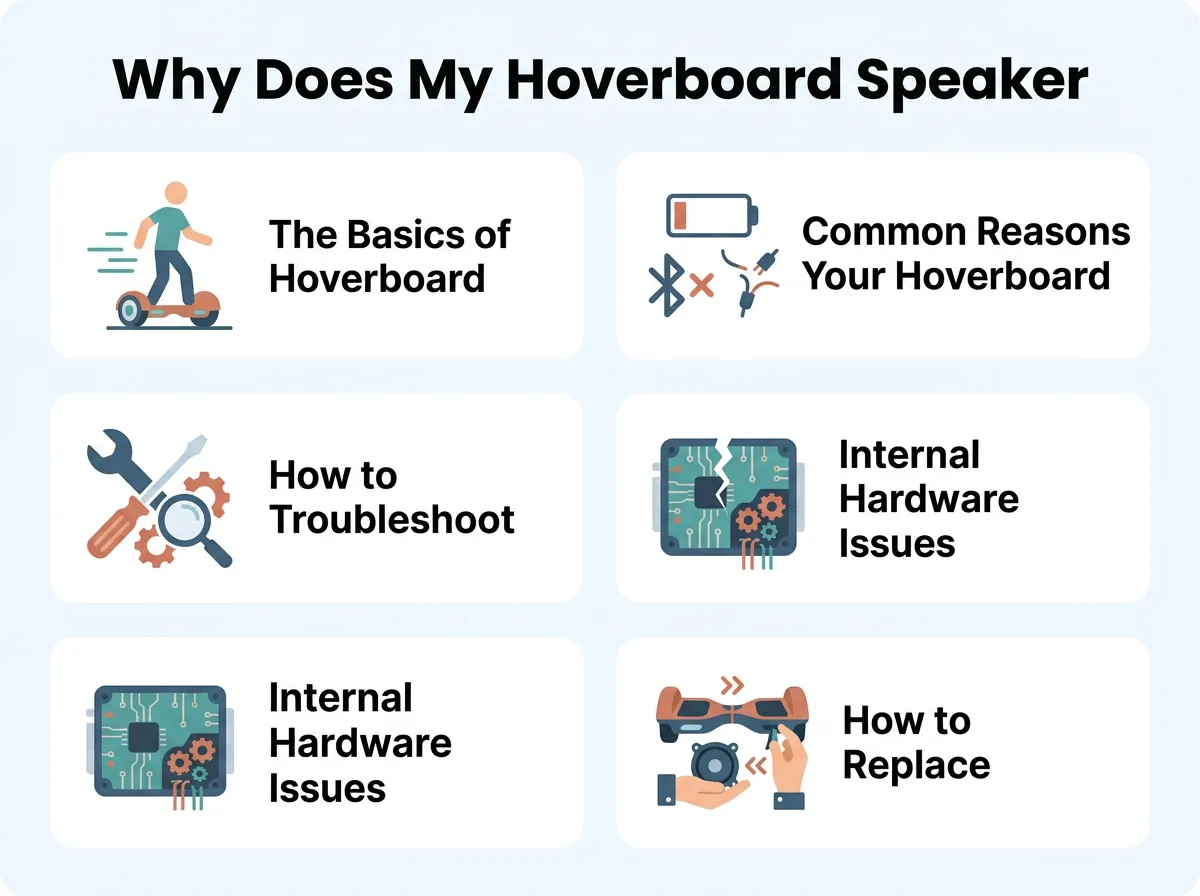
Why Does My Hoverboard Speaker Not Work? — key points at a glance
Unpaired or Disconnected Bluetooth
Sometimes, your phone simply disconnects. Your phone might pair with your headphones instead. Or, your hoverboard might connect to a family member’s phone nearby. Always check your active connections. If you need help with this, you can read more about troubleshooting hoverboard Bluetooth issues to get connected fast.
Low Battery Restrictions
Did you know hoverboards have smart brain chips? When the battery gets low, the board saves power. It will turn off extra features first. The Bluetooth speaker is usually the first thing to go. If your battery is under twenty percent, charge it up.
Range and Distance Issues
Bluetooth has a short range. It usually works up to thirty feet. If you step off your board and walk away with your phone, the music will stop. Obstacles like walls can also block the signal. Keep your phone in your pocket while you ride.
How to Troubleshoot Your Hoverboard Speaker
Let us try some quick fixes. These do not require any tools. You can do them in just a few minutes.
Step 1: Perform a Hard Reset
A system reset can fix many glitches. To reset your hoverboard, turn it off. Place it on a flat surface. Make sure both footpads are level. Press and hold the power button for ten seconds. You will hear a beep and see the lights flash. Release the button. Turn the board off, then turn it back on.
Step 2: Clear Your Phone’s Bluetooth Cache
Your phone can get confused. Go to your phone settings. Open your Bluetooth menu. Find your hoverboard on the list. Tap “Forget this Device.” Turn your phone’s Bluetooth off, then turn it back on. Try to scan and pair again. This often solves the issue.
Step 3: Test with Another Device
Is the problem your board or your phone? You can easily find out. Grab a friend’s phone or a tablet. Try to connect that device to the hoverboard. If it plays music, your phone is the issue. If it still does not play, the problem lies within the hoverboard.
Internal Hardware Issues to Look For
If software fixes do not work, we must look deeper. Hoverboards take a lot of bumps. These bumps can cause physical damage inside the plastic shell.
Loose Wire Connections
This is a very common hardware issue. The speaker connects to the motherboard with a small wire plug. Rough riding, jumps, and drops can shake this plug loose. When the plug comes out, the speaker loses power. You will need to open the casing to plug it back in.
Water Damage and Dampness
Did you ride through a puddle recently? Most hoverboards are not fully waterproof. Water can creep inside the shell. Even a tiny drop of water can short out the speaker circuit. If you suspect water damage, let the board dry in a warm room for twenty-four hours.
A Blown Speaker Cone
Do you like to play your music at maximum volume? This can damage the speaker over time. If you hear static, buzzing, or if you get zero sound, the speaker might be blown. To prevent speaker distortion on your board, try to keep the volume slightly below the maximum level.
How to Replace a Broken Hoverboard Speaker
If your speaker is truly dead, do not panic. Replacing it is cheap and easy. You do not need to be an expert to do this.
Tools You Will Need
You only need a few basic tools:
- A Phillips head screwdriver
- A small tray to hold loose screws
- A new hoverboard replacement speaker
Steps to Swap the Speaker
First, turn off your hoverboard completely. Place it upside down on a soft towel. Use your screwdriver to remove the screws from the bottom shell. Keep the screws safe in your tray. Gently lift the plastic cover. Locate the speaker. It is usually a round metal and plastic disk.
Unplug the speaker wire from the circuit board. Unscrew the speaker from the frame. Put the new speaker in its place. Screw it down tight. Plug the new wire back into the same slot on the motherboard. For more details, look at this step-by-step hoverboard speaker replacement guide to make the job simple. Finally, put the outer shell back on and tighten the screws.
Summary of Solutions
Let us recap the main ways to solve this. If you are asking yourself, “Why Does My Hoverboard Speaker Not Work?” you should run through this quick checklist:
- Charge the battery to one hundred percent.
- Forget the device on your phone and pair again.
- Perform a hard system reset.
- Open the shell and check for loose wire plugs.
- Replace the speaker if it is blown or wet.
Conclusion
Riding a hoverboard is always better with your favorite songs. When your speaker stops working, it can feel frustrating. But most of the time, the fix is quick. It is usually just a low battery or a simple Bluetooth glitch.
Take your time and go through the steps. Start with the easiest software fixes. If those do not work, do not be afraid to look inside. With a little care, you will have your music back in no time. Keep riding safely, and enjoy your tunes!
Frequently Asked Questions
Why does my hoverboard beep but not play music?
The beeping usually means the board is in a low battery state or needs calibration. When this happens, the hoverboard shuts down extra features like Bluetooth to save energy for riding. Charge your board fully and try again.
Can I play music on my hoverboard while riding?
Yes, you can safely play music while riding as long as you stay aware of your surroundings. Keep the volume at a level where you can still hear traffic and pedestrians around you.
How do I pair my phone to my hoverboard speaker?
Turn on your hoverboard first, which will activate its Bluetooth pairing mode. Then, open your phone’s Bluetooth settings, find the hoverboard device name, and tap connect.
Is my hoverboard speaker waterproof?
Most hoverboard speakers are not waterproof and can easily get damaged by rain or puddles. Avoid riding through wet areas to prevent water from shorting out the speaker’s internal circuits.
Where can I buy a replacement hoverboard speaker?
You can find cheap replacement speakers on online marketplaces like Amazon or eBay. Make sure to choose a speaker that matches the size and plug type of your specific hoverboard model.
How long does a hoverboard speaker last?
A hoverboard speaker can last for several years if it is kept dry and played at safe volume levels. Hard drops, wet conditions, and playing music at maximum volume can shorten its lifespan significantly.
