


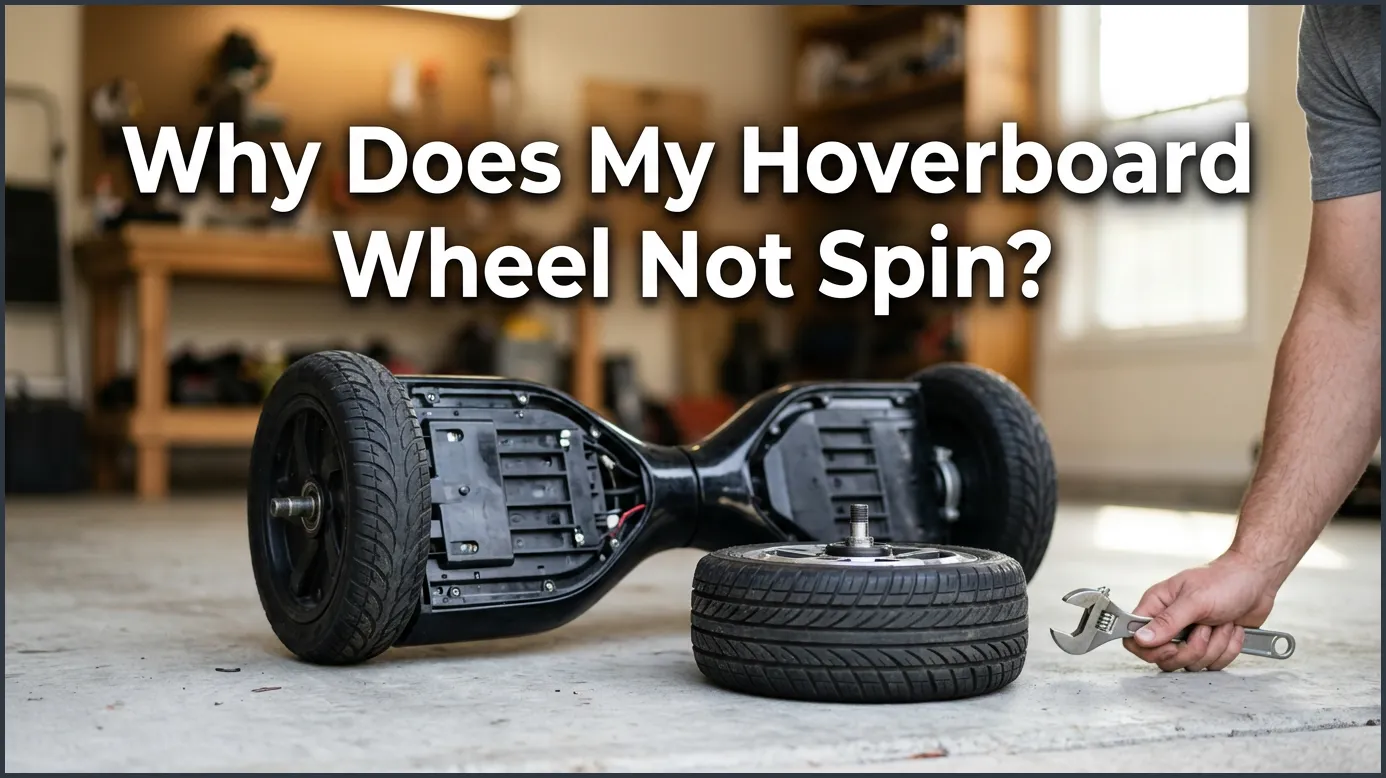
If one or both of your hoverboard wheels won’t spin, the most common culprit is a system calibration issue, a loose internal wire, or a faulty gyroscopic sensor. Fortunately, you can often fix this problem at home by performing a quick system reset or securing loose internal connections. If these basic troubleshooting steps do not work, you may need to replace the wheel motor or the main motherboard.
Imagine this scenario. The sun is shining, and you grab your hoverboard for a fun afternoon ride. You step onto the grip pads, but something feels completely off. The board spins around in a circle, or perhaps it does not move forward at all. You look down and realize one of your wheels is totally locked up. It is a highly frustrating moment that many riders face sooner or later.
Why Does My Hoverboard Wheel Not Spin? This is a very common question for both new and experienced riders. Hoverboards are amazing pieces of technology, but like all electronic gadgets, they can have occasional hiccups. Sometimes the fix is super easy and takes less than a minute. Other times, you might need to take a quick peek inside the board itself.
In this guide, we will walk you through the reasons behind this annoying issue. We will share easy, step-by-step fixes you can try at home. You do not need to be a professional tech genius to get your board rolling again. Let us dive in and fix your favorite ride!
Key Takeaways
- Calibrate your board first: Many wheel issues are just simple software glitches that a quick system reset can easily fix.
- Check for loose wires: Constant vibration from riding can shake internal power cables loose over time.
- Inspect the gyroscopes: These sensitive balance boards tell the wheels when to turn and can get damaged from hard drops.
- Look for physical blocks: Dirt, hair, and outdoor debris can wrap around the wheel axle and physically stop it from spinning.
- Watch the battery status: A dying or low-quality battery might not supply enough power to run both wheel motors.
- Replace parts if needed: If basic troubleshooting fails, you may need to install a new wheel motor or a replacement motherboard.
📑 Table of Contents
Understanding How Hoverboard Wheels Work
To fix a problem, it helps to know how the toy works. A hoverboard is not just a basic board with two wheels. It is a smart gadget full of advanced sensors that work together to keep you upright. Each side of the board has its own independent brain and motor. They must talk to each other constantly to make your ride smooth. If one side stops talking, the system fails.
The Role of the Gyroscope
Under each footpad, there is a small sensor called a gyroscope. This sensor detects your body balance. It knows if you tilt your toes forward or lean your heels back. When you lean forward, the sensor tells the wheel to go forward. If one gyroscope stops talking to the main brain of the board, the wheel will not spin. It simply sits idle while the other wheel does all the work, causing you to spin in circles.
The Electric Motor Inside the Wheel
Hoverboard wheels are quite special. The electric motor is actually located inside the wheel hub itself. These are called brushless hub motors. They are incredibly strong, durable, and quiet. They do not have gears that can wear out over time. Instead, they use magnets and coils of wire to spin. If electric power cannot reach this motor, the wheel stays locked in place.
Common Reasons Your Hoverboard Wheel Won’t Spin
There are a few main reasons why a wheel decides to take a break. Understanding these common culprits will help you know exactly what to look for when troubleshooting. When you ask yourself, why does my hoverboard wheel not spin, the answer is often found inside the shell.
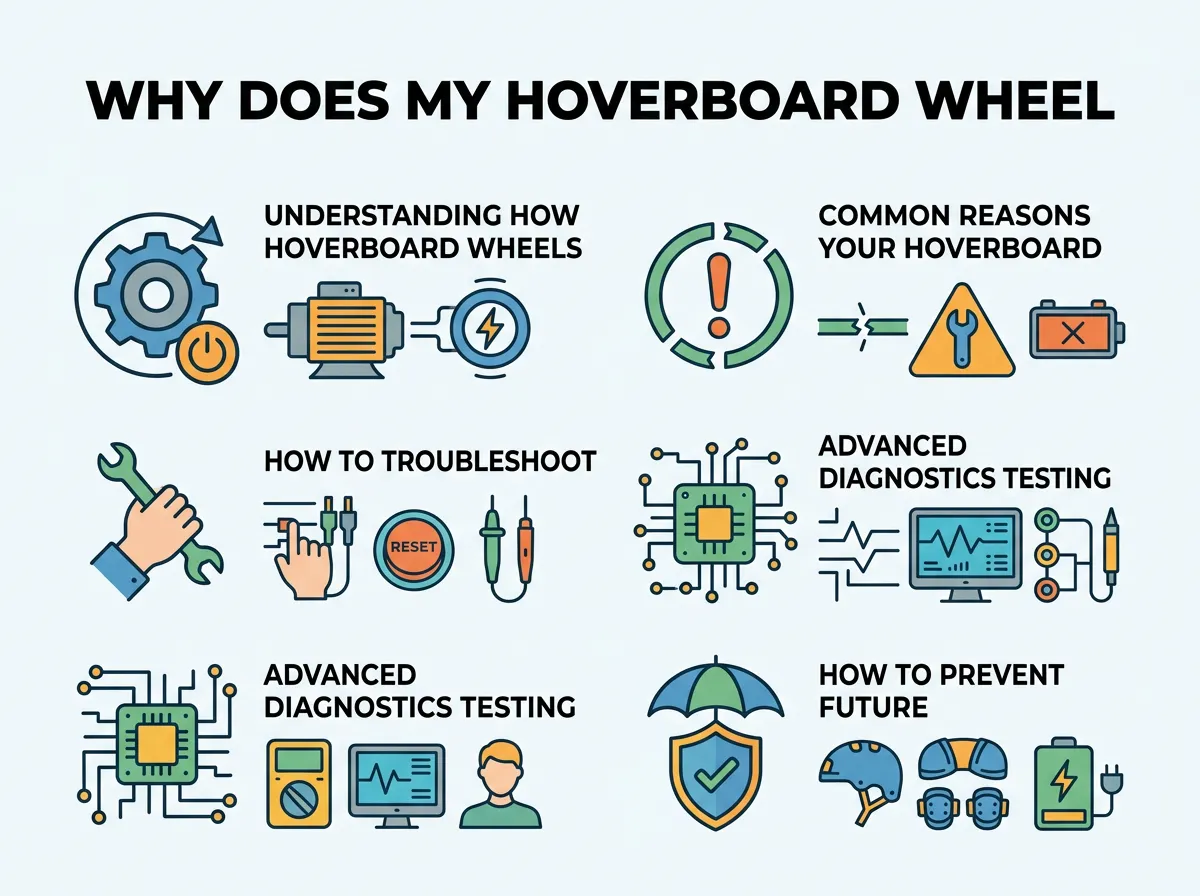
Why Does My Hoverboard Wheel Not Spin? — key points at a glance
Out of Calibration
Sometimes, the board simply gets confused. This is the absolute most common issue of all. If the board receives mixed signals from the sensors, it might lock one wheel to keep you safe from falling. This often happens after a crash, a hard jump, or riding over a bumpy road. The sensors simply lose track of what a level surface looks like.
Loose or Disconnected Wires
Hoverboards take a lot of daily abuse. You ride over sidewalk cracks, jump off curbs, and glide across rough ground. All of this constant vibration can loosen the plugs inside the board. Over time, the cables can slide out of their sockets. If a main power wire pops out, the wheel loses all power instantly.
Debris Trapped in the Axle
Do you love riding outdoors? Dirt, hair, grass, and tiny pebbles can easily get stuck in the wheel joint. Over time, this debris builds up and wraps tightly around the axle. It acts like a brake, stopping the wheel from turning. This makes the motor work too hard and heat up. If you want to dive deeper into how physical blockages impact your ride, you can read about hoverboard wheels that won’t spin due to physical jams.
A Faulty Motherboard or Gyro
The motherboard is the main brain of your hoverboard. It controls the power flow and processes your movements. If a small electronic chip burns out on the board, it cannot send power to the wheel. This usually requires a total motherboard replacement. The same goes for a broken gyroscope board.
How to Troubleshoot and Fix the Issue (Step-by-Step)
Ready to fix your board? Follow these steps in order. Always start with the easiest and least invasive fix first. You do not need fancy tools for this project. A simple screwdriver is usually all you need to get started.
Step 1: Perform a Hard Reset (Calibration)
This is the magic fix for most hoverboard problems. It resets the sensors and aligns the wheels. First, turn off your hoverboard completely. Place it on a flat, level floor. Make sure both footpads are perfectly level with the ground. Press and hold the power button for about ten seconds. You will see the lights flash and hear a beep. Keep holding until the flashing stops. Turn the board off, then turn it back on. Test your ride to see if the wheel spins!
Step 2: Check for Red Warning Lights
Look at the center of your hoverboard. Is there a red light blinking? If so, count the number of blinks. Hoverboards use green and red blink codes to tell you what is wrong. For example, some codes mean a battery issue, while others mean a sensor issue. Knowing the number of blinks helps you find the exact problem much faster without guessing.
Step 3: Inspect the Interior Wires
If the reset did not work, it is time to look inside. If you still find yourself asking, why does my hoverboard wheel not spin, then checking the wires is your best next move. You will need a small Philips screwdriver. Turn off the board and flip it over. Unscrew the bottom plastic cover on the side with the broken wheel. Be very gentle as you pull the cover off. Look at the colored wires. Are they all plugged in tightly? Check the thick yellow, blue, and green wires going from the motherboard to the wheel. If you see a loose plug, push it back in until it clicks. If you are dealing with a specific side failing, you can read more about resolving one wheel not working on a hoverboard to guide your repair.
Advanced Diagnostics: Testing the Gyroscopes and Motors
What if all the wires look perfectly fine? You can do a simple swap test to find the broken part. This is where you act like a real mechanic.
The Swapping Test
This is a clever trick. Your hoverboard has two identical sides. Each side has a wheel and a gyroscope. You can unplug the wire of the non-spinning wheel and plug it into the other side of the motherboard. If the wheel now spins, you know the wheel motor is perfectly fine. The problem is actually with that side of the motherboard or the gyroscope board.
Checking for Motherboard Damage
Look closely at the green motherboard. Do you see any black burn marks? Do you smell something burnt like melted plastic? If a chip is burnt, you will need to buy a replacement board set. Luckily, you can buy these online and install them easily by matching the colored plugs.
How to Prevent Future Hoverboard Wheel Problems
Now that you know how to fix it, let’s make sure it does not happen again. Taking care of your board will save you time and money. It also keeps you safe while riding around your neighborhood.
Avoid Water and Mud
Hoverboards are electronic toys. Water is their absolute worst enemy. Even a small puddle can ruin the delicate gyroscopes. Keep your board dry. If it gets dirty, wipe it down with a damp cloth instead of spraying it with a hose.
Ride on Smooth Surfaces
Try to avoid rough gravel, sand, or deep grass. These surfaces put a lot of extra stress on the wheel motors. Smooth pavement, concrete, and indoor floors are best for your hoverboard’s health. For more helpful ideas, check out these preventative maintenance tips for hoverboards to keep your ride running smoothly for years.
Conclusion
A stuck hoverboard wheel can put a sudden stop to your outdoor fun. But as you have learned, it does not mean your board is ruined forever. Most of the time, a quick calibration or a loose wire check is all it takes to solve the issue.
By following this guide, you can safely troubleshoot the problem in the comfort of your home. Always start with a simple reset before picking up a screwdriver. Take your time, be gentle with the interior wires, and soon you will be back to gliding down the street with ease! Next time you wonder, why does my hoverboard wheel not spin, you will know exactly what to do.
Frequently Asked Questions
How do I calibrate my hoverboard?
To calibrate your board, turn it off and place it on a perfectly flat floor. Hold the power button down for about 10 seconds until the lights flash and you hear a beep. Turn the board off and then back on to complete the reset.
Can water cause a hoverboard wheel to stop spinning?
Yes, water can easily short-circuit the internal gyroscopes or motherboard. If moisture gets inside the wheel motor, it can cause corrosion and stop the wheel from spinning entirely.
Why is my hoverboard light flashing red?
A flashing red light indicates a system error or low battery. By counting the number of consecutive blinks, you can determine the exact part that is failing, such as the battery or motherboard.
How do I know if my hoverboard motor is burnt out?
If you perform a swap test and the wheel still does not spin when plugged into a working motherboard side, the motor is likely dead. You may also smell a distinct burnt plastic odor coming from the wheel hub.
Is it safe to ride a hoverboard with only one working wheel?
No, it is not safe at all because the board will spin uncontrollably in circles. Riding a malfunctioning hoverboard can lead to sudden falls and serious injuries.
How much does it cost to replace a hoverboard wheel?
A replacement wheel motor typically costs between thirty and sixty dollars depending on your hoverboard model. They are relatively easy to replace at home with basic tools.
