


A blinking blue light on your hoverboard usually means it is in Bluetooth pairing mode, waiting to connect to your phone or speaker. If the light keeps flashing after pairing, or if your model lacks Bluetooth, it could point to a calibration error or a low battery warning. A quick system reset or checking your wireless connection will usually solve this issue and get you back to riding safely.
Picture this scenario. You get your hoverboard out of the closet. You want to go for a quick spin around the neighborhood. You press the power button, step onto the footpads, and get ready to roll. But instead of the usual smooth ride, you notice a bright light flashing on the deck. It is not the normal steady green light. Instead, you see a bright blue light flashing on and off.
This can feel a bit scary if you do not know what it means. You might wonder if your battery is dying, or if the hoverboard is broken. Fortunately, a flashing blue light is rarely a sign of a dead hoverboard. In most cases, it is just your board trying to talk to you. Hoverboards use simple light codes to share their status, and blue is one of the friendliest colors they use.
In this guide, we will break down the mystery of the blinking light. We will look at why is my hoverboard blinking blue, explore the most common causes, and show you exactly how to fix it in just a few easy steps. Let us get started and get you back on the road!
Key Takeaways
- Bluetooth Pairing: The most common cause is the hoverboard searching for a wireless device to connect to.
- Calibration Error: A fast flashing blue light can mean the internal gyroscopes are out of balance.
- Battery Alerts: Some hoverboard brands use blue indicator lights to signal low power or active charging.
- Easy Reset Fix: Performing a quick system calibration reset solves about 90% of blinking light issues.
- Brand Differences: Light patterns can vary, so it is always smart to check your specific user manual.
📑 Table of Contents
Understanding Your Hoverboard’s Light Language
Hoverboards are smart machines. They use high-tech gyroscopes, motherboards, and sensors to keep you upright. Because they do not have a digital screen, they rely on colored LED lights to tell you what is happening inside their system.
Most hoverboards have three main types of lights. First, there are the battery status lights, which show how much power you have left. Second, there are status indicator lights, which tell you if the system is safe to ride. Finally, there are path lights on the front or back to help you see in the dark.
Green lights usually mean everything is perfect. Red lights are a warning that something is wrong. But blue lights are different. Blue lights are often tied to extra features like Bluetooth speakers, or they act as a gentle alert. To learn more about how different brands use these signals, you can read the Jetson guide on hoverboard indicator lights to see what your specific model is trying to say.
The Most Common Cause: Bluetooth Pairing Mode
How Hoverboard Bluetooth Works
Does your hoverboard play music? If it has built-in speakers, it uses Bluetooth technology. When you turn on your hoverboard, the internal Bluetooth chip starts up. It immediately begins searching for a device like your smartphone or tablet.
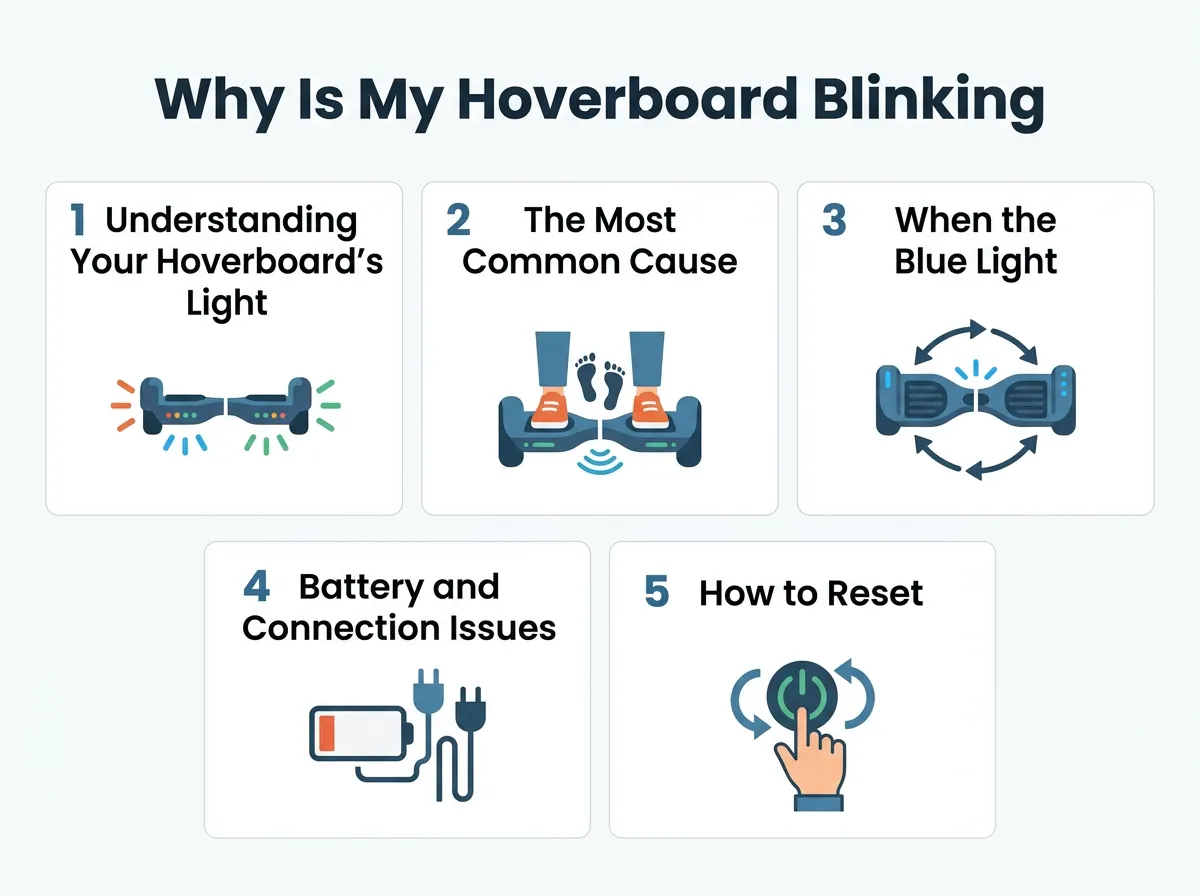
Why Is My Hoverboard Blinking Blue? — key points at a glance
During this search phase, the hoverboard will flash its blue light. This is the main reason why is my hoverboard blinking blue. The flashing light is simply saying, “I am open and waiting to connect to your phone!”
How to Pair Your Device
Fixing this is very simple. Grab your phone and open your settings menu. Turn on your Bluetooth. Look at the list of available devices. You should see a name that looks like your hoverboard brand or a generic name like “Bluetooth Speaker.” Tap on that name. You will usually hear a friendly beep from the hoverboard. Once connected, the blue light will either stop flashing and stay solid, or it will turn off completely.
What to Do If It Will Not Connect
If you cannot find the hoverboard on your phone, try turning your phone’s Bluetooth off and back on. You can also turn the hoverboard off and back on to reset the search signal. For more help with wireless connections, the GoTrax hoverboard troubleshooting guide offers great tips for pairing different models.
When the Blue Light Means Calibration Is Needed
What Is Calibration?
Sometimes, your hoverboard does not have Bluetooth, but you still ask yourself: why is my hoverboard blinking blue? In this case, the light could be a balance warning. Inside the board, gyroscopes detect how you shift your weight. If the board gets bumped, dropped, or ridden on rough grass, these sensors can lose their alignment.
When the sensors are out of sync, the board does not know how to stay level. To protect you from falling, the board will flash a blue light and might make a continuous beeping sound. This is its way of asking for a calibration reset.
How to Spot a Calibration Error
You can tell it is a calibration issue if the blue light flashes very quickly when you step on the board. The hoverboard might also feel shaky under your feet, or it might pull to one side. Do not try to ride your hoverboard if it is acting this way. Riding an uncalibrated board can lead to sudden stops and falls.
Battery and Connection Issues
Another reason why is my hoverboard blinking blue is a low battery or a loose internal wire. Some hoverboard brands use a blue light instead of an orange or red light to show that the battery is running low on juice.
If you ride your board for a long time and the blue light starts blinking, it is time to head home. Connect your board to its official charger. Make sure the charger plug is pushed all the way into the port. A loose plug can cause the lights to blink in weird patterns.
If the light flashes green or red instead of blue, this point to a different type of battery error. You can read the StreetSaw guide on red flashing lights to learn how to handle battery alerts and power system errors.
How to Reset and Recalibrate Your Hoverboard
If you want to stop asking why is my hoverboard blinking blue, a quick system reset is your best bet. This simple process clears minor glitches and aligns your sensors. It takes less than two minutes. Follow these simple steps:
- Turn Off the Board: Press the power button and make sure the hoverboard is completely turned off.
- Find a Flat Surface: Place your hoverboard on a completely flat, level floor. If the floor is uneven, the calibration will not work.
- Level the Pedals: Use your hands to adjust both footpads. Make sure they are perfectly flat and level with the ground.
- Hold the Power Button: Press and hold the power button down. Do not let go. Keep holding it for 5 to 10 seconds.
- Watch the Lights: The front LED lights will start to flash. You will also hear a series of beeping sounds. This is normal. Keep holding the button until the flashing stops.
- Release and Turn Off: Release the power button. Press it once to turn the hoverboard off. This saves the new settings.
- Test Your Ride: Turn the hoverboard back on. The blinking blue light should now be gone, and the board should feel stable when you step on it.
When to Seek Professional Repair Help
Most of the time, the steps above will solve the issue. But what if you try a reset and the blue light keeps blinking? This could mean there is a deeper physical problem inside the shell.
Water Damage
Hoverboards are not waterproof. If you ride through water puddles or left your board outside in the rain, water can seep inside. Moisture can short out the motherboard or the Bluetooth receiver. This causes the lights to blink randomly. If you suspect water damage, turn the board off immediately and let it dry in a warm room for 48 hours.
Loose Internal Wires
If you enjoy doing tricks or riding off curbs, your hoverboard takes a lot of hard hits. Over time, these bumps can shake the internal cables loose. If the wire connecting the motherboard to the LED light comes loose, it can trigger a constant blink. If you are comfortable, you can open the outer shell to check the plugs. If not, it is best to take it to a local repair shop.
Conclusion
Seeing a flashing light on your ride can be annoying, but now you know the secrets behind it. The next time you wonder why is my hoverboard blinking blue, you will know exactly what to do. First, check your phone’s Bluetooth settings to see if it is just looking for a music connection. If that is not the case, give your board a quick system reset to calibrate the gyroscopes.
With a little patience and these simple tips, you can fix most light issues right at home. Keep your board dry, charge it safely, and enjoy your smooth, music-filled rides!
Frequently Asked Questions
Can I ride my hoverboard while the blue light is blinking?
Yes, you can usually ride it if the light is blinking because of Bluetooth pairing. However, if the board feels shaky, pulls to one side, or beeps constantly, you should get off immediately. This means the board needs to be calibrated before it is safe to ride again.
Why does my hoverboard beep when the blue light flashes?
The beeping sound is an audio alert that goes along with the light. It usually means the board is ready to pair with a Bluetooth device or that the gyroscopes are off-balance and need a quick reset. Once you pair your device or recalibrate the board, the beeping should stop.
How do I turn off the Bluetooth on my hoverboard?
Most hoverboards do not have a separate switch to turn off Bluetooth. The wireless chip turns on automatically whenever you power up the board. To stop the blinking light, simply connect your phone to the board or turn off your phone’s Bluetooth search mode.
Does a blinking blue light mean the battery is dying?
On some specific hoverboard models, a blinking blue light is used as a low battery warning. If your board does not have Bluetooth speakers and the light starts flashing after a long ride, try plugging it into the charger to see if the blinking stops.
Why did my hoverboard start blinking blue after I dropped it?
A hard drop can knock the internal gyroscopes out of alignment or loosen a wire on the circuit board. Try performing a system reset by holding the power button for 10 seconds on a flat surface. If that does not work, an internal wire may have come unplugged.
What is the difference between a blinking blue light and a blinking red light?
A blinking blue light usually relates to Bluetooth pairing, minor calibration needs, or battery updates. A blinking red light is a more serious warning. It typically means there is a major system error, a failed battery, or a broken motherboard that needs immediate repair.
