


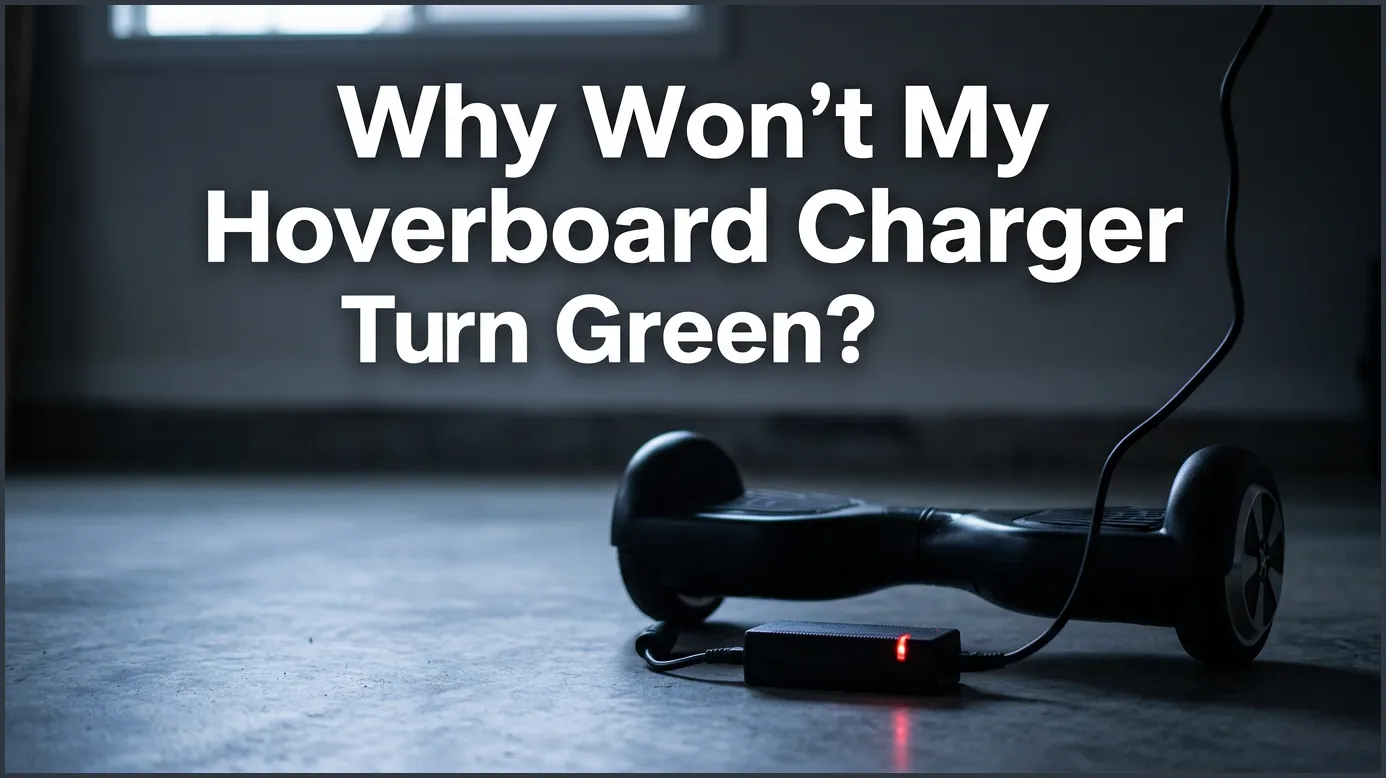
If your hoverboard charger will not turn green, it usually indicates a completely dead battery, a broken charging port, or a faulty charger brick. You can solve this problem by testing the charger while unplugged, inspecting the physical metal pins inside the port, or replacing the damaged battery pack.
Imagine this. You get home after a long, busy day. You want to zoom around your neighborhood on your favorite self-balancing scooter. You grab your hoverboard, plug it into the wall outlet, and wait. You wait for an hour. Then you wait for two hours. But that little LED indicator light on the power brick stays stubbornly red. Or maybe it stays green, but your board refuses to turn on at all.
It is a highly frustrating situation that almost every hoverboard rider faces eventually. You might start to worry that your expensive toy is completely ruined. Do you need to throw it away, or is there an easy way to fix it? If you are asking yourself, “Why Won’t My Hoverboard Charger Turn Green?” you are in the right place.
In this guide, we will explore why this annoying issue happens. We will explain what those little colored lights are trying to tell you. We will also share easy, step-by-step tests you can run at home today. Let us get your hoverboard back in action!
Key Takeaways
- A constant red light: This means the charger is trying to charge a battery that cannot hold a full charge anymore.
- A constant green light: This often means the charger does not detect the hoverboard at all due to a loose wire or bent pins.
- Test the charger first: Unplug the charger from the board to see if it turns green on its own; this confirms the charger itself is working.
- Inspect the charging port: Bent or misaligned metal pins in the charging port prevent energy from flowing.
- Replace old batteries safely: Most charging issues on older hoverboards require a simple battery replacement.
- Use UL-certified parts: Always buy certified chargers and batteries to keep your home safe from fire hazards.
📑 Table of Contents
Understanding Your Hoverboard Charger Lights
Before we look at the issues, we need to understand how your charger communicates with you. It only has one job, and it uses a single colored light to talk to you. Let us break down what those colors mean.
What the Red Light Means
A red light is a sign of active work. It means that electricity is flowing from your wall outlet, through the power brick, and into your hoverboard. Under normal conditions, the light stays red until the battery is completely full. Once the battery reaches full capacity, the light should turn green.
What the Green Light Means
The green light has two different meanings depending on how you use it. First, it means the battery is full and ready to ride. Second, it means the charger does not feel any electrical load. If you plug the charger into the wall but do not plug it into the hoverboard, the light will turn green. It stays green because no energy is being drawn from the brick.
When the Light Stays Red Forever
If the light stays red for more than four hours, something is wrong. It means the charger is sending power, but the battery cannot reach the final full-charge voltage. This is a clear warning sign that your battery is either too weak or permanently damaged.
The Most Common Culprits Behind the Issue
To answer the big question, “Why Won’t My Hoverboard Charger Turn Green?”, we must look at the three main parts of the charging system. These are the battery, the port, and the charger itself.
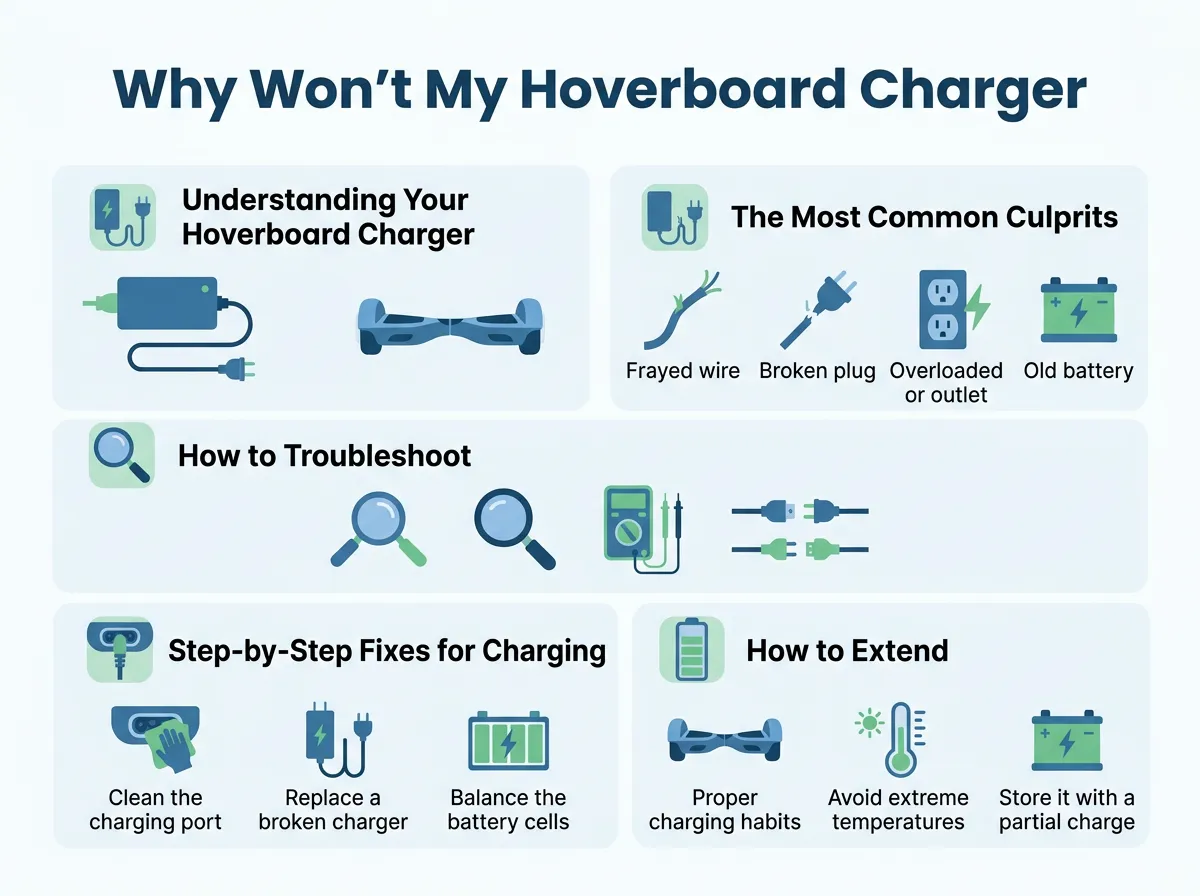
Why Won’t My Hoverboard Charger Turn Green? — key points at a glance
A Dead or Deeply Depleted Battery
Lithium-ion batteries are great, but they do not last forever. If you leave your hoverboard in a cold garage all winter without charging it, the battery will drain completely. When a battery drops below a certain voltage level, its internal safety switch trips. The battery essentially goes to sleep and refuses to accept a charge. You can read about why a charger light stays green on StreetSaw to understand how the battery communication loop fails.
Broken or Misaligned Charging Port Pins
Look closely at the charging port on your hoverboard. You will see three small metal pins inside a plastic circle. If you try to force the charger plug in the wrong way, you can easily bend or push these pins out of alignment. If the pins do not make contact with the charger plug, no electricity will reach the battery. You can consult the iFixit Hover-1 troubleshooting guide to check your port connections and see if physical damage is the root cause.
A Faulty Charger Brick
Sometimes, the issue is not the hoverboard at all. Hoverboard chargers are light, plastic boxes. If you drop the charger onto a hard floor, you can break the tiny electronics inside. A broken charger might light up, but it may not send enough voltage to actually charge the hoverboard.
How to Troubleshoot the Charging System
You do not need to be an electronics expert to find the problem. You can run these simple diagnostic tests right at home with no special tools.
The Unplugged Charger Test
This is the absolute first test you should perform. Unplug the charger from your hoverboard. Next, plug the charger directly into the wall outlet. Look at the LED light on the charger brick. Is it green? If the light turns green while unplugged, your charger is likely working fine. If the light stays red, blinks, or does not turn on at all, your charger is broken and needs to be replaced.
The Plugged-In Test
Now, plug the charger into your hoverboard. Watch the light change. If the light stays green and never turns red, the charger does not know it is connected to a hoverboard. This points to a broken charging port or a disconnected internal wire. If the light turns red but never turns green even after many hours, your battery is likely dead.
The Motherboard Connection Check
Sometimes, the wire that connects the charging port to the motherboard comes loose inside the hoverboard. This can happen if you ride over rough bumps or drop the board down a curb. Check out this Gyroor guide on hoverboard charger lights for additional diagnostic steps and visual aids on internal components.
Step-by-Step Fixes for Charging Problems
Once you find the issue, it is time to fix it. Here are the most common solutions to get your hoverboard working again.
Replacing a Dead Battery
If you have determined that your battery is dead, do not worry. Replacing a hoverboard battery is a straightforward job. Here is how to do it safely:
- Turn off the hoverboard completely.
- Place the board upside down on a soft towel to avoid scratches.
- Use a screwdriver to remove the screws on the battery side of the board.
- Carefully lift off the plastic cover.
- Locate the battery, which is usually wrapped in blue, green, or black plastic.
- Unplug the yellow power connector.
- Unscrew the metal bracket holding the battery.
- Place the new battery in, secure the bracket, plug the yellow connector back in, and screw the cover back on.
Fixing a Loose Internal Wire
If your hoverboard charger stays green when plugged in, a wire inside may have popped loose. You can troubleshoot with JustAnswer electronics experts if the hoverboard fails to power up at all during this process. Simply open the bottom cover of the hoverboard. Look at the wires leading from the charging port. They should plug into a socket on the main green computer board. If the plug is loose, gently push it back in until it clicks.
How to Extend Your Hoverboard Battery Life
Once you fix your charging issues, you will want to make sure they do not happen again. Taking proper care of your hoverboard battery will save you time and money in the future.
Never Overcharge Your Board
Do not leave your hoverboard plugged into the charger overnight. Most hoverboards only need two to three hours to reach a full charge. Leaving the board plugged in for days can overheat the battery cells and shorten their lifespan.
Store the Board at Room Temperature
Extreme cold and extreme heat are the enemies of lithium-ion batteries. Do not store your hoverboard in a freezing shed or under the hot summer sun. Keep it inside your home where the temperature is stable.
Charge the Board Regularly
If you do not plan to ride your hoverboard during the winter, do not just leave it in the closet. Charge the board to about 50 percent capacity once every month. This keeps the battery active and prevents it from falling into a deep, unrecoverable sleep.
Safety First When Dealing with Hoverboard Electronics
We must talk about safety. Hoverboard batteries store a lot of energy. If they are treated poorly, they can become dangerous fire hazards. Always prioritize safety above all else.
Look for UL 2272 Certification
When buying a new hoverboard, battery, or charger, always look for the UL 2272 certification holographic sticker. This sticker proves that the electronics have passed strict safety tests. Never buy cheap, unbranded replacement parts from unknown online sellers.
Charge in a Safe Area
Always charge your hoverboard on a hard, flat surface like a tile floor. Do not charge it on a thick carpet, bed, or couch, as these materials can trap heat. Keep the charging board away from flammable items like paper or curtains.
Conclusion
Understanding the question, “Why Won’t My Hoverboard Charger Turn Green?” helps you maintain your ride safely and keeps you on the move. In most cases, the problem is simply a dead battery that needs to be replaced, or a loose connection inside the plastic shell. By using our simple tests, you can quickly find the issue and choose the right fix. Remember to take good care of your battery, charge it safely, and always buy high-quality, certified parts. Now, go get your board fixed and enjoy the ride!
Frequently Asked Questions
Why does my hoverboard charger stay green when I plug it in?
This usually means there is a loose connection between the charger and the battery inside the board. It can also happen if the metal pins inside your charging port are bent and not touching the plug. The charger stays green because it does not feel any energy being drawn from it.
Can I leave my hoverboard charging overnight?
No, you should never leave your hoverboard charging overnight. Overcharging can damage the battery cells, shorten their lifespan, and create a serious fire hazard. Always unplug the charger as soon as the light turns green.
How do I know if my hoverboard battery is completely dead?
If your charger light stays red for more than four or five hours, or if the hoverboard turns off immediately when you unplug it, the battery is likely dead. You can also test the battery voltage with a multimeter to confirm if it has dropped below a usable level.
Is it safe to charge a hoverboard that gets very hot?
No, a hoverboard or charger that feels hot to the touch is not safe and should be unplugged immediately. Warmth is normal during charging, but excessive heat indicates a short circuit or a damaged battery cell that could catch fire.
Can I use any charger for my hoverboard?
No, you must use a charger that matches the voltage rating of your specific hoverboard, which is usually 36 volts or 42 volts. Using the wrong charger can destroy your battery, melt the internal wiring, or cause an electrical fire.
How long should a hoverboard battery last?
With proper care, a high-quality UL-certified hoverboard battery will last between one and two years of regular use. To get the longest lifespan, avoid storing the board with a completely empty battery and avoid exposing it to extreme temperatures.
