


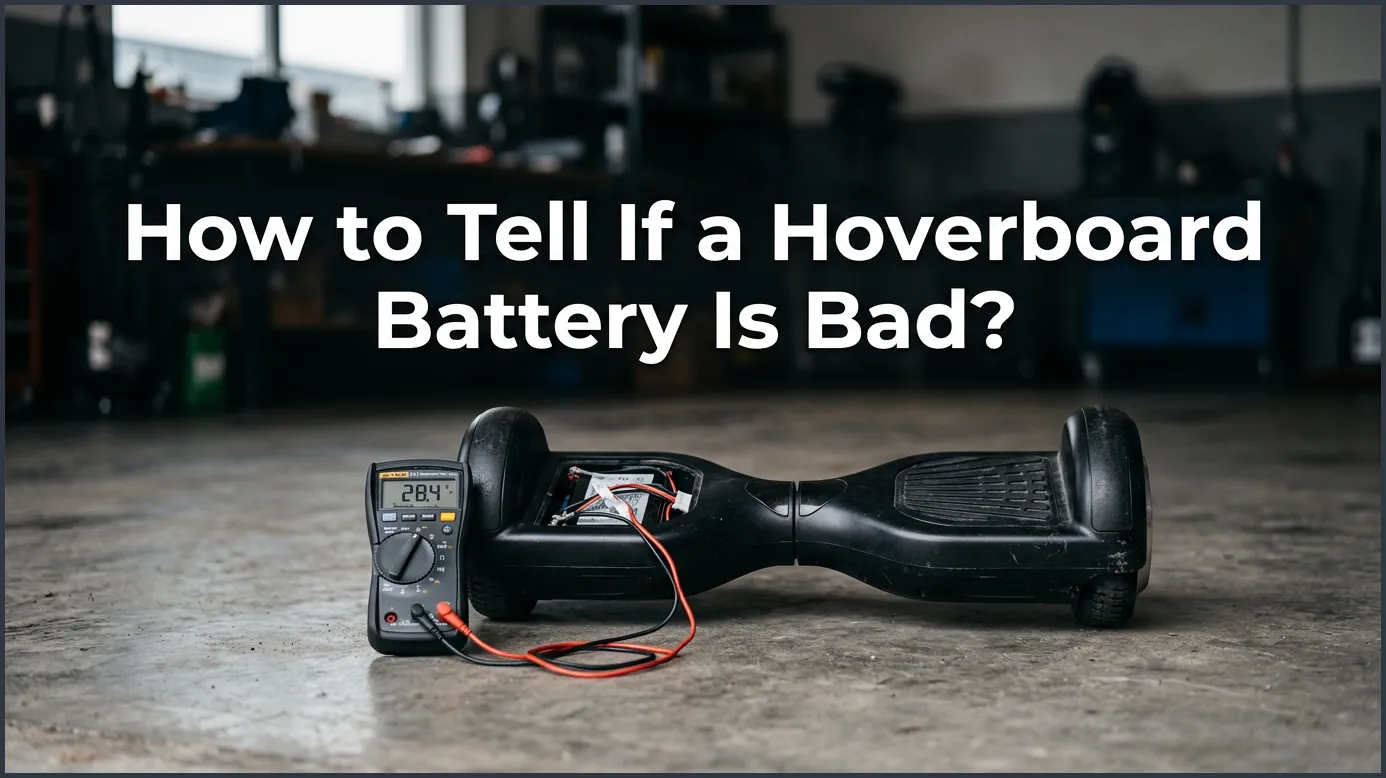
If your hoverboard only works while plugged into the charger, dies within minutes of riding, or displays a flashing red warning light, your battery is likely bad. You can easily confirm this by testing the voltage with a digital multimeter. A bad hoverboard battery cannot hold a charge and must be replaced immediately for your safety.
Picture this: It is a beautiful, sunny afternoon. You grab your hoverboard, step outside, and prepare for a fun ride down the street. But when you press the power button, nothing happens. Or worse, you start riding, and the board suddenly shuts down after just a few yards. It is incredibly frustrating when your favorite ride refuses to cooperate.
Most of the time, the hoverboard itself is not broken. Instead, the culprit is the battery hidden inside the frame. Like all rechargeable devices, hoverboard batteries have a limited lifespan. Over time, they lose their ability to hold a charge. In this guide, we will teach you how to spot a failing battery, how to test it safely, and how to get your board rolling again.
Key Takeaways
- Watch the Warning Lights: A persistent flashing red light on your hoverboard is a clear sign of a battery or power system failure.
- Test the Charger Behavior: If the hoverboard turns off the moment you unplug it from the wall, the battery is completely dead.
- Look for Physical Damage: Any signs of battery swelling, bloating, strange smells, or extreme heat mean you must stop using it immediately.
- Use a Multimeter for Accuracy: Testing the battery terminals with a multimeter tells you if the voltage has dropped below a usable level.
- Choose UL-Certified Replacements: Always replace a bad battery with a certified UL 2271 battery pack to ensure safety and prevent fires.
📑 Table of Contents
Common Signs of a Dying Hoverboard Battery
You do not need to be an expert mechanic to spot a bad battery. Your hoverboard will usually give you several clear warning signs when its power source is on its last legs. Here are the most common things to look out for.
The Persistent Flashing Red Light
Most hoverboards use a simple system of colored lights to tell you how they are feeling. A solid green light means the battery is full. An orange light means you are running low on juice. However, if you see a flashing red light, your board is trying to tell you there is a serious power issue. If this red light blinks and beep warnings sound even after a long charging session, your battery is failing to communicate with the board’s motherboard.
Super Fast Power Drain
A healthy hoverboard battery should give you about one to two hours of continuous riding time on a single charge. If you notice that your board drops from a full charge to completely dead in just five or ten minutes, the battery cells are worn out. They can no longer hold the electrical energy needed to power the heavy electric motors.
It Only Works When Plugged In
This is a classic symptom of a completely dead battery. Does your hoverboard turn on and show a green light when it is connected to the wall charger, but instantly dies the moment you unplug it? If so, the battery is no longer storing any power. The board is only running on the live electricity coming straight from your wall outlet.
How to Test Your Hoverboard Battery with a Multimeter
If you want to know how to tell if a hoverboard battery is bad with absolute certainty, you should test its voltage. To do this, you will need a simple tool called a digital multimeter. This tool measures the exact electrical output of your battery.
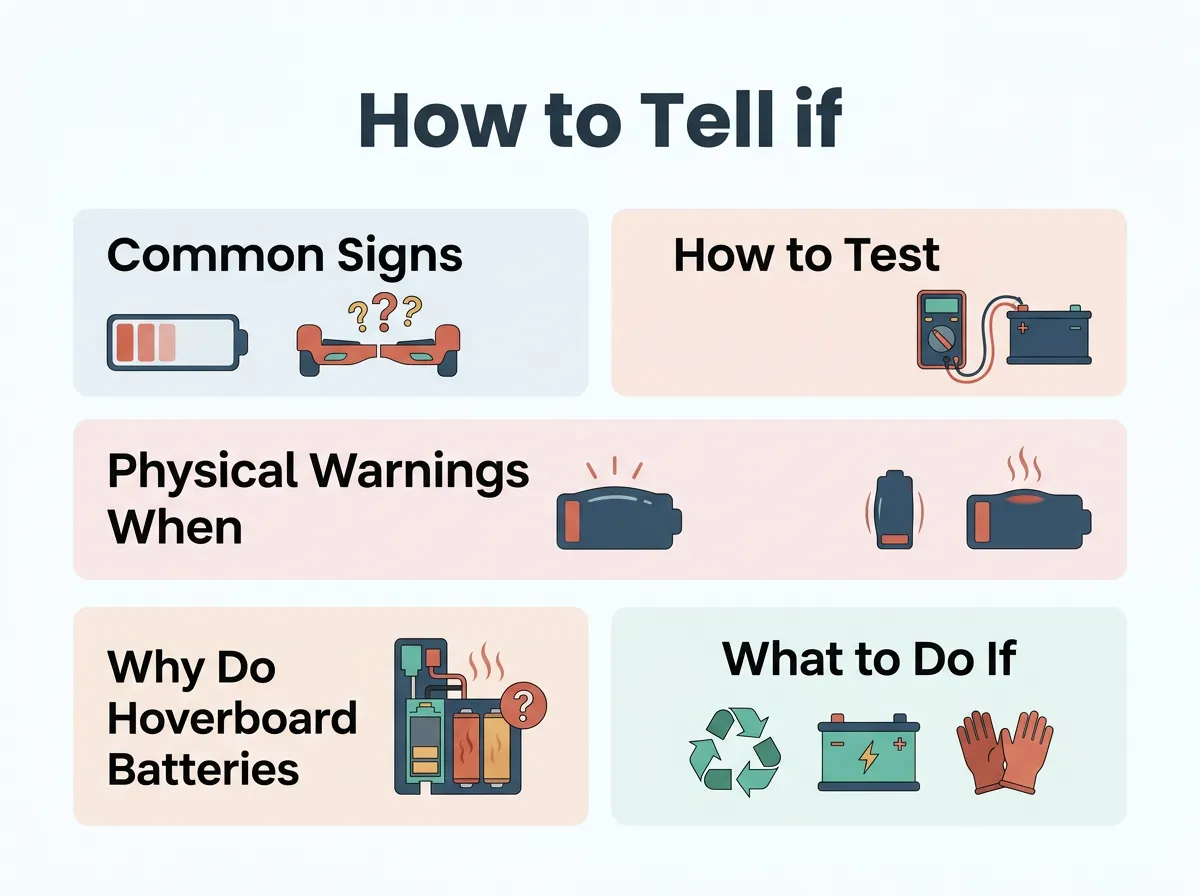
How to Tell if a Hoverboard Battery Is Bad? — key points at a glance
Step 1: Prep Your Workspace and Tools
Find a clean, dry, and flat table to work on. Turn off your hoverboard completely and make sure the charger is unplugged from the wall. You will need a standard screwdriver to remove the bottom casing of the hoverboard. Keep a small cup nearby to hold the tiny screws so they do not roll away.
Step 2: Access the Battery
Flip the hoverboard upside down. Carefully unscrew the plastic cover on the side that does not contain the power button. Once you lift the cover, you will see a large plastic-wrapped pack. This is your battery. It is usually bright blue, green, or black. Look for the main power cable that connects the battery to the motherboard.
Step 3: Measure the Voltage
Set your digital multimeter to read DC voltage (usually marked as “V” with a straight line above it). Unplug the battery connector from the board. Carefully touch the red probe of your multimeter to the positive terminal inside the plug, and the black probe to the negative terminal.
Most hoverboard batteries are rated at 36 volts. A healthy, fully charged battery should read between 36 and 42 volts on your screen. If your multimeter shows a reading below 30 volts, the cells are severely degraded. A battery with such low voltage cannot be salvaged and must be replaced.
Physical Warnings: When Your Battery Is Dangerous
Sometimes, a bad battery is more than just an inconvenience; it can be a serious safety hazard. Lithium-ion batteries can become unstable if they are damaged or worn out. You must check for these physical warning signs.
Swelling and Bloating
Take a close look at the battery pack inside your hoverboard. Does it look swollen, puffy, or bloated? If the plastic wrapping looks stretched out like a tight pillow, stop using the hoverboard immediately. Swelling is caused by a buildup of toxic gases inside the battery cells. A swollen battery is highly unstable and can easily catch fire or explode if punctured or charged again.
Excessive Heat and Strange Odors
It is normal for a hoverboard to feel slightly warm during a ride or while charging. However, if the bottom of the board feels hot to the touch, something is wrong. If you ever notice a sweet, chemical smell or hear a faint hissing sound coming from the board, unplug it immediately. Move the hoverboard outside onto a concrete surface away from dry grass or flammable items, and let it cool down.
Why Do Hoverboard Batteries Go Bad?
Understanding why batteries fail can help you take better care of your next one. Here are the three main reasons hoverboard batteries degrade over time.
Leaving It Plugged In Too Long
Many users have a habit of plugging in their hoverboard overnight. This is a bad idea. Once the charger light turns green, the battery is full. Leaving it connected to the charger for hours or days after it is full puts a lot of stress on the battery cells. This extra stress cuts down the overall lifespan of the battery.
Leaving the Battery Completely Empty
If you plan to store your hoverboard away for the winter, do not store it with a dead battery. When a lithium-ion battery sits at zero percent for several months, it can fall into a “deep discharge” state. When this happens, the battery’s internal safety switch trips, and it will never accept a charge again.
Water Damage and Physical Shock
Hoverboards are built tough, but they are not indestructible. Riding through deep puddles or leaving your board out in the rain can cause water to seep inside. Water short-circuits the battery electronics. Additionally, hard crashes, dropping the board down steps, or jumping off high curbs can crack the fragile internal cells of the battery pack.
What to Do If Your Hoverboard Battery Is Bad
If your testing proves that your battery is indeed dead, you have a couple of options to get back on the road.
Can You Repair a Bad Battery?
The short answer is no. You should never attempt to open up a lithium-ion battery pack to replace individual cells. Doing so requires specialized tools and carries a high risk of electrical shock or chemical fires. The only safe solution is to replace the entire battery pack with a brand-new one.
How to Find the Right Replacement Battery
When shopping for a new battery, safety should be your top priority. Look for a replacement battery that has a UL 2271 certification. This certification means the battery has passed strict safety tests and is highly unlikely to overheat or catch fire. Make sure the voltage (usually 36V) and the connector shape match your original battery perfectly.
Simple Tips to Extend Your New Battery’s Life
Once you install your new battery, you will want to make sure it lasts as long as possible. Follow these simple tips to get the most out of your purchase:
- Let it cool: Never plug your hoverboard into the charger immediately after a long, hard ride. Let the battery cool down for 15 to 20 minutes first.
- Store at half charge: If you are storing your hoverboard for more than a month, charge it to about 50% first. Store it in a cool, dry place inside your home.
- Avoid extreme temperatures: Do not leave your hoverboard in a freezing garage during winter or in the trunk of a hot car during summer. Extreme temperatures destroy battery health quickly.
Conclusion
Learning how to tell if a hoverboard battery is bad is a great skill for any rider. By watching out for flashing red lights, quick power drains, and physical swelling, you can stay safe and catch battery issues before they turn into bigger problems. Testing with a multimeter gives you the final, accurate answer. Always prioritize safety, invest in a certified replacement battery when needed, and follow good charging habits to keep your hoverboard rolling smoothly for years to come!
Frequently Asked Questions
How long does a hoverboard battery typically last?
A standard hoverboard battery lasts for about 1 to 2 years of regular use, which equals roughly 300 to 500 charge cycles. After this point, you will likely notice a significant drop in battery life and overall power.
Can I use my hoverboard while it is plugged into the charger?
No, you should never attempt to ride or stand on your hoverboard while it is plugged in. Doing so can damage the charging port, strain the battery, and create a dangerous tripping hazard with the cord.
Why is my hoverboard charger light green, but the board won’t turn on?
A green light on the charger usually means the charger itself is getting power, or it thinks the battery is full. If the board won’t turn on, it means the battery is too degraded to accept the charge or the connection inside is broken.
Is it safe to leave a hoverboard charging overnight?
No, it is highly recommended to unplug your hoverboard as soon as the charger light turns green. Overcharging can overheat the battery cells, shorten their overall lifespan, and increase the risk of a dangerous fire.
What does UL 2271 certification mean for a hoverboard battery?
UL 2271 is a strict safety standard specifically designed for batteries used in light electric vehicles like hoverboards. A certified battery has been thoroughly tested to withstand impacts, overcharging, and extreme temperatures without catching fire.
Can a completely dead hoverboard battery be revived?
No, once a lithium-ion hoverboard battery drops below its minimum voltage threshold, it cannot be safely revived. Attempting to force-charge a dead battery can cause permanent damage, swelling, or short circuits.
